Performance ENB
🟠 Updated over a year ago⚠️ Install Order · 5 steps
Install in this order, then this mod last — most mods fail to load without their framework and dependencies in place.
🖼️ Gallery (12 images)
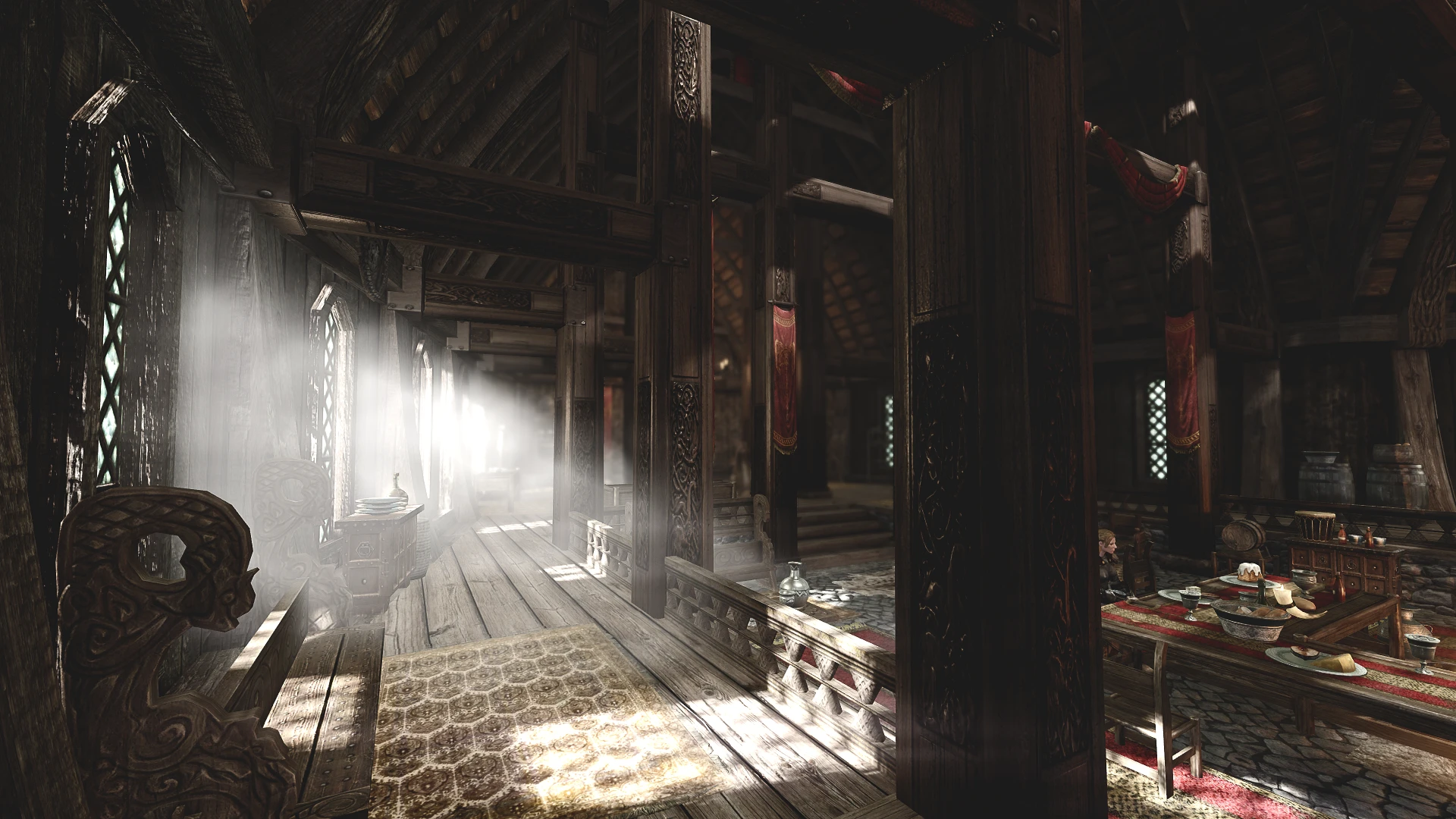
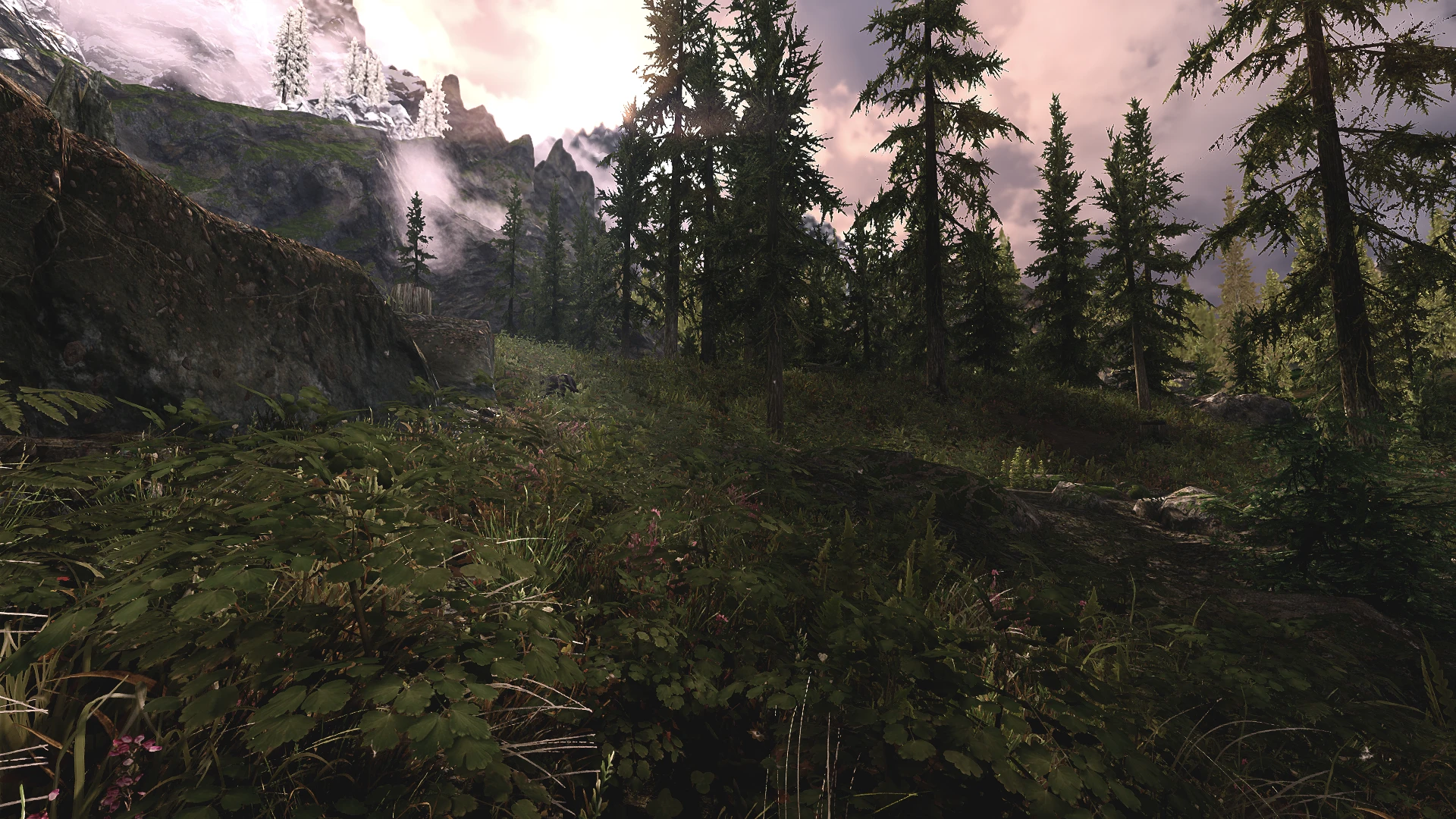
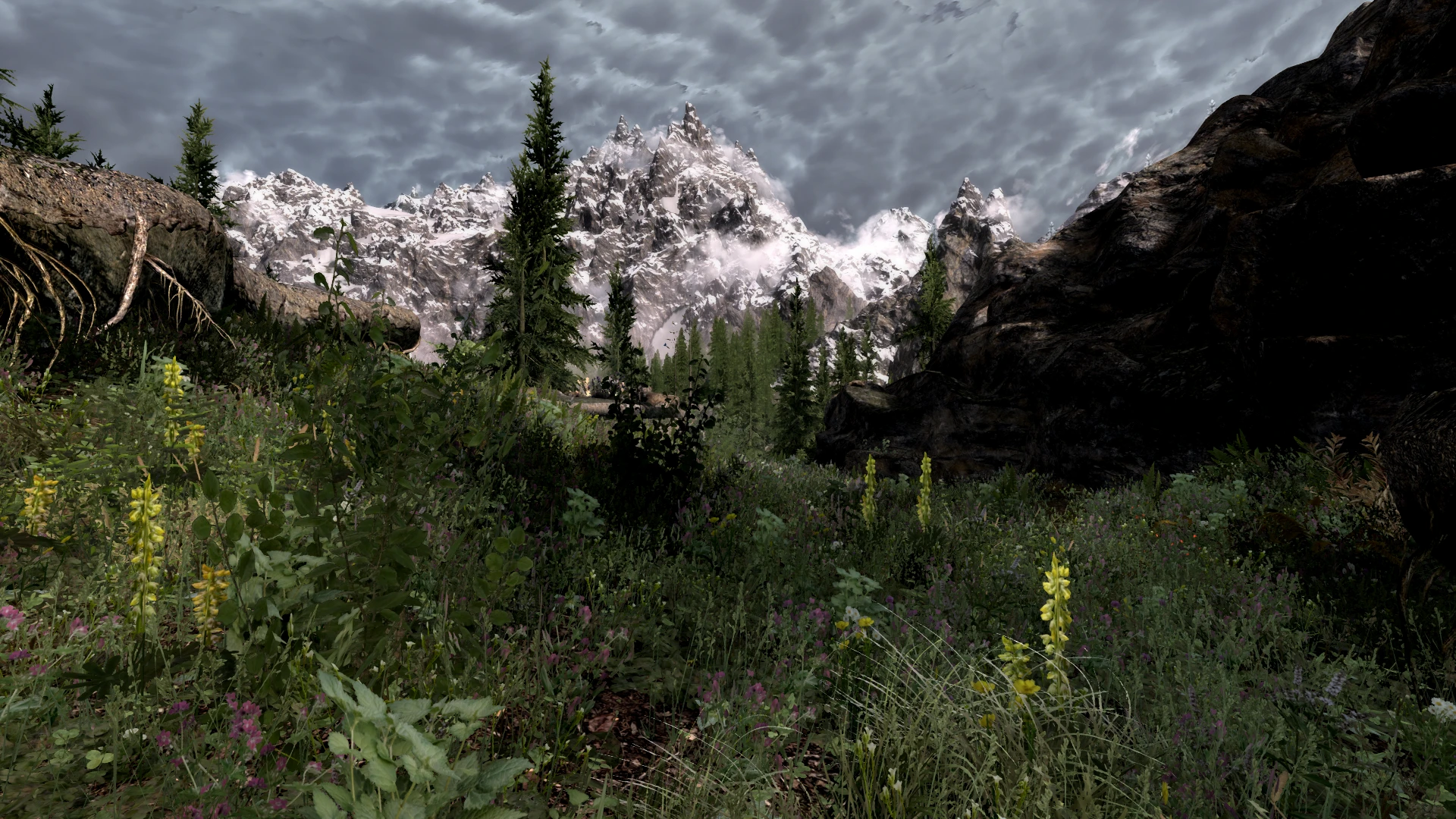

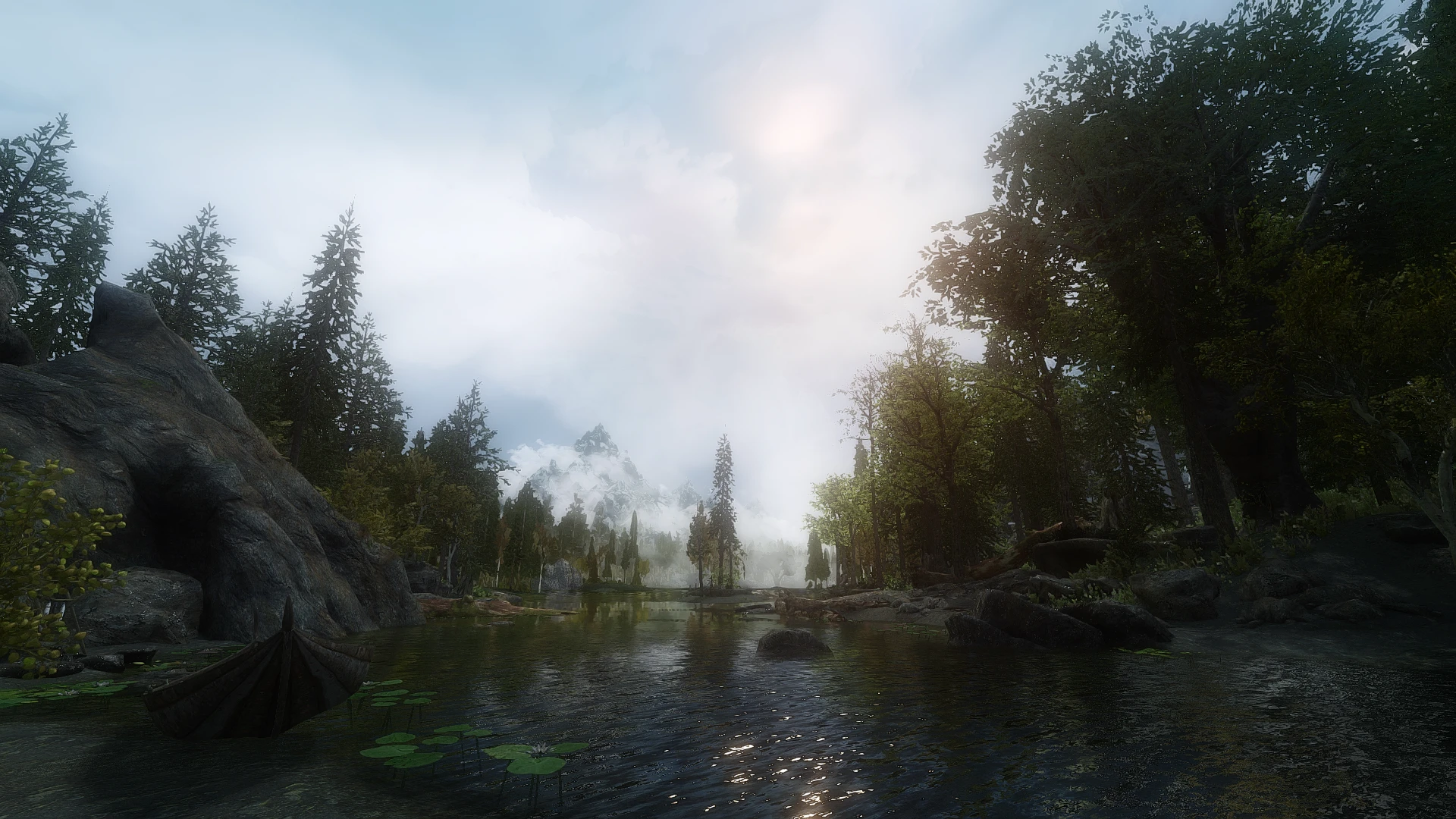

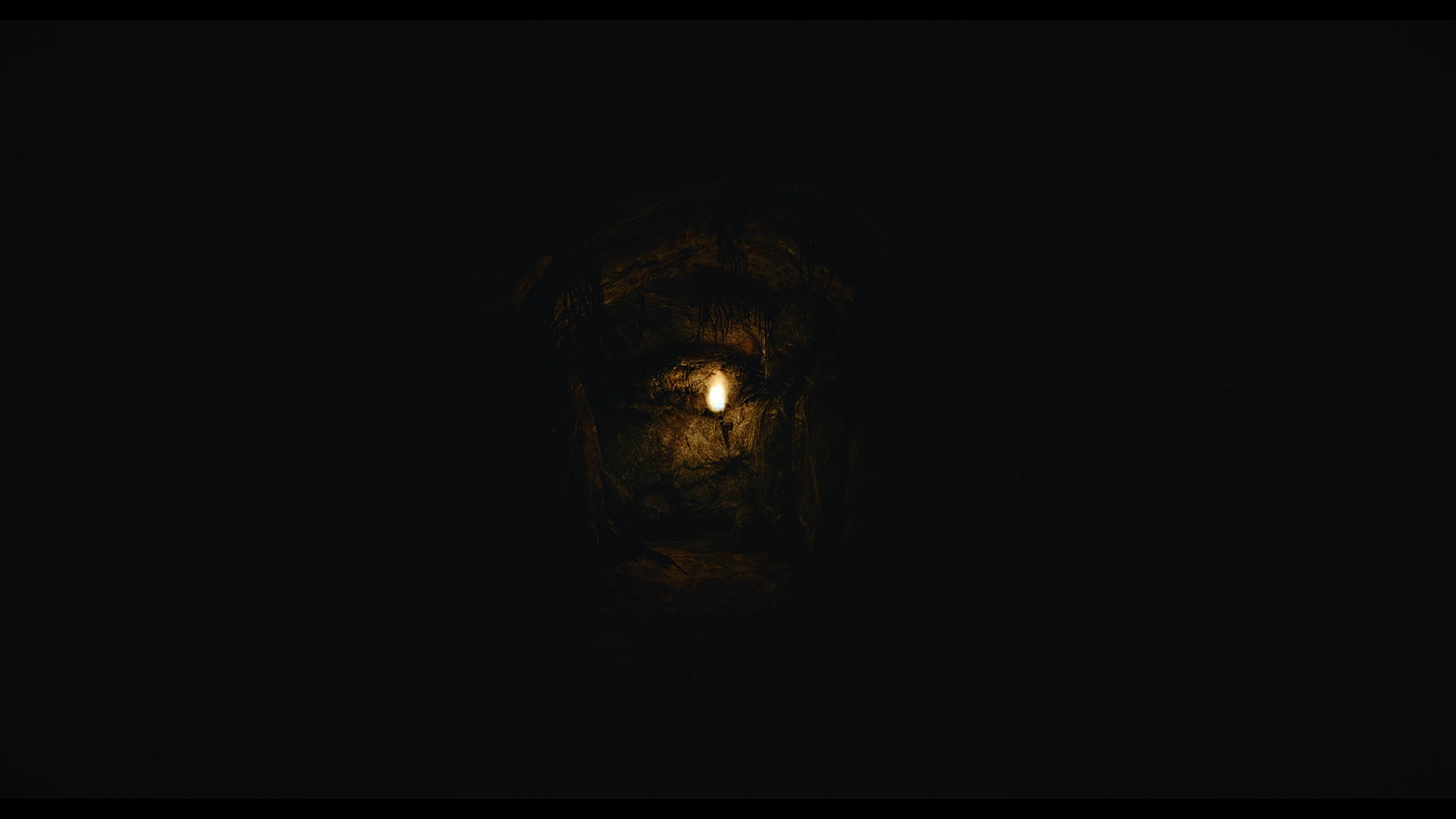
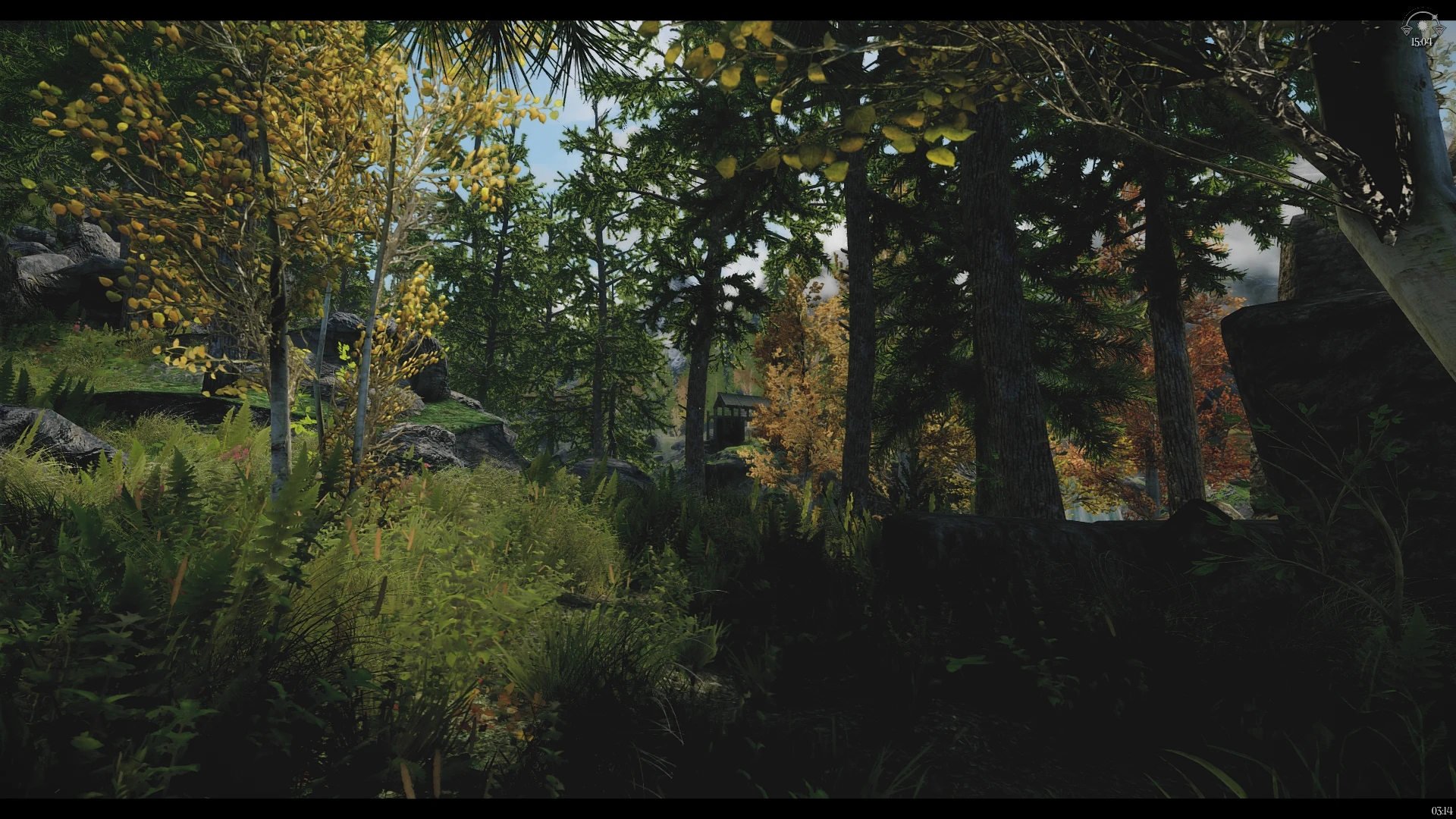
🔍 Analysis
- 👍 3.8% endorsement rate — high engagement, a strong quality signal
- 🏆 #10 of 18 Presets - ENB and ReShade mods in this game by downloads
📋 About This Mod
PLEASE READ THE MOD DESCRIPTION AND THE STICKY POST(S) BEFORE ASKING QUESTIONS IN THE COMMENT SECTION.
ALL IMAGES AND VIDEOS ARE WELCOME; MY SCREENSHOTS SUCK!
Performance ENB
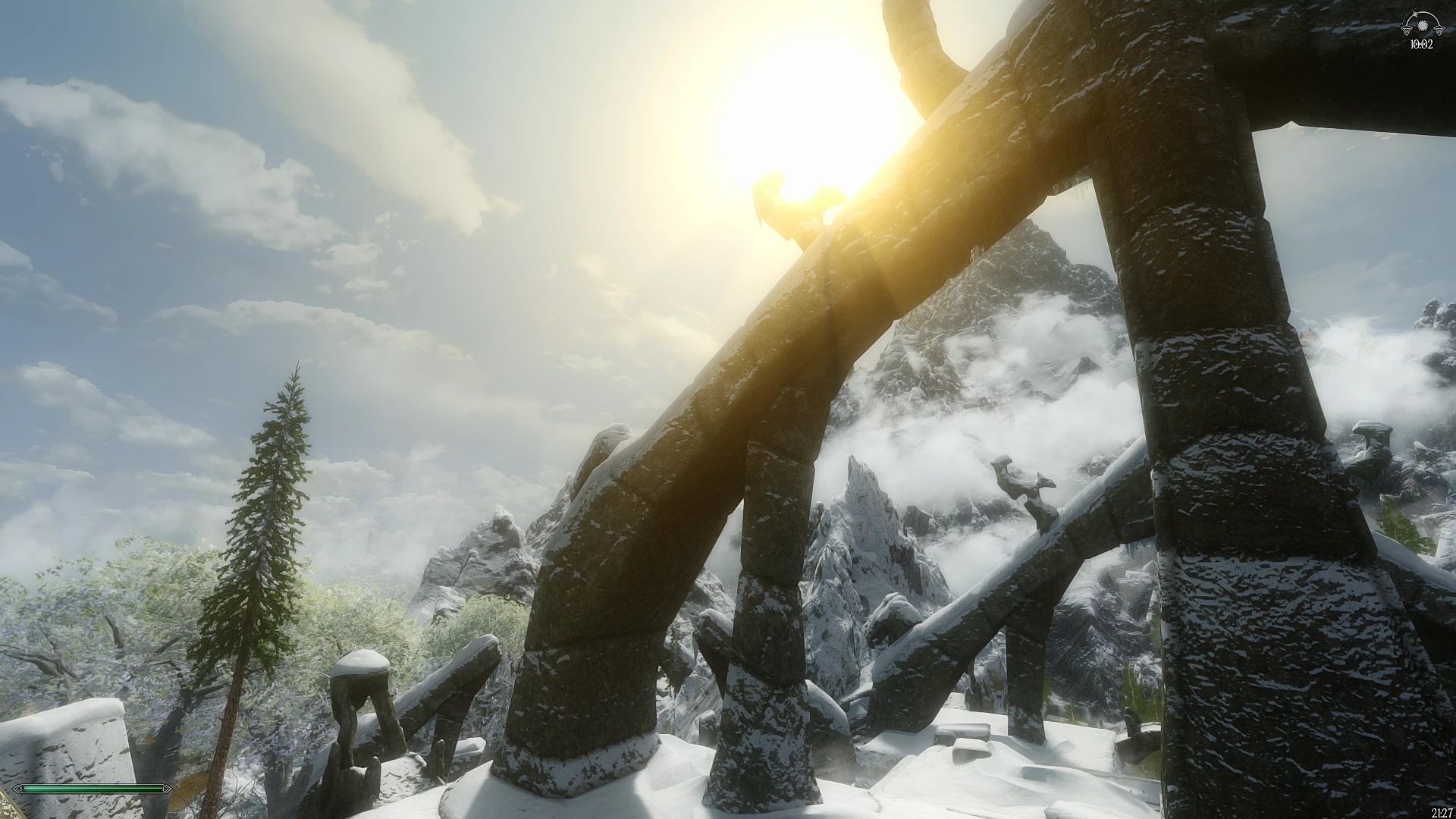
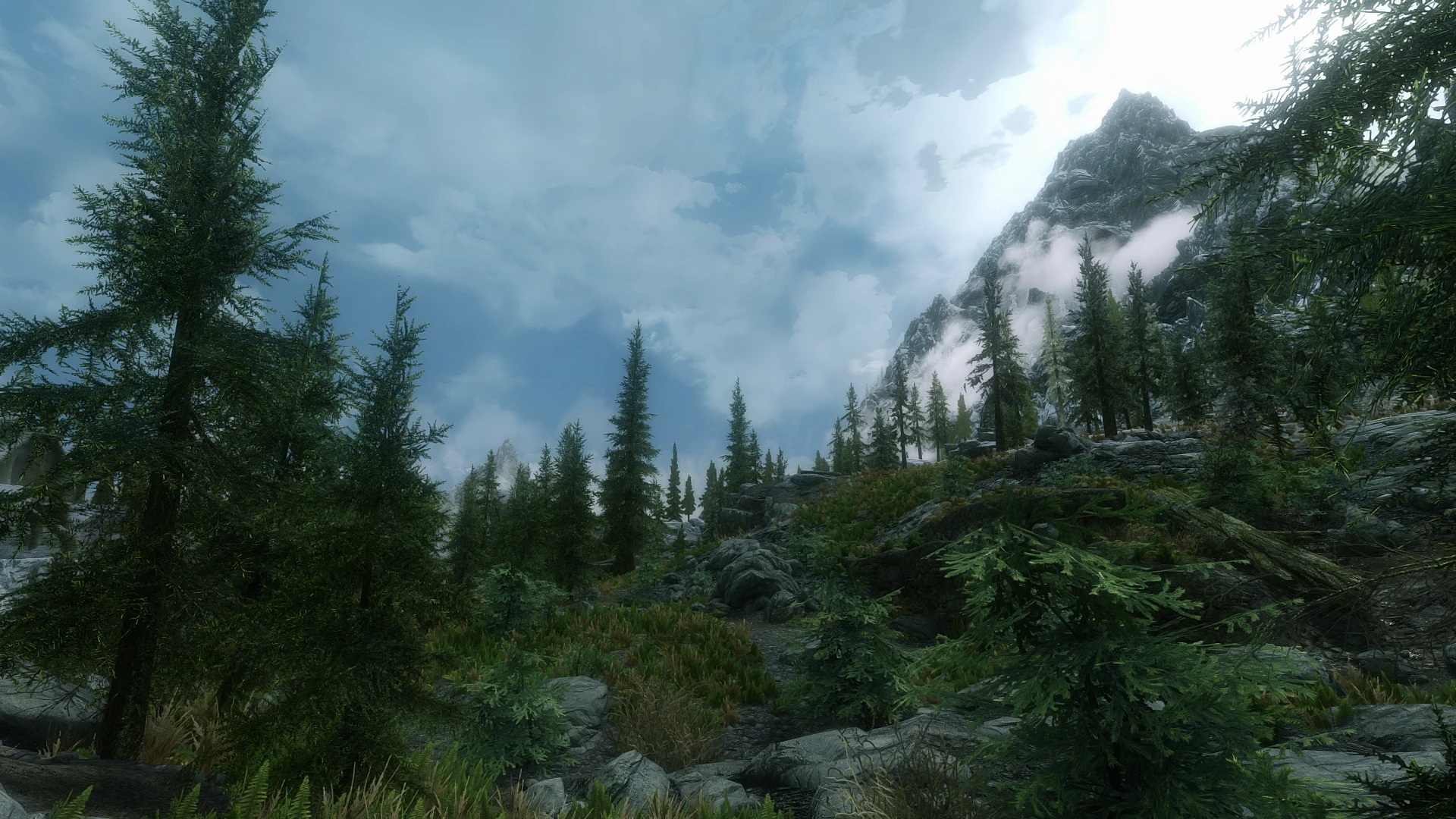
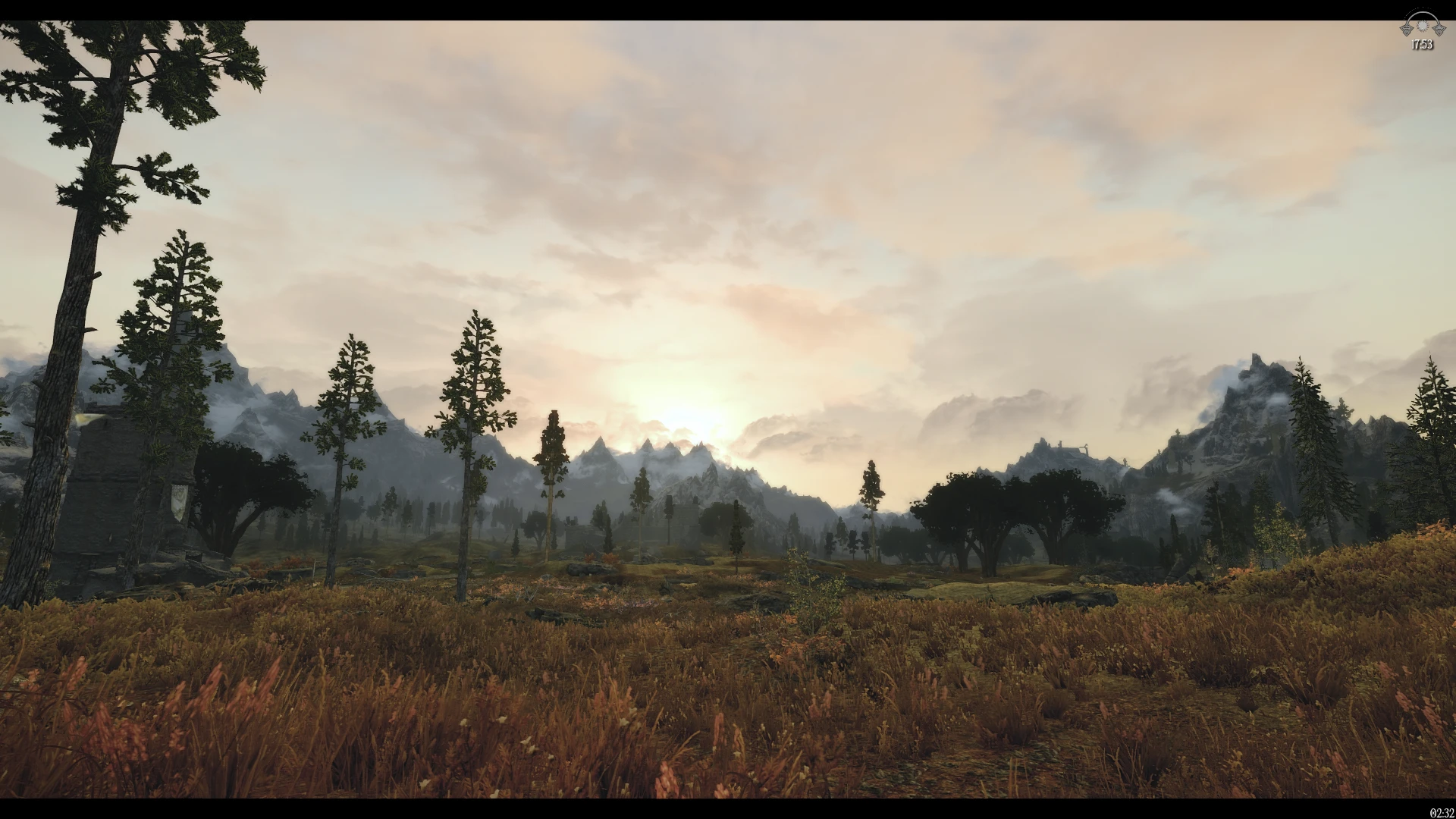
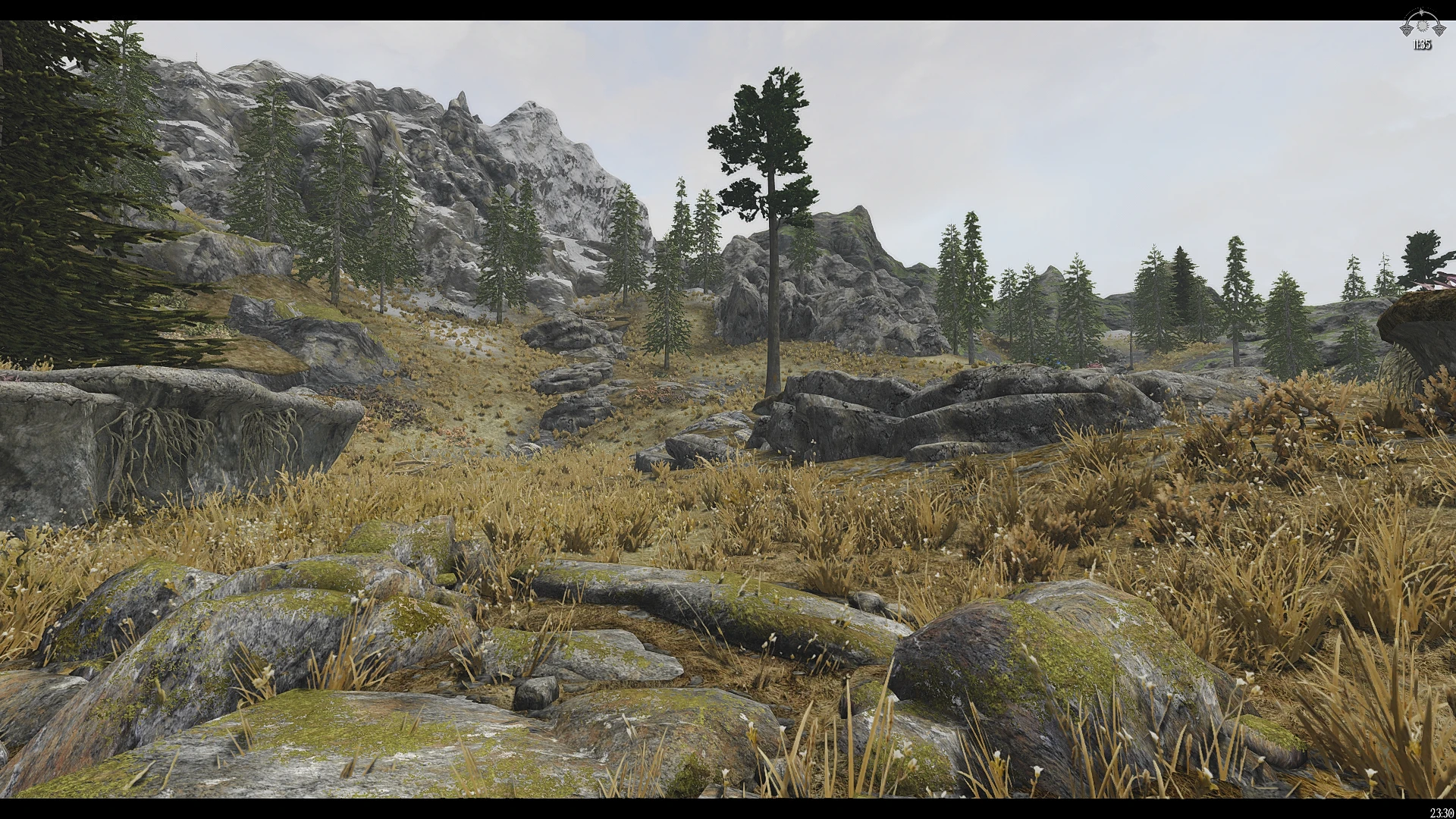
This ENB preset is based on Haze ENB, updated to look fine for the newest version of the ENB binary.
- 2 presets: Realistic(default) and Vibrant
- Focusing on atmosphere and balanced lighting
- Preserving the bleak cold feeling of Skyrim
- No more crushed blacks
- No more oversaturated colors
- Performance friendly
- Compatible with Night Eye by default
INSTALLATION
To install Performance ENB, follow these simple steps:
1. Download the latest ENB binaries for Skyrim:SE from ENBDev.com
2. Copy ONLY d3d11.dll and d3dcompiler_46e.dll from the ENB zip file into the root Skyrim:SE game directory
3. Copy the contents of the "Performance ENB" zip file into the root Skyrim:SE game directory
Optional requirement: Skyrim Particle Patch for ENB
"How do I open the ENB menu?"
Press the "end" key on your keyboard. (If that does not work, delete enblocal.ini from the game folder, re-open the game, and press "Shift + Enter.")
“How do I change Presets?”
Open the ENB menu. In the Shaders window, click on “ENBEFFECTPOSTPASS.fx”.
There you can choose the preset you want by changing the technique used.
“Days, nights and/or interiors are too dark/bright. How do I fix this?”
You can regulate the brightness of days, nights and interiors very easily in “ENBEFFECT.fx”, in the Shaders window of the ENB menu.
From there you can regulate Haze ENB to work with any weather and lighting mod combination.
"How do I disable the letterbox (black bars)?"
You must open the ENB menu. In the Shaders window, click on “ENBEFFECTPOSTPASS”.
There you can disable the Letterbox Bars.
"How can I get even more FPS?"[/f
Performance ENB is a performance-friendly ENB preset for Skyrim, offering two presets (realistic and vibrant) designed for gameplay without crushed blacks or oversaturated colors. It includes easy customization for weather and lighting mods, with improved performance. With 2,512 endorsements and 65,978 downloads, it's a popular choice for players seeking a balanced visual upgrade.
✨ Key Features
📊 Pros & Cons
✅ Pros
- Community favorite with 2,512 endorsements and 65k downloads.
- Two presets give you options without extra downloads.
- Performance-friendly, so you can keep your FPS while looking good.
⚠️ Cons
- ENB presets require ENBSeries, which can be tricky to install for beginners.
- May conflict with other ENB presets or ReShade setups.
- Performance gains depend on your GPU and other mods, so results vary.
For Skyrim players who want a visual upgrade without tanking their FPS. If you're tired of ENBs that crush blacks or oversaturate colors, this gives you a balanced look. Skip if you're not into ENB setup or prefer a more dramatic visual overhaul.
💡 Beginner Tips
- Make sure you have ENBSeries installed first, as this preset relies on it.
- Try both presets in-game using the in-game ENB menu to see which fits your taste.
- If you use weather or lighting mods, use the customization options to tweak the preset for compatibility.
📊 Mod Details
- Game
- Skyrim Mods
- Author
- grVulture
- Version
- 6.01
- Downloads
- 65,978
- Endorsements
- 2,512
- Category
- Presets - ENB and ReShade
- Created
- 3/13/2019
- Updated
- 5/11/2025
🔧 How to Install Skyrim Mods
Download from Nexus.
📖 Full step-by-step install guide for Skyrim →
Visit the official mod page for specific installation instructions for this mod.
🎮 Need cheat codes or console commands? Check ur gaming wiki for Skyrim commands, item IDs, and more.
Keep browsing — more Skyrim mods await