PBR Hub
🟡 Updated this year⚠️ Install Order · 5 steps
Install in this order, then this mod last — most mods fail to load without their framework and dependencies in place.
🖼️ Gallery (12 images)






🔍 Analysis
- 👍 0.1% endorsement rate
- 🏆 #305 of 565 Models and Textures mods in this game by downloads
📋 About This Mod
Description
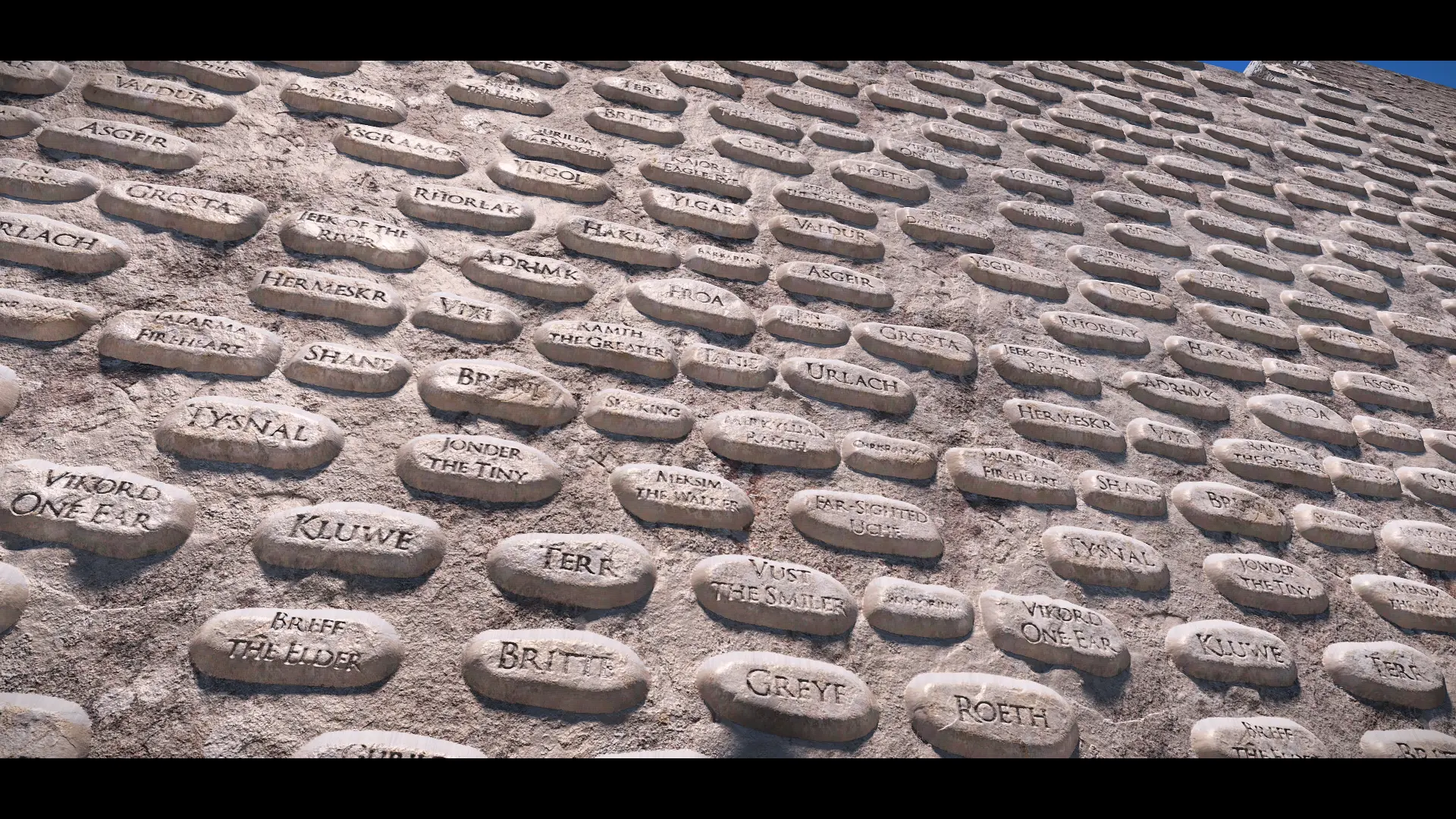
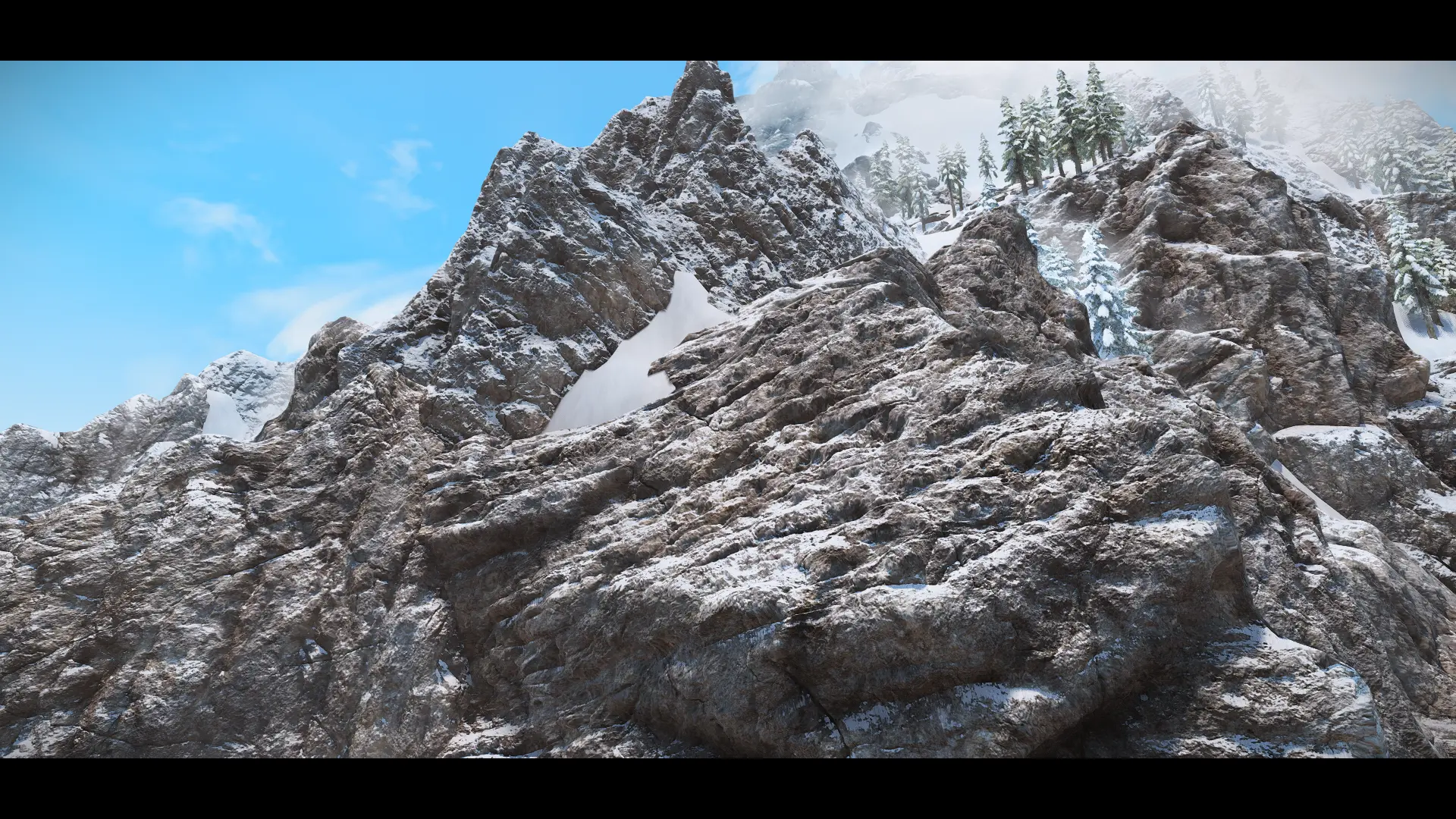
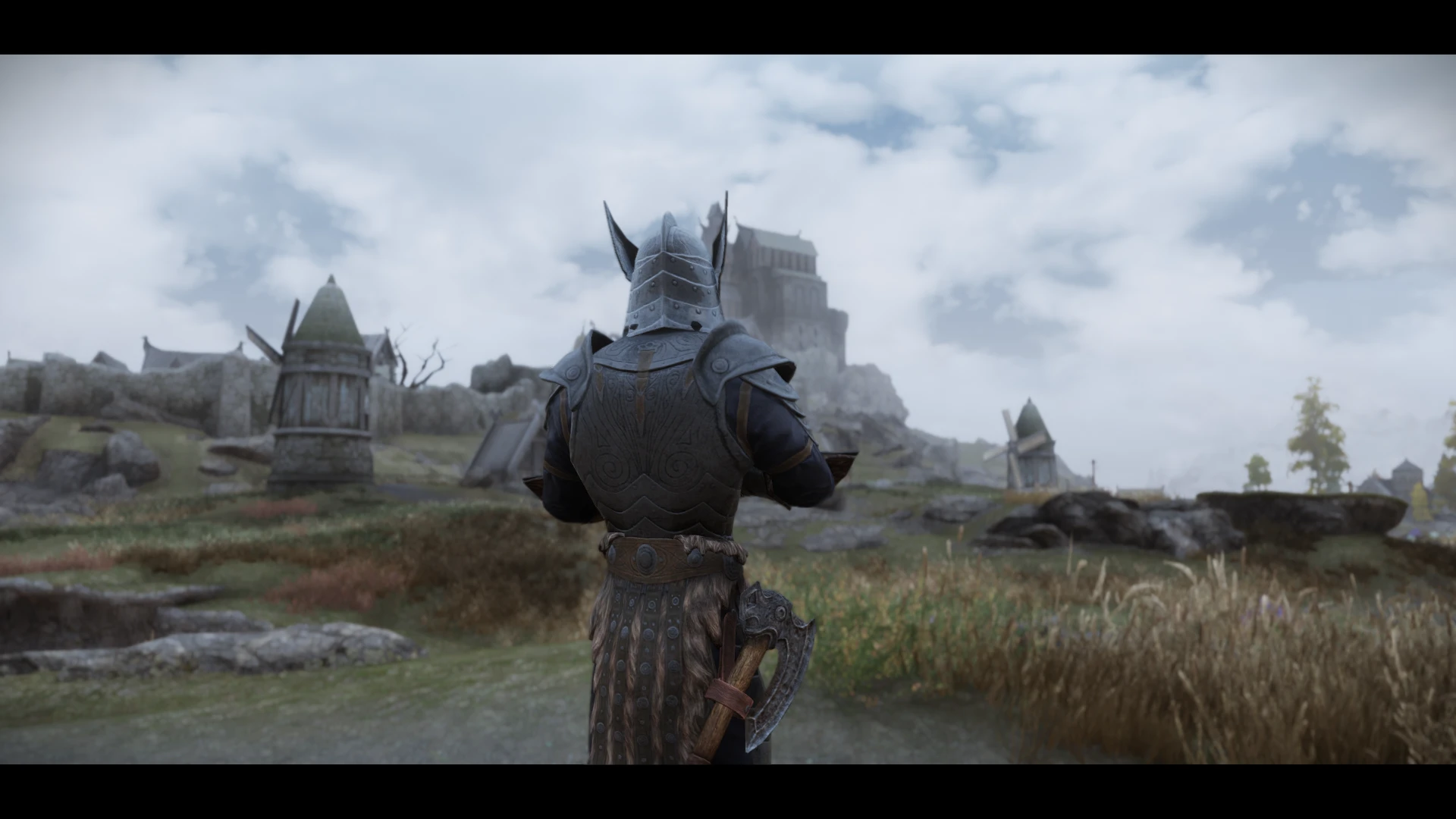
PBR (Physically Based Rendering) is an approach for materials and rendering that creates more accurate and predictable results than vanilla rendering techniques, and works very well with dynamic lighting conditions (like time-of-day).
This addon will ensures that materials like metal, wood, and fabric behave consistently under different lighting conditions. Improving the textures with reflectiveness, roughness, metallic shade, and parallax. I've also applied fuzz for fabric and furs so they have proper colored specular.
Supported Mods
Daedric Shrines AIO
Detailed Rugs
Dibella Statue
DX Dark Knight Armor
Iconic Statues
Improved Dwemer Glass
Lavatera Armor
Lollygaggin'
Nordic Stonewalls
Nordic Stonewall Terraces
Northern Roads
Peacekeeper Armour
Reinforced Civil War Camps
Skeleton Replacer HD
Statue of Kynareth
Statue of Mara
Thrones Expanded
Underground
Requirements
ParallaxGen
Community shaders
Installation
Install the requirements
Install this mod and let it overwrite the original mod
Run ParallaxGen
Install the output
Q : Why is this surface reflective?
A : Because in real life every surface has a level of reflectiveness.
PBR Hub is a collection of PBR (physically based rendering) addons for various mods, created by Leo. With 1,423 endorsements and 1.6 million downloads, it's a popular resource for enhancing textures. Last updated in April 2026, it remains actively maintained.
✨ Key Features
📊 Pros & Cons
✅ Pros
- Huge community trust – 1.6 million downloads and 1,423 endorsements show this is a go-to for PBR texture upgrades.
- One-stop shop for PBR addons – instead of hunting down individual texture packs, you get a collection that covers multiple mods.
- Actively maintained – last updated April 2026, so it's likely compatible with current mod versions.
⚠️ Cons
- Description is vague – no list of which mods are covered, so you'll need to check the mod page or files to see if your favorites are included.
- No install instructions – you'll have to figure out the correct load order or file placement on your own.
- May require additional PBR support – some games or mods need specific settings or shaders to see the effect, which isn't mentioned here.
For modders who want to boost visual fidelity with PBR textures across multiple mods. If you're into realistic graphics and don't mind digging into file structures, this is for you. Skip if you prefer simple texture packs with clear instructions.
💡 Beginner Tips
- Check the mod's file structure to see which mods are included – the description doesn't list them, so you'll need to explore.
- Make sure your game and mods support PBR – otherwise the textures won't show their full effect.
- If you're using a mod manager, try installing with it to keep track of files, but manual placement might be needed for some addons.
📊 Mod Details
- Game
- Skyrim Mods
- Author
- Leo
- Version
- 1.0
- Downloads
- 1,621,426
- Endorsements
- 1,423
- Category
- Models and Textures
- Created
- 1/24/2025
- Updated
- 4/9/2026
🧩 Commonly Used Together
Users add these mods to the same collections — a real compatibility signal, not an AI guess.
🔧 How to Install Skyrim Mods
Download from Nexus.
📖 Full step-by-step install guide for Skyrim →
Visit the official mod page for specific installation instructions for this mod.
🎮 Need cheat codes or console commands? Check ur gaming wiki for Skyrim commands, item IDs, and more.
Keep browsing — more Skyrim mods await