Particle Lights for ENB - Ebonmere
⚪ Last updated 2022⚠️ Install Order · 6 steps
Install in this order, then this mod last — most mods fail to load without their framework and dependencies in place.
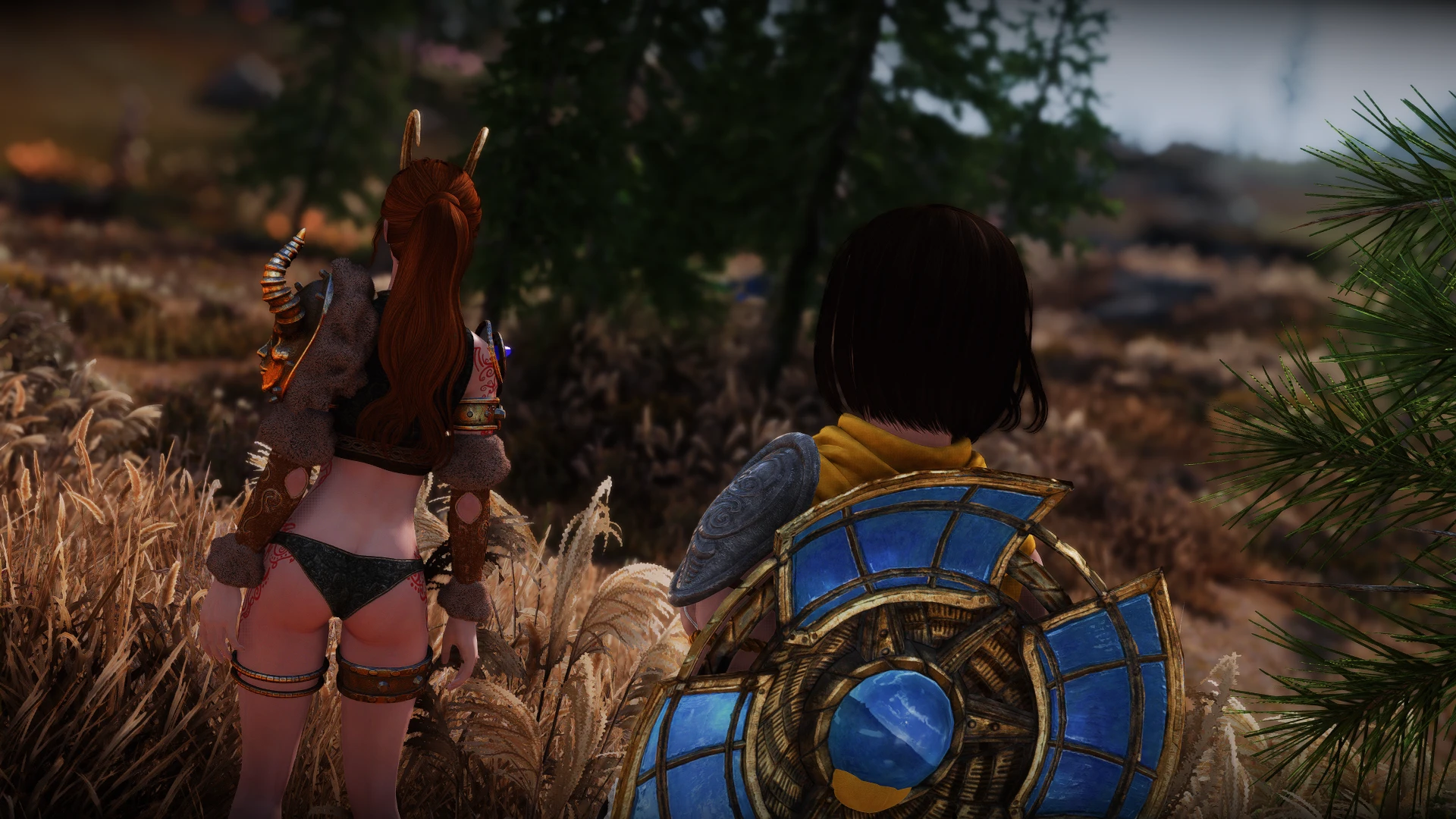
🖼️ Gallery (12 images)




🔍 Analysis
- 👍 0.1% endorsement rate
- 🏆 #358 of 565 Models and Textures mods in this game by downloads
📋 About This Mod
*Alternative to my previous mod...
I wanted to offer this alternative for naming consistency between my mods.
And I know there are people who prefer the "original" Ebonmere moons. So, this is for all of them :P
So, since you can revisit the Ebonmere (and you probably will) I thought it was nice to add ENB light where it makes sense :)
And again; if you use JS Lockpicking UI SE I included a fix for you as an optional patch (last couple of screenshots).
Check the images!! :O
INSTALLATION:
1) Install the main file manually or using any mod manager.
2) Be sure to have this settings in enbseries.ini file:
EnableComplexParticleLights=true
EnableBigRange=true
REQUIREMENTS:
-An ENB preset to enable the particle lights effect.
COMPATIBILITY:
-Compatible with everything that doesn't replace the same meshes.
CREDITS:
-Rudy102 for creating and giving permission to use some of his assets here on nexus :)
-IconicDeath for the vanilla AI upscaled textures that I included in the fix. Thanks for the "unlimited freedom" :)
A lightweight ENB particle light mod for the Ebonmere in Twilight Sepulcher, adding visual flair without an .esp file. With 1,190 endorsements and 1.5M downloads, it's a popular cosmetic enhancement for Skyrim players using ENB.
✨ Key Features
📊 Pros & Cons
✅ Pros
- Huge community trust with 1,190 endorsements and 1.5M downloads.
- No .esp means zero plugin slot usage and no load order headaches.
- Focused cosmetic upgrade that enhances a memorable location without gameplay changes.
⚠️ Cons
- Requires ENB to work—vanilla players get nothing.
- Only affects one location, so it's a niche addition.
- Last updated in 2022—may not be tested with the latest Skyrim patches or ENB versions.
For Skyrim players who use ENB and want to add subtle, atmospheric lighting to the Twilight Sepulcher. If you're a completionist who loves visual polish, this is a quick win. Skip if you don't use ENB or prefer gameplay over cosmetics.
💡 Beginner Tips
- Make sure ENB is installed and working before adding this mod—it won't show up otherwise.
- Place the files in your Data folder or use a mod manager; no .esp means no load order sorting needed.
- If you don't see the lights, check that your ENB particle lights are enabled in the ENB settings.
📊 Mod Details
- Game
- Skyrim Mods
- Author
- RemmyKun
- Version
- 1.0
- Downloads
- 1,454,920
- Endorsements
- 1,190
- Category
- Models and Textures
- Created
- 5/24/2022
- Updated
- 5/24/2022
🔧 How to Install Skyrim Mods
Download from Nexus.
📖 Full step-by-step install guide for Skyrim →
Visit the official mod page for specific installation instructions for this mod.
🎮 Need cheat codes or console commands? Check ur gaming wiki for Skyrim commands, item IDs, and more.
Keep browsing — more Skyrim mods await