Over 60 FPS Physics fix (no editing your ini files required)
⚪ Last updated 2018⚠️ Install Order · 5 steps
Install in this order, then this mod last — most mods fail to load without their framework and dependencies in place.
Preview
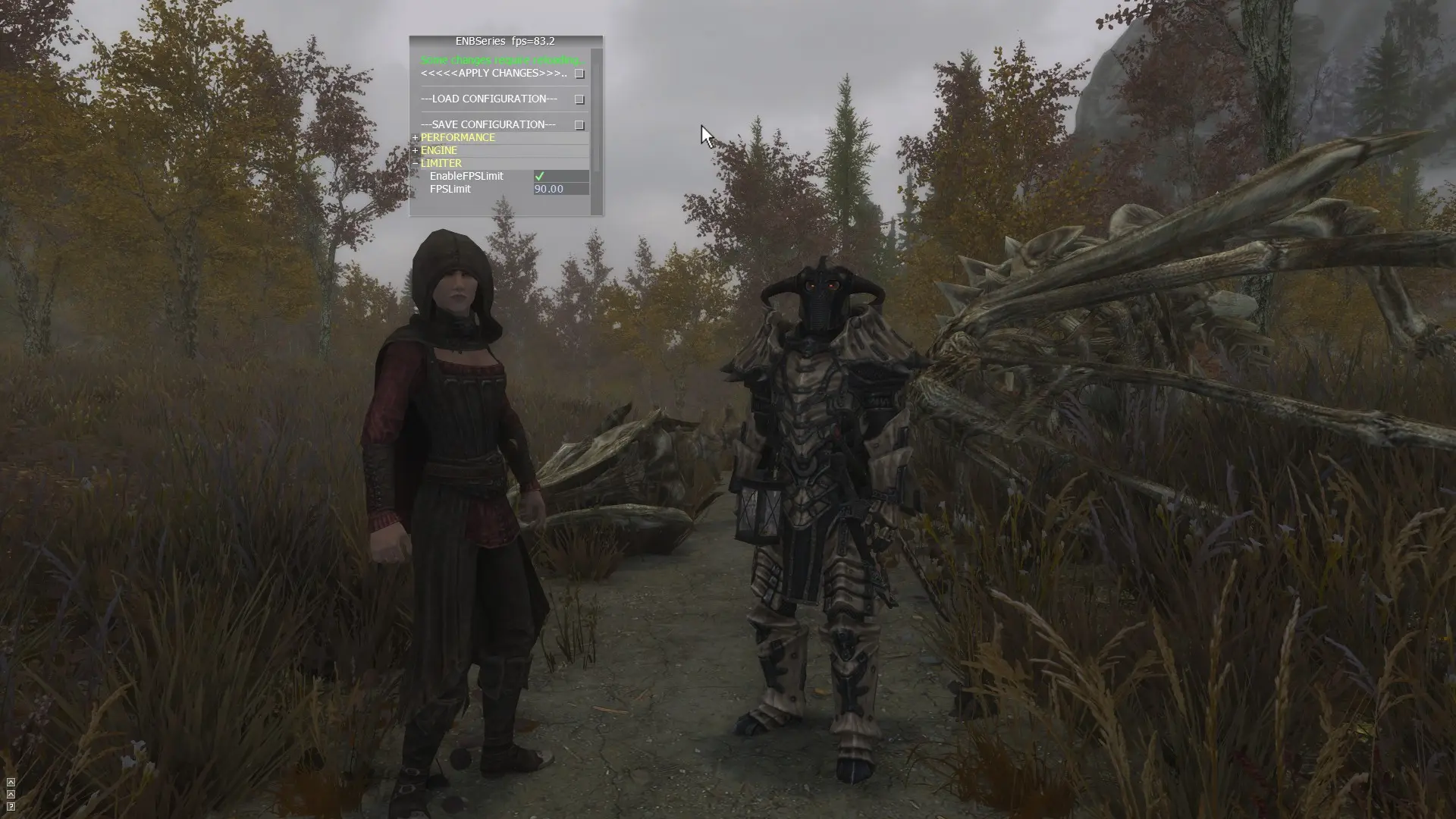
🔍 Analysis
- 👍 2.1% endorsement rate — high engagement, a strong quality signal
- 🏆 #72 of 115 Bug Fixes mods in this game by downloads
📋 About This Mod
Applies the high fps physics engine fix using an esp instead of directly editing your ini file. Allows you to easily change your desired fps by turning the mod on or off.
This mod applies the high FPS physics engine fix for Fallout 4 via an ESP file, eliminating the need to edit your INI files manually. It lets you toggle the fix on or off in-game to easily change your desired FPS. With over 2,200 endorsements and 106,000 downloads, it's a popular solution for players experiencing physics issues at high frame rates.
✨ Key Features
📊 Pros & Cons
✅ Pros
- No more digging through INI files—just install and toggle.
- Community-approved with 2,245 endorsements and over 106k downloads.
- Easy to switch between FPS settings without restarting or editing configs.
⚠️ Cons
- Last updated in 2018, so it may not be tested with the latest game patches or DLC.
- As an ESP-based fix, it might conflict with other mods that alter similar settings.
- Turning it off reverts to default physics, which could cause issues if you're used to high FPS.
For Fallout 4 players who play at high frame rates and want to avoid physics glitches like objects flying around or doors slamming. It's perfect for those who prefer a mod-manager-friendly solution over manual INI edits. Skip if you're on a console or play at 60 FPS or below.
💡 Beginner Tips
- Use a mod manager like Vortex or Mod Organizer 2 to install and manage the ESP easily.
- After enabling the mod, test your game at your desired FPS to ensure physics behave correctly.
- If you experience issues, try toggling the mod off and on again to reset the physics engine.
📊 Mod Details
- Game
- Skyrim Mods
- Author
- nwGary54
- Version
- 1.0
- Downloads
- 106,628
- Endorsements
- 2,245
- Category
- Bug Fixes
- Created
- 3/18/2018
- Updated
- 4/13/2018
🧩 Commonly Used Together
Users add these mods to the same collections — a real compatibility signal, not an AI guess.
🔧 How to Install Skyrim Mods
Download from Nexus.
📖 Full step-by-step install guide for Skyrim →
Visit the official mod page for specific installation instructions for this mod.
🎮 Need cheat codes or console commands? Check ur gaming wiki for Skyrim commands, item IDs, and more.
Keep browsing — more Skyrim mods await