Notification Overhaul SE - First (1st) Person Messages
⚪ Last updated 2021⚠️ Install Order · 5 steps
Install in this order, then this mod last — most mods fail to load without their framework and dependencies in place.
Preview
🔍 Analysis
- 👍 4.8% endorsement rate — high engagement, a strong quality signal
- 🏆 #145 of 146 User Interface mods in this game by downloads
📋 About This Mod
Your Own Thoughts has been better than this mod for a very long time.
If you want the colors to text this mod adds, use More Colorful UI. It's compatible with Your Own Thoughts.
Introduction
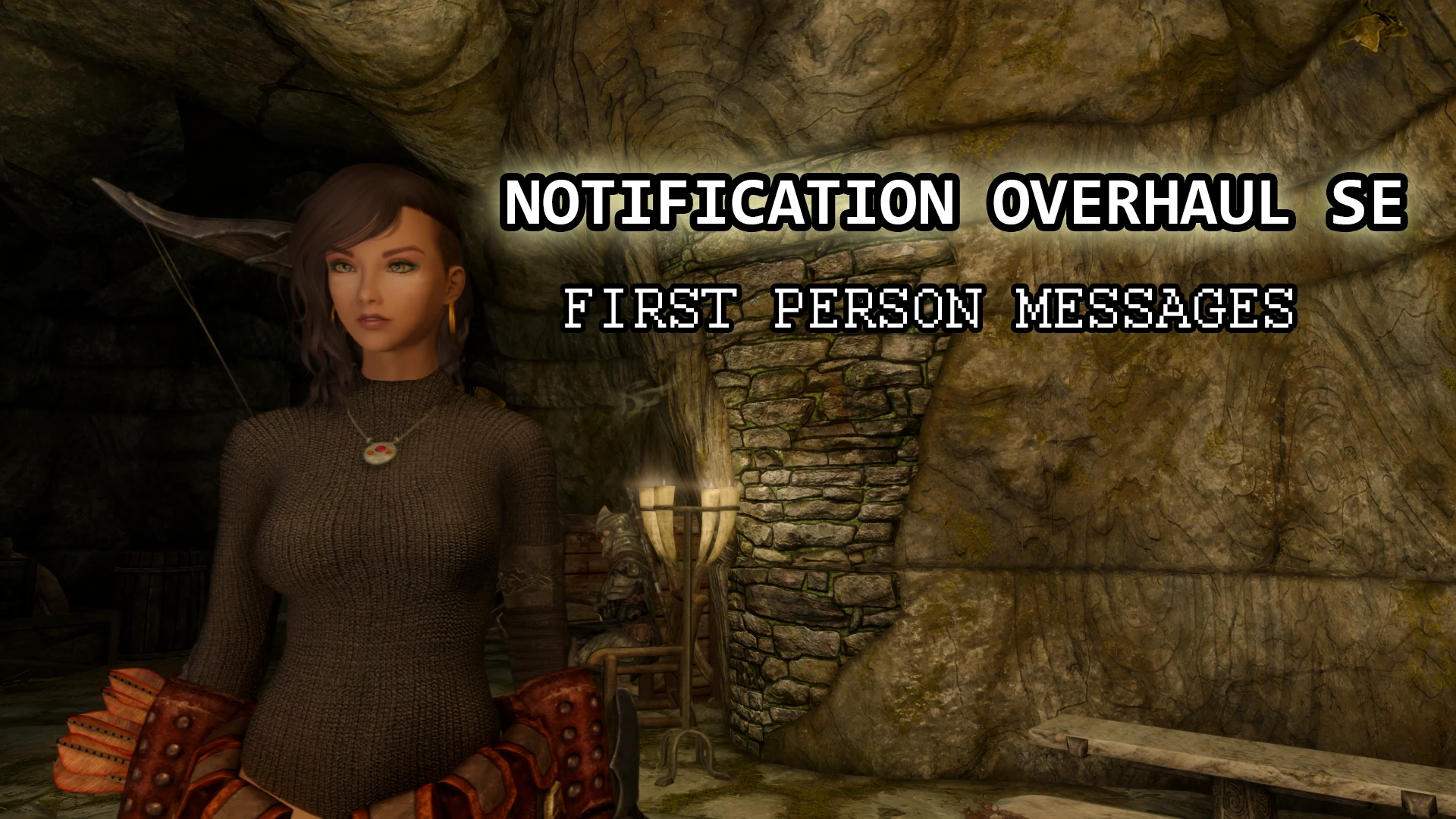
All versions/plugins of this mod and it's page have open permissions. Enjoy.Changes the notifications that appear in the upper left corner into first person messages, colorized when appropriate.
Actions like Talk, Take, Pickpocket, Open, ect. will be colored appropriately.
Includes UI changes such as "Fast Travel to Whiterun?" changed to "Travel to Whiterun?".
Compatible with Your Own Thoughts. Read compatibility notes.
Plugins
Notification Overhaul SE.esp
- Main plugin.
Notification Overhaul SE - Days & Months.esp (Optional, included in main download)
- Directly translates days and months.
Installation
Install as you normally would with MO2 or Vortex.
Compatibility
Your Own Thoughts- If you want to use YOT With Notification Overhaul SE, make sure that Notification Overhaul SE.esp overwrites YOT.
- If you are using Lexy's LOTD guide, make sure Notification Overhaul SE.esp overwrites YOT Merged.esp.
YOT author has done a lot of great work to included support for other mods, while I think my mod is better (just my opinion) for the vanilla part of our mods, his also covers mods like Frostfall and many more.
HAPPY MODDING!
Notification Overhaul SE replaces Skyrim's third-person notification messages with first-person text, adding colored text for immersion. It's a complete, free mod with open permissions, ideal for players seeking a more personal UI experience.
✨ Key Features
📊 Pros & Cons
✅ Pros
- Community favorite with 904 endorsements and 18,652 downloads
- Simple UI tweak that makes a big difference for immersion
- Open permissions mean you can use it in your own mods
⚠️ Cons
- Only affects notification text, not other UI elements
- Last updated in 2021, so may not be compatible with the latest Skyrim updates
- Potential conflicts with other UI overhaul mods that modify the same messages
For Skyrim players who want a more personal, first-person feel to their UI notifications. If you're into immersion mods and don't mind a small text change, this is for you. Skip if you're looking for a full UI overhaul or gameplay changes.
💡 Beginner Tips
- Install with a mod manager like Vortex or Mod Organizer 2 to keep your load order clean.
- Place this mod after other UI mods in your load order to ensure its changes take effect.
- If you use SkyUI, check for compatibility patches or load order adjustments to avoid conflicts.
📊 Mod Details
- Game
- Skyrim Mods
- Author
- Supertron
- Version
- 2.0.1
- Downloads
- 18,652
- Endorsements
- 904
- Category
- User Interface
- Created
- 3/4/2019
- Updated
- 3/8/2021
🔧 How to Install Skyrim Mods
Download from Nexus.
📖 Full step-by-step install guide for Skyrim →
Visit the official mod page for specific installation instructions for this mod.
🎮 Need cheat codes or console commands? Check ur gaming wiki for Skyrim commands, item IDs, and more.
Keep browsing — more Skyrim mods await