More Colorful UI (SKSE)
🟠 Updated over a year ago⚠️ Install Order · 6 steps
Install in this order, then this mod last — most mods fail to load without their framework and dependencies in place.
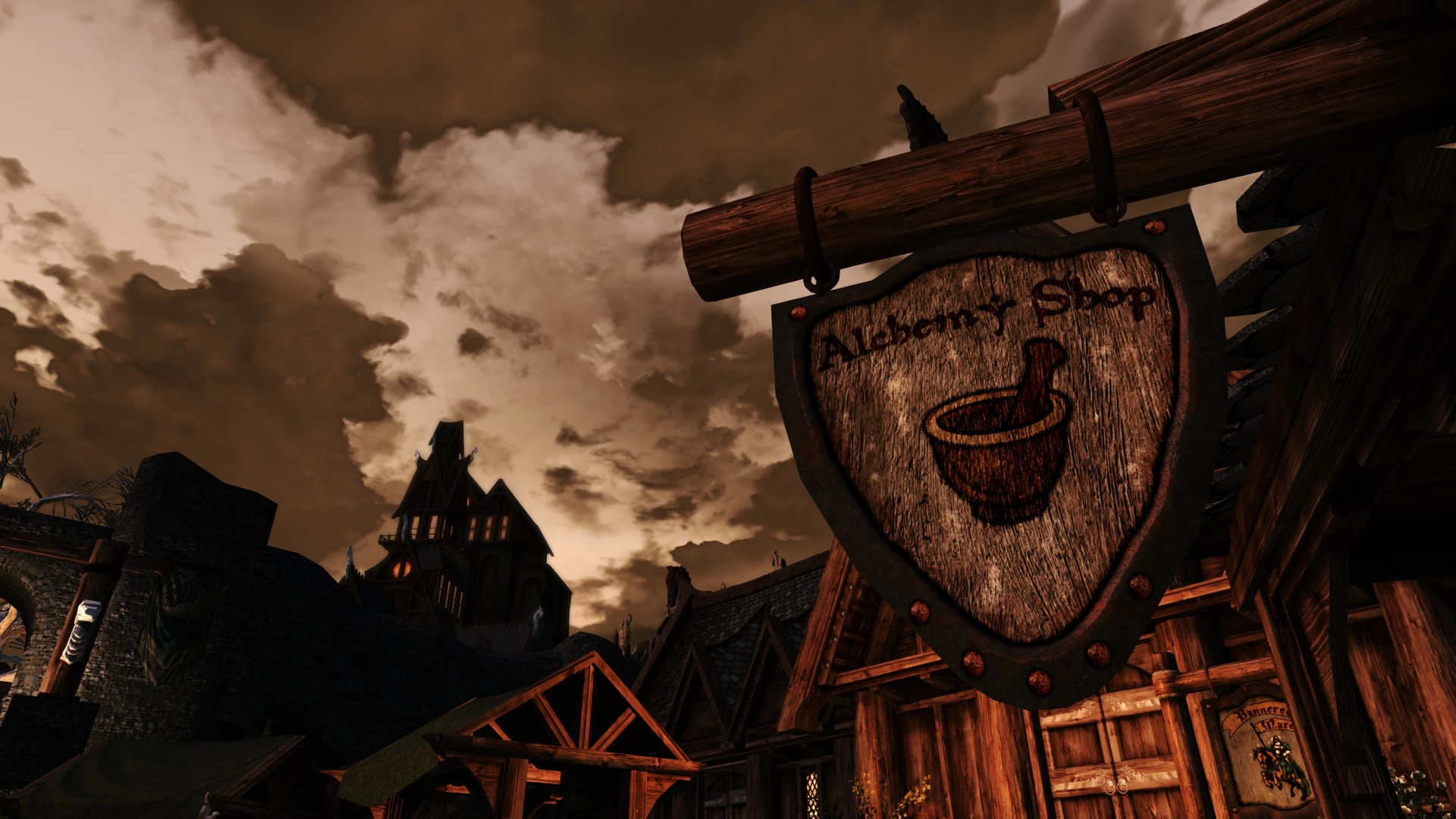
🖼️ Gallery (1 images)
🔍 Analysis
- 👍 0.5% endorsement rate
- 🏆 #106 of 126 User Interface mods in this game by downloads
📋 About This Mod
My other projects: Save Cleaner | Collections Manager (MO2) | ClibDT | Simple Custom Weights | Dynamic Tome And Spell Identifier
More Colorful UI (SKSE)
Subtle color highlights for interaction text and UI prompts
Overview
-
[]Lightweight UI enhancement that adds color to common interaction text
[
]Highlights actions like Talk, Pickpocket, Steal, Sleep, and more[]Designed to improve readability without changing layouts or fonts
[]No gameplay changes, scripts, or added menus
━━━━━━━━━━━━━━━━━━━━━━━━━━━━━━━━━━━━━━━━━━━━━━━━━━━━━━━━━━━━━━Customization
All colors are fully configurable.
-
[]Edit the included configuration file: MoreColorfulUI.ini
[
]Change individual action colors to match your UI theme[]Works well with both light and dark UI styles
Changes apply immediately on next load. No patching required.
━━━━━━━━━━━━━━━━━━━━━━━━━━━━━━━━━━━━━━━━━━━━━━━━━━━━━━━━━━━━━━Compatibility
Compatible with:
-
[]SkyUI
[]Your Own Thoughts
[]Nordic UI and similar UI overhauls
[]Most HUD and interface mods
Safe to install or remove at any time.
If you encounter a UI mod that does not behave correctly with this plugin, please report it along with the conflicting mod name so an incompatibility list can be maintained.
━━━━━━━━━━━━━━━━━━━━━━━━━━━━━━━━━━━━━━━━━━━━━━━━━━━━━━━━━━━━━━Requirements
-
[]SKSE
[]Skyrim Special Edition / Anniversary Edition
Built using CommonLib NG.
Tested on Skyrim SE 1. 6. 1170.
Expected to work on other supported SKSE versions unless otherwise noted.
━━━━━━━━━━━━━━━━━━━━━━━━━━━━━━━━━━━━━━━━━━━━━━━━━━━━━━━━━━━━━━Installation
[]Install with your mod manager of choice
[*]Ensure SKSE is installed and wo
-
[]SKSE
-
[]SkyUI
-
[]Edit the included configuration file: MoreColorfulUI.ini
More Colorful UI (SKSE) is a lightweight Skyrim mod that recolors interaction prompts like Talk, Pickpocket, Steal, and Sleep, making them easier to distinguish at a glance. With 317 endorsements and recent updates, it's a simple quality-of-life tweak for players who want clearer UI feedback.
✨ Key Features
📊 Pros & Cons
✅ Pros
- Community-approved with 317 endorsements and nearly 60k downloads.
- Simple cosmetic improvement that makes UI prompts pop.
- Actively maintained—last updated June 2025.
⚠️ Cons
- Requires SKSE, so console players are out of luck.
- Only affects a handful of interaction words—don't expect a full UI overhaul.
- Potential conflicts with other UI mods that alter the same text elements.
For Skyrim players who want a quick visual upgrade to their UI without overhauling the whole interface. If you're tired of squinting at the same gray text, this adds a splash of color. Skip if you're on console or prefer a complete UI replacement.
💡 Beginner Tips
- Make sure SKSE is installed and you launch the game through skse_loader.exe, not the default launcher.
- Use a mod manager like Vortex or MO2 to handle the file placement—it's a simple drop-in but easier to manage that way.
- If you use other UI mods, test this one in a clean save to see if any text overlaps or clashes.
📊 Mod Details
- Game
- Skyrim Mods
- Author
- Supertron
- Version
- 1.2
- Downloads
- 59,536
- Endorsements
- 317
- Category
- User Interface
- Created
- 6/23/2025
- Updated
- 6/24/2025
🔧 How to Install Skyrim Mods
Download from Nexus.
📖 Full step-by-step install guide for Skyrim →
Visit the official mod page for specific installation instructions for this mod.
🎮 Need cheat codes or console commands? Check ur gaming wiki for Skyrim commands, item IDs, and more.
Keep browsing — more Skyrim mods await