Luminosity - DarkSide
⚪ Last updated 2023⚠️ Install Order · 5 steps
Install in this order, then this mod last — most mods fail to load without their framework and dependencies in place.
Preview
🔍 Analysis
- 👍 3.4% endorsement rate — high engagement, a strong quality signal
- 🏆 #38 of 50 Visuals and Graphics mods in this game by downloads
📋 About This Mod
Description
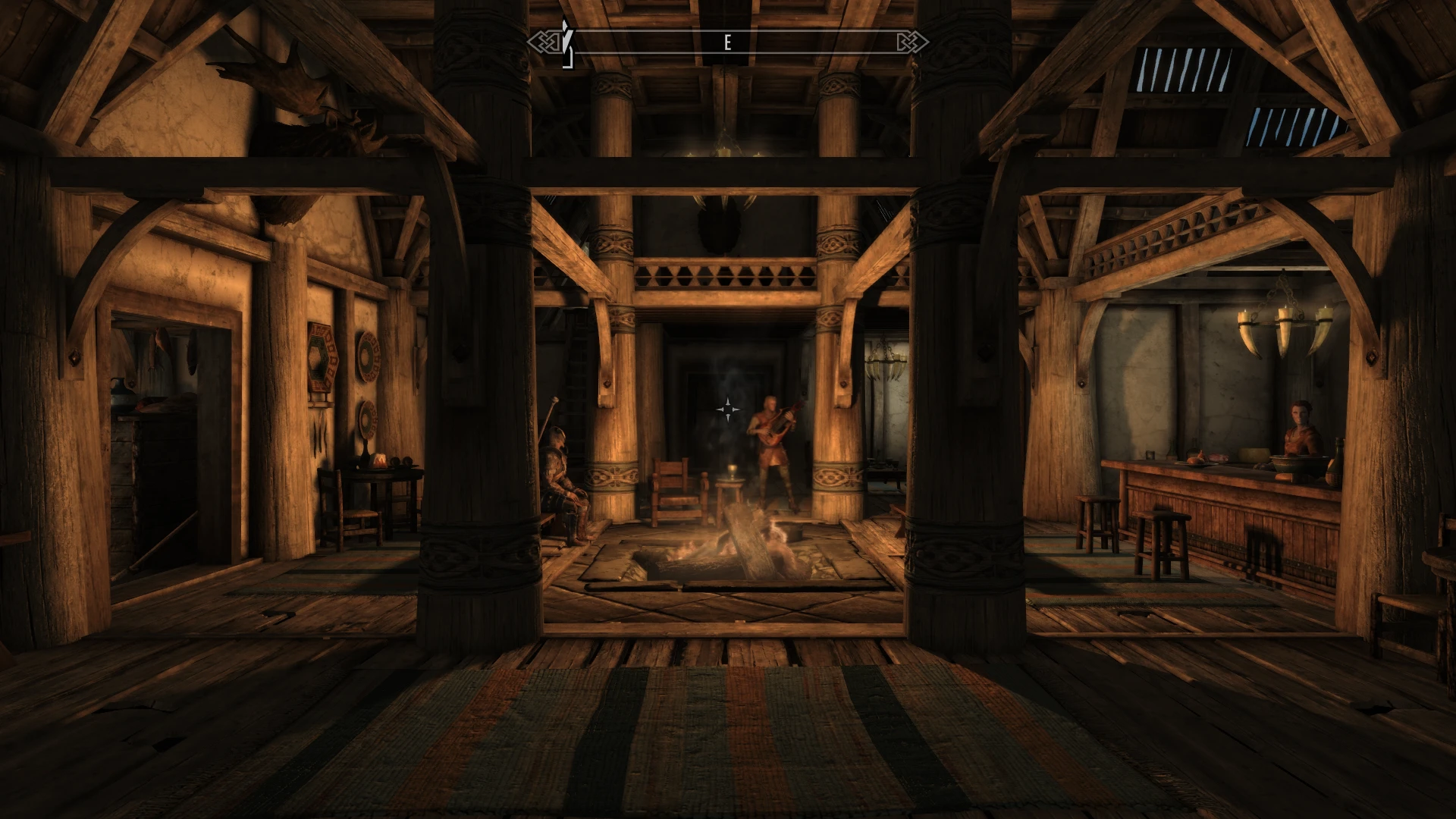
A mod to make the excellent Luminosity darker while keeping its colors. Imagespaces' "Brightness" and "Sunlight Scale" are reduced back to vanilla levels or near. Options for darker Lighting Templates are available. Requires Luminosity 4. 2. No scripts. Safe to install or remove midgame.
Changes
This mod contains ESP patches that overrides all "Imagespaces" and "Lighting Templates". The changes on imagespaces are limited to "Brightness" and "Sunlight Scale", reducing them to vanilla values or near. The "Lighting Templates" had their RGB color levels reduced by 8, 16 and 32. This reduction was made to make the game darker, but without changing the color selection from Luminosity. For example, a color that was "Red=66 Green=54 Blue=40", in the "Darker Lighting" option it will be "Red=50 Green=38 Blue=24". Some imagespaces brightness are a bit different from vanilla, like "FarmInteriorIS", vanilla is 1. 15, Luminosity sets it to 1. 40, here I set to 1. 05. I try to keep all the values near 1. 0, like most of vanilla imagespaces. No records was added or removed.
Options
There are some lighting options available for selection in fomod:
-
[]Don't touch Luminosity's lighting: No lighting template change. Good if you want only reduce the imagespace brightness. Two samples:
The image below has the same configuration as the right side of the image above, mod installed without any lighting template change:
- [
-
[]Less dark: Reduces the color levels (in Lighting Template)by 8, makes a subtle difference. Please try the "Darker Lighting" option before installing this option.
- [
Compatibility
All the orientations available on Luminosity Lighting Overhaul - The Cathedral Concept about compatibility are completely valid for this mod. For this mod, no special care needs to be taken, since the ESPs has Luminosity as master. Just be sure Luminosity itself is being loaded after all mods, specially those that changes cells.
This mod only changes "Imagespaces" and "Lighting Templates
📊 Mod Details
- Game
- Skyrim Mods
- Author
- epinter
- Version
- 1.0
- Downloads
- 3,767
- Endorsements
- 128
- Category
- Visuals and Graphics
- Created
- 5/21/2023
- Updated
- 6/12/2023
🔧 How to Install Skyrim Mods
Download from Nexus.
📖 Full step-by-step install guide for Skyrim →
Visit the official mod page for specific installation instructions for this mod.
🎮 Need cheat codes or console commands? Check ur gaming wiki for Skyrim commands, item IDs, and more.
Keep browsing — more Skyrim mods await