LOD Unloading Bug Fix
🟠 Updated over a year ago⚠️ Install Order · 5 steps
Install in this order, then this mod last — most mods fail to load without their framework and dependencies in place.
🖼️ Gallery (12 images)


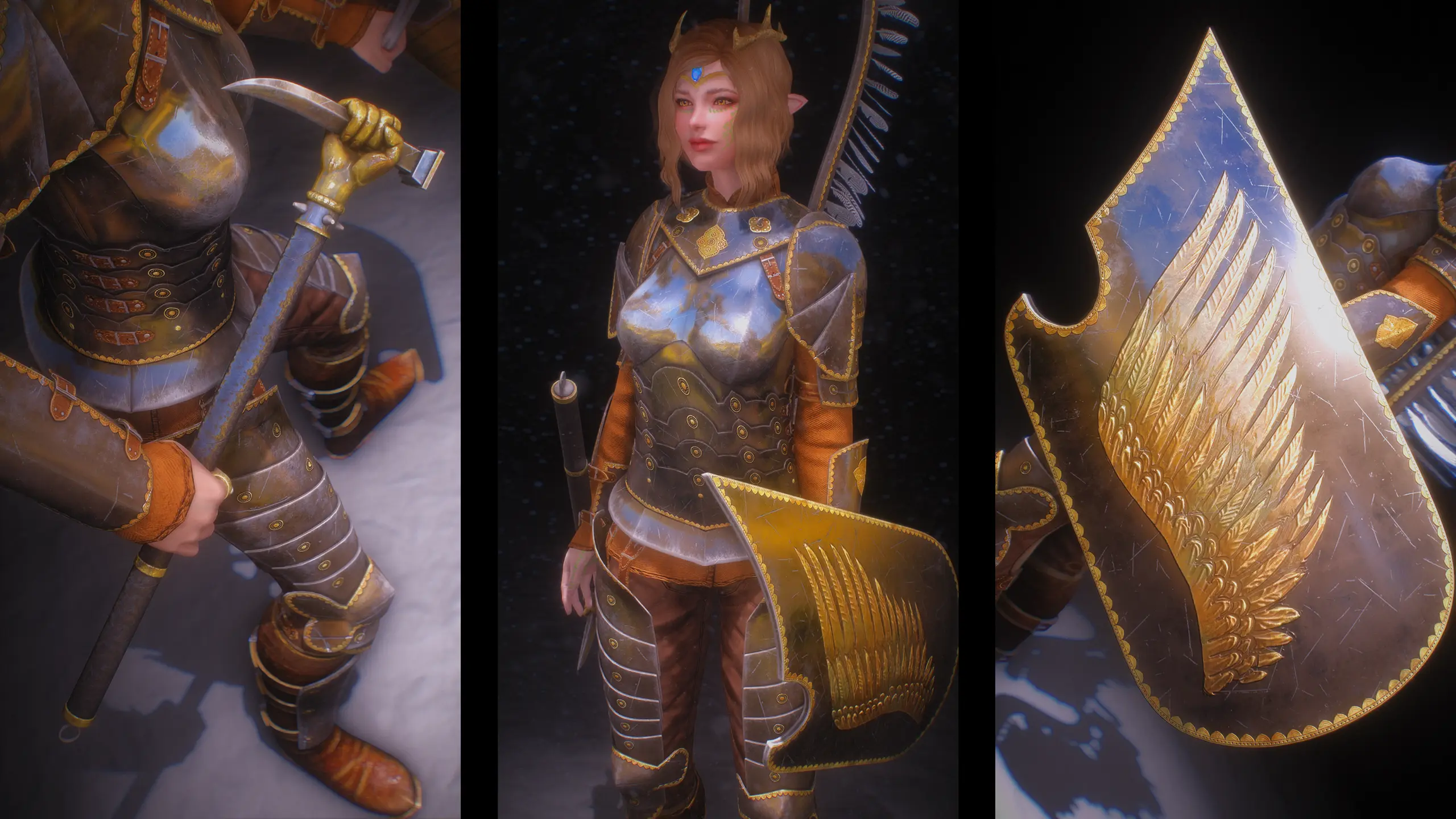
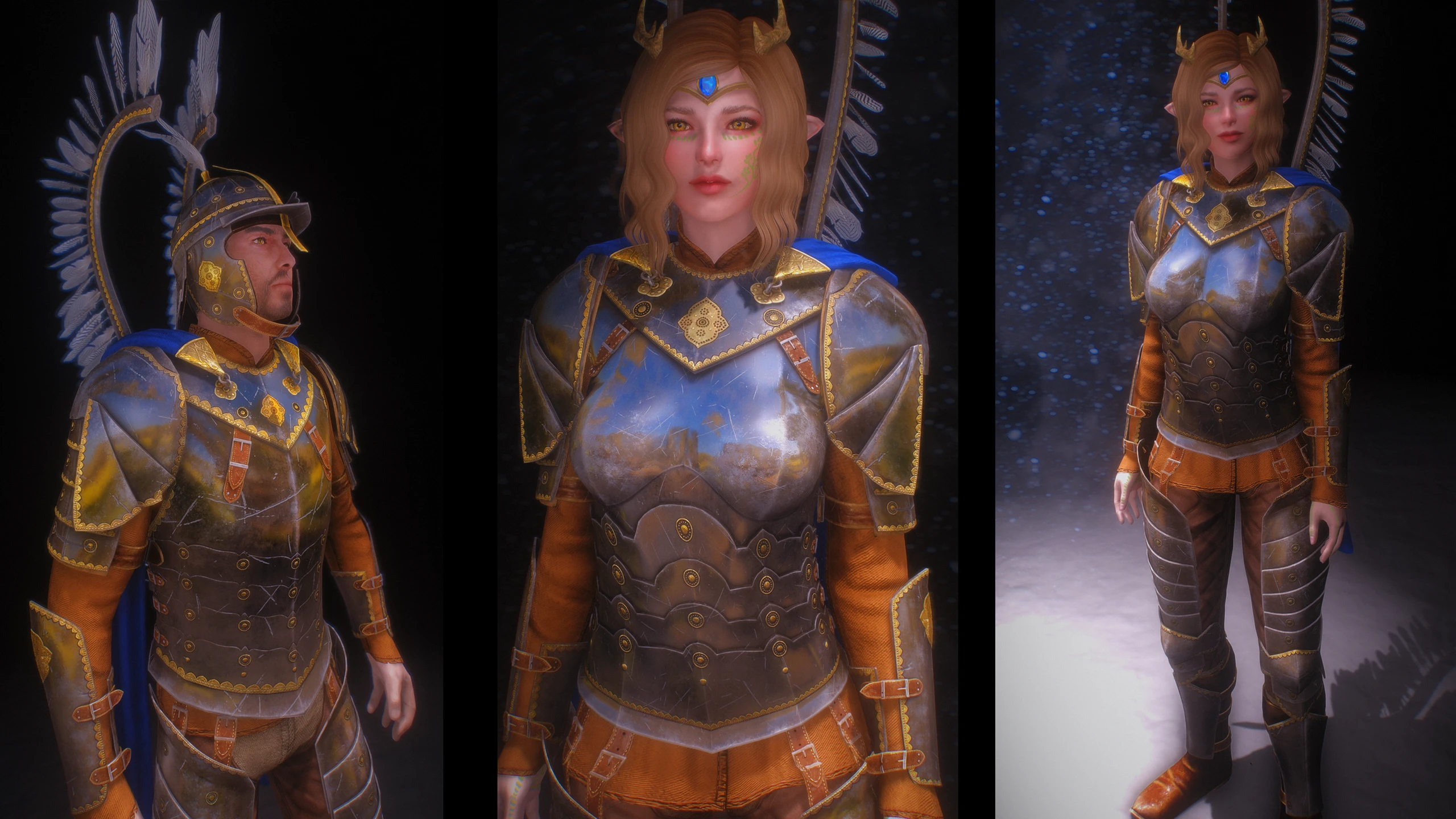

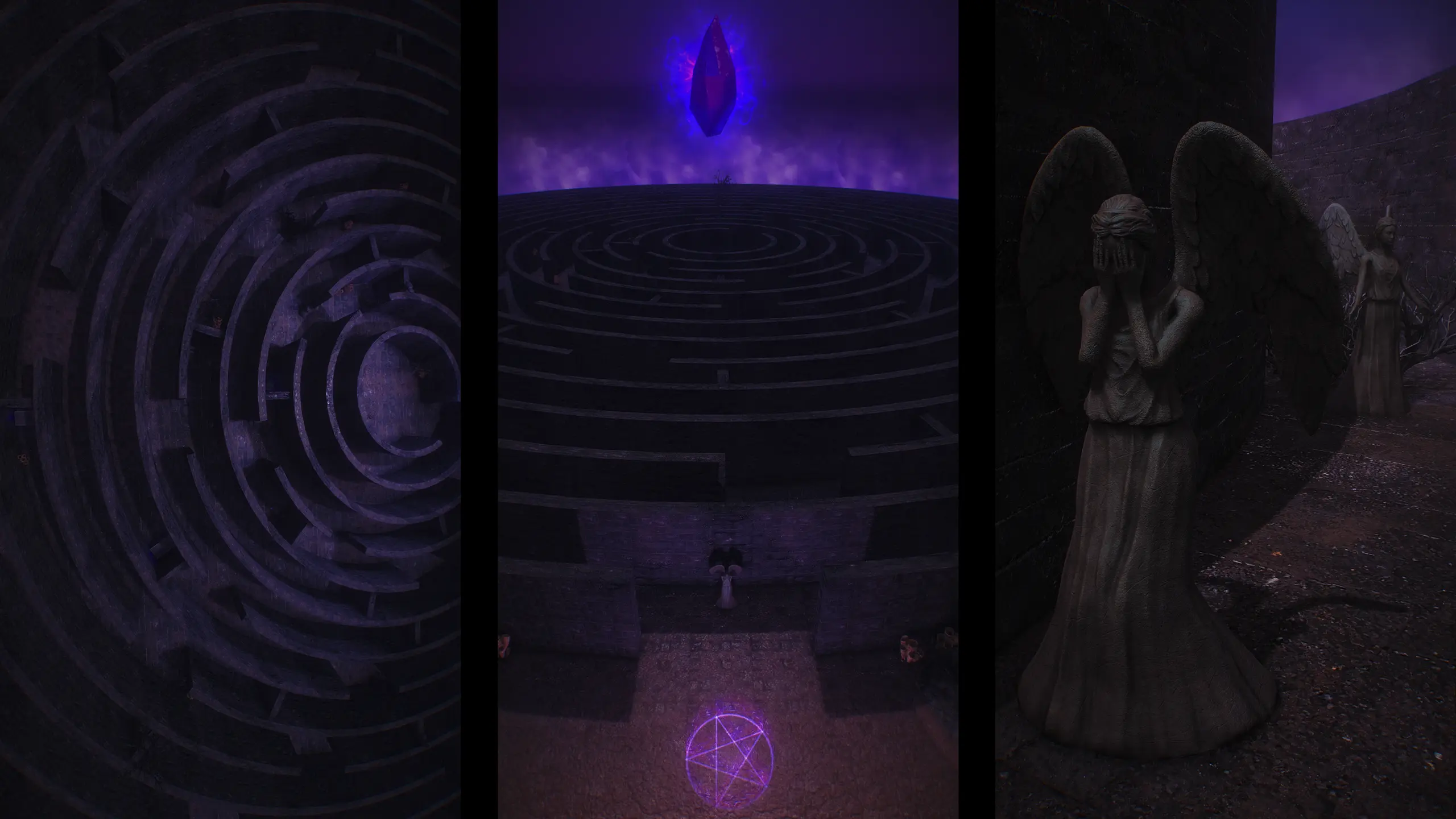
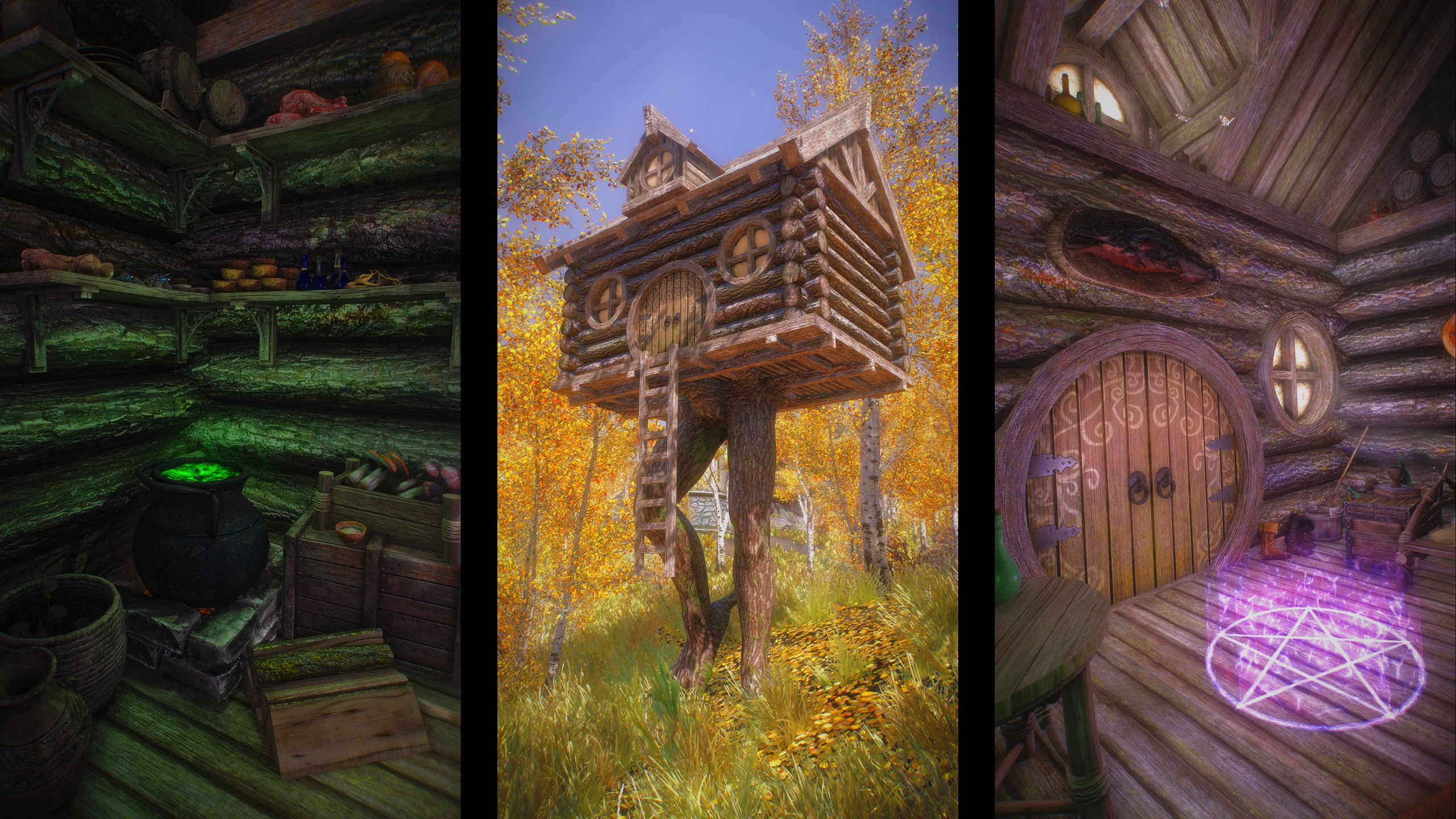

🔍 Analysis
- 👍 0.3% endorsement rate
- 🏆 #32 of 156 Bug Fixes mods in this game by downloads
📋 About This Mod
V46ZpKZvLfM
Description
You might sometimes encounter a bug where LOD (level of detail) objects don't unload, leading to ugly LODs up close. This happens if you launch the game, load a save in an exterior location and travel a certain distance. The distance at which this happens depends on your LOD ini settings. If you are on Ultra settings, loading into Solitude docks and immediately traveling to Whiterun will likely result in this.
This mod provides a workaround by using ConsoleUtil to execute the "pcb" command in an interior location once after you've loaded the game, forcing the game to reload the worldspace once, resetting the broken LODs. This only needs to happen once per Skyrim session, and it only needs to happen if you load into an exterior location.
This mod provides 3 levels of aggressiveness with varying amount of extra loading screen time:
-
[]Unaggressive: passively fix the issue when you enter an interior location. You may still encounter the bug if you haven't entered any interior during this session.
[
]Somewhat aggressive: fix the issue when you travel from exterior to exterior as well. If this happens, you will encounter 1 extra loading screen this session. You may still encounter the bug if you travel by foot without entering any loading screen.[]Aggressive: fix the issue as soon as you load a save this session. There will always be 1 extra loading screen, but you will no longer encounter the bug.
The MCM also provides a button to immediately fix any LOD unloading bug if the system fails.
Requirements
- []ConsoleUtilSSE or ConsoleUtilSSE NG
- Whenever
Q: The bug is still happening
A: Provide me your skyrimprefs.ini in a pastebin and a screenshot of your MCM settings in imgur, and exact steps to reproduce it. This means you have to be able to reproduce it yourself, and you must provide me with the exact instructions that will take me from main menu to the bug. If I can't reproduce it, I won't try to fix it. In the mean time, use the Fix LOD button in the MCM, so you don't have to restart the game.
This bug fix addresses the issue where LOD objects fail to unload after loading an exterior save and fast traveling in Skyrim. It's a small, highly endorsed utility mod (8,214 endorsements) that improves stability for players who frequently fast travel.
✨ Key Features
📊 Pros & Cons
✅ Pros
- Community-approved fix (8,214 endorsements) – clearly solves a real annoyance for many players
- Huge download count (3.2M) – this is a must-have for anyone who fast travels
- Simple, focused purpose – no bloat, just fixes the LOD unloading bug
⚠️ Cons
- Only addresses one specific bug – if you don't fast travel often, you might not notice a difference
- No compatibility notes for other mods that alter LOD or fast travel systems
For Skyrim players who fast travel frequently and have noticed LOD objects lingering after loading saves. If you're a modder or a perfectionist who wants a stable game, this is a no-brainer. Skip if you rarely fast travel or don't care about minor visual glitches.
💡 Beginner Tips
- Install with your mod manager of choice – it's a simple plugin, no special setup needed.
- Load order doesn't matter much for a bug fix like this, but placing it near the bottom can ensure it overrides any conflicting changes.
- If you're using a mod list that touches LOD or fast travel, test after installing to confirm the fix works.
📊 Mod Details
- Game
- Skyrim Mods
- Author
- wankingSkeever
- Version
- 0.2
- Downloads
- 3,217,496
- Endorsements
- 8,214
- Category
- Bug Fixes
- Created
- 1/13/2022
- Updated
- 10/12/2024
🔗 Required By 1 Mod
These mods list this mod as a dependency.
🧩 Commonly Used Together
Users add these mods to the same collections — a real compatibility signal, not an AI guess.
🔧 How to Install Skyrim Mods
Download from Nexus.
📖 Full step-by-step install guide for Skyrim →
Visit the official mod page for specific installation instructions for this mod.
🎮 Need cheat codes or console commands? Check ur gaming wiki for Skyrim commands, item IDs, and more.
Keep browsing — more Skyrim mods await