Local Map Upgrade
🟠 Updated over a year ago⚠️ Install Order · 6 steps
Install in this order, then this mod last — most mods fail to load without their framework and dependencies in place.
Preview
🔍 Analysis
- 👍 0.4% endorsement rate
- 🏆 #86 of 141 User Interface mods in this game by downloads
📋 About This Mod
VR version HERE
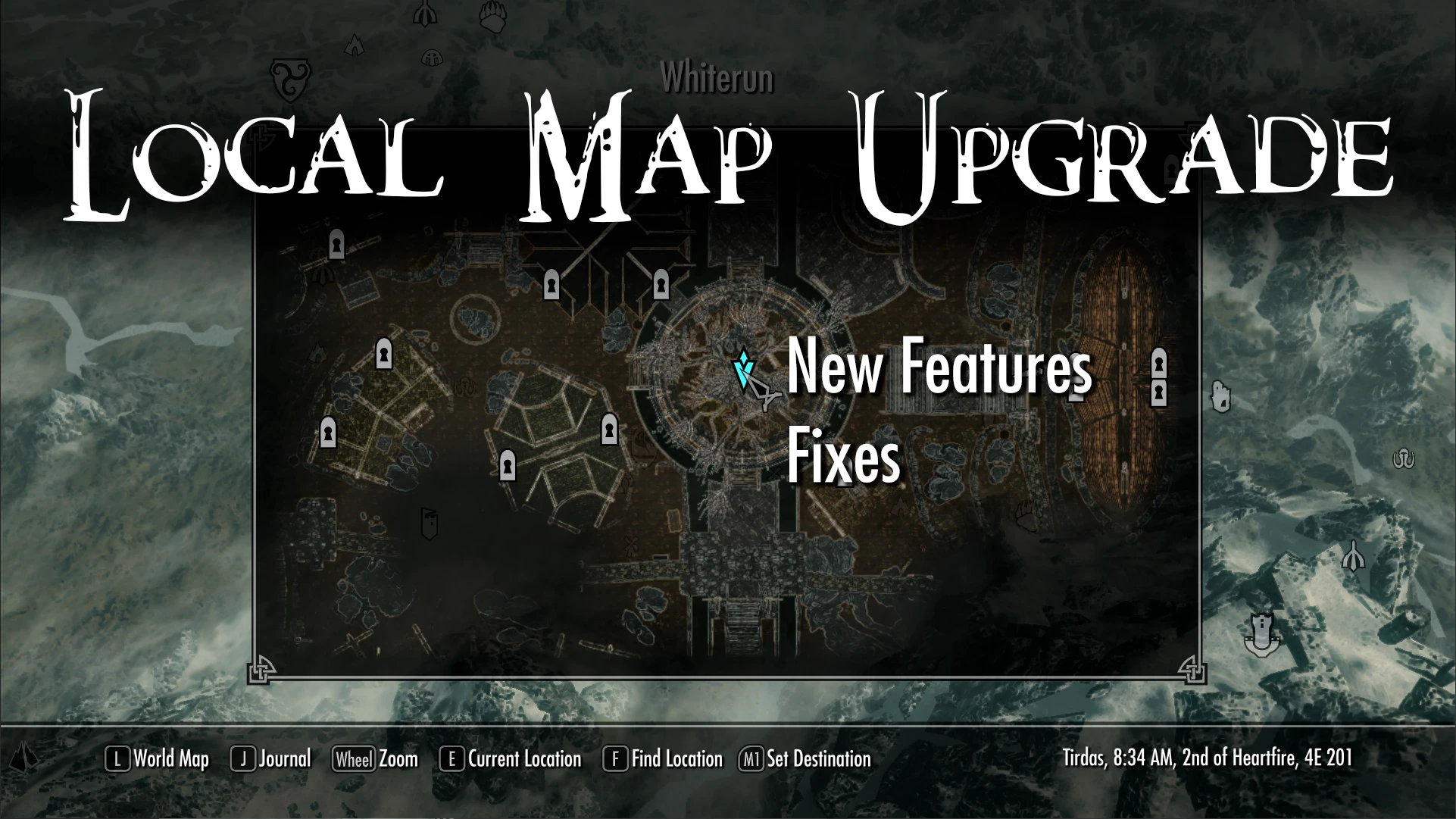
Local maps have had some mods since the release of the game, but I felt them a bit abandoned. Based on the vanilla local maps, I've made this SKSE plugin to shape my vision of how they should have been, with new features and fixes. Here we go!
NEW FEATURES
Colorful local maps, with lighting effects and fog of war. The idea here is to do it without revealing the places you have not been yet.
The world map allows you to place custom markers right? Why not in the local map? Let me fix this for you, while keeping the vanilla feeling.
Yay native behavior!
The left click is used for placing the markers and the right click to drag the camera, similar to the world map. The mod is also compatible with controllers, you just press A/X and that's it. With this now you can place markers in exteriors but also in interiors. Great for dungeons, cities and caves.
If you prefer the old black and white while being able to place markers from the local map I've got you covered. There is an INI setting for that, check the file and customize it at your taste. You can also disable fog of war if you want.
For keyboard/mouse users, navigation has been overhauled and now it is consistent with the world map behavior: you can move through the local map either with WASD or dragging with right click, while the left click is for placing markers.
MORE MARKERS!! Now you can see markers for these NPCs:
-
[]Enemies[/]
[]City guards[/]
[]Hostile-on-sight NPCs[/]
[]Lootable corpses[/]
[]Neutral NPCs[/]
[]Followers[/]
IMMERSIVE MODE!! (from 3. 0, configurable, disabled by default)
I think this will be very welcome for those that felt this mod a bit OP and wanted a bit of a challenge. If you enable it, NPC markers will only be visible if you use a detect life/dead magic effect. Here you have a showcase of this new game mechanic :)
iMwJR3OQx-E
In vanilla Skyrim, some water bodies are not displayed in the local maps of cities and other interiors. This is now fixed. Here you have two comparision examples without and with the fix (specially noticeable in Riften, where was the water of lake Honrich??):
Another thing fixed is the tfow command (Toggle Fog Of
Local Map Upgrade is an SKSE plugin that overhauls local maps in Skyrim, adding custom markers in interiors, preserving fog of war colors, and providing other fixes and improvements. It is customizable and has a large following with 5,736 endorsements and 1.6 million downloads, last updated in December 2024.
✨ Key Features
📊 Pros & Cons
✅ Pros
- Huge community trust with 5,736 endorsements and 1.6M downloads.
- Actively maintained, last updated December 2024.
- Adds practical quality-of-life improvements for map navigation.
⚠️ Cons
- Requires SKSE, so you'll need to set that up first.
- Customization options may require reading mod config files.
For Skyrim players who spend a lot of time in dungeons and want better map markers and fog of war clarity. Also for modders who want a customizable map overhaul. Skip if you're on console or don't want to deal with SKSE dependencies.
💡 Beginner Tips
- Make sure you have the latest SKSE64 installed and that your game version matches.
- Use a mod manager like Vortex or Mod Organizer 2 to handle installation and load order.
- Check the mod's config file (if any) to tweak marker colors and fog behavior to your liking.
📊 Mod Details
- Game
- Skyrim Mods
- Author
- alexsylex
- Version
- 3.1.0
- Downloads
- 1,619,964
- Endorsements
- 5,736
- Category
- User Interface
- Created
- 9/21/2024
- Updated
- 12/12/2024
🔗 Required By 1 Mod
These mods list this mod as a dependency.
🧩 Commonly Used Together
Users add these mods to the same collections — a real compatibility signal, not an AI guess.
🔧 How to Install Skyrim Mods
Download from Nexus.
📖 Full step-by-step install guide for Skyrim →
Visit the official mod page for specific installation instructions for this mod.
🎮 Need cheat codes or console commands? Check ur gaming wiki for Skyrim commands, item IDs, and more.
Keep browsing — more Skyrim mods await