Less Intrusive HUD II SE - AE
⚪ Last updated 2022This mod may not work until the author updates it. Check for an update, or see the rollback guide.
⚠️ Install Order · 5 steps
Install in this order, then this mod last — most mods fail to load without their framework and dependencies in place.
🖼️ Gallery (12 images)
🔍 Analysis
- 👍 0.4% endorsement rate
- 🏆 #50 of 141 User Interface mods in this game by downloads
📋 About This Mod
OVERVIEW
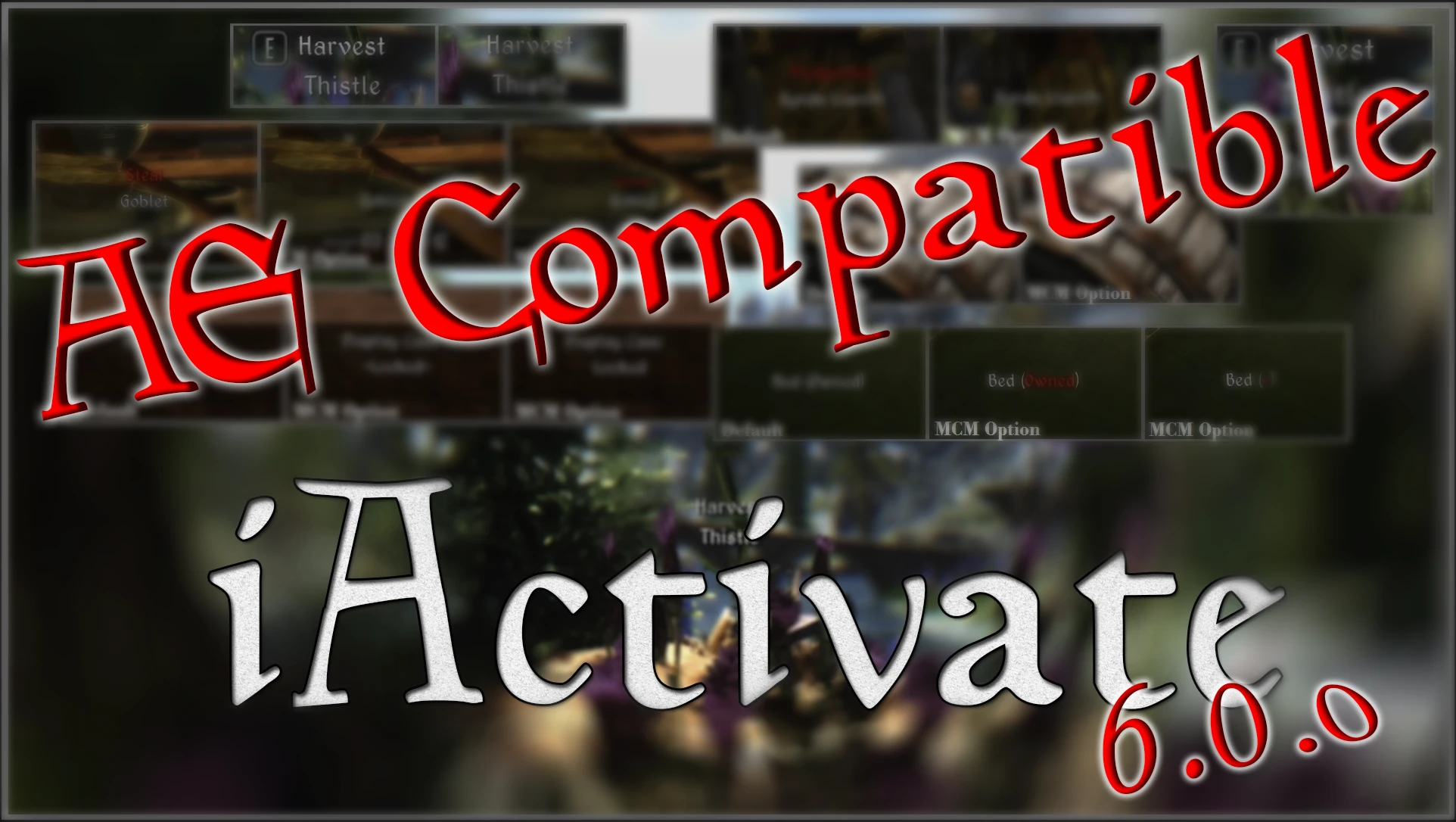
Less Intrusive HUD II allows you to tweak pretty much every element in the vanilla HUD and it does so IN GAME !
No separate .txt files, no more going in/out game to check your setting.
Optional : Use FISSES to save your settings for another playthrough.
This Gopher video will show you what this mod does :
DzJrWyde0Bg
And here's a small but great one from Michael from GamerPoets
XYpsB8yDV9w
VERSION 1. 1. 44
Changes/Fixes
- Ported to SSE with permission by Dark Dominion.
IMPORTANT NOTE:
skse64 and MCM Menu ( SkyUI 5. 2SE ) are required to use this mod.
COMPATIBILITY
- Highly recommended to use Immersive HUD II by Gopher for additional HUD tweaks, behaviors and toggle options.
INCOMPATIBILITIES:
- Any mod that modifies the hudmenu.swf / hudmenu.gfx file
- Colored markers are ok, as long as the changes are made in map.swf
- Still the compass markers are inside the hudmenu file, so colored compass markers is not an option.
FAQ:
Q. How can I move elements in the HUD faster?
A. Press the . key on your NumPad, it will change the stepping from 0. 5, 1. 0, 10. 0 units
Q. Is there a way to save a preset to use with another character
A. yes, Use the FISSES optional file
Q. My computer does not have a NumPad, can I still use this mod?
A. Yes you can, there is an option to remap the keys, look for it in the advanced tab.
Optional Files:
- FISS/FISSES Compatibility to save settings
INSTALLATION
Use a Mod Manager ( Vortex, NMM, MO... )
Or, download and place both the .esp and .bsa files in your Skyrim data folder.
If you are also installing any of the optional modification files, copy those files in your Skyrim data folder keeping the file structure.
USAGE
This mod uses fixed keys for editing the HUD, those keys are all located in the NumPad of your keyboard.
There is a predefined PRESET defined by me that you can use if you don't wanna mess with every single HUD element yourself.
Just go to the menu and select the option LOAD PRESET
Some other options are self explanatory and are located in the MCM menu, such as transparencies and optional variants of HUD elements.
Less Intrusive HUD II SE - AE lets you tweak nearly every vanilla HUD element in Skyrim Special Edition and Anniversary Edition, with all adjustments made in-game—no separate config files or repeated loading screens. With 9,607 endorsements and 2.5M downloads, it's a proven, popular UI overhaul for players who want a cleaner, customizable interface.
✨ Key Features
📊 Pros & Cons
✅ Pros
- Huge community trust: 9,607 endorsements and 2.5M downloads
- In-game configuration saves time and frustration
- Compatible with both SE and AE, covering most modern setups
⚠️ Cons
- Last updated in 2022, so may not support the latest game patches
- UI mods can conflict with other HUD overhauls or mods that add new UI elements
For Skyrim players who want a cleaner, less cluttered HUD without fiddling with text files. Perfect for modders who value convenience and quick tweaks. Skip if you're happy with the default HUD or prefer a complete UI replacement like SkyUI.
💡 Beginner Tips
- Use the in-game MCM (Mod Configuration Menu) to adjust element opacity and position—no need to restart.
- If you use other UI mods, load Less Intrusive HUD after them to ensure your tweaks stick.
- Check the mod page for any compatibility patches if you use popular HUD extensions.
📊 Mod Details
- Game
- Skyrim Mods
- Author
- lavigne77-Dragonborn77
- Version
- 1.1.44
- Downloads
- 2,515,007
- Endorsements
- 9,607
- Category
- User Interface
- Created
- 6/14/2018
- Updated
- 6/9/2022
🔧 How to Install Skyrim Mods
Download from Nexus.
📖 Full step-by-step install guide for Skyrim →
Visit the official mod page for specific installation instructions for this mod.
🎮 Need cheat codes or console commands? Check ur gaming wiki for Skyrim commands, item IDs, and more.
Keep browsing — more Skyrim mods await