JS Lockpicking UI SE
⚪ Last updated 2018⚠️ Install Order · 5 steps
Install in this order, then this mod last — most mods fail to load without their framework and dependencies in place.
🖼️ Gallery (12 images)




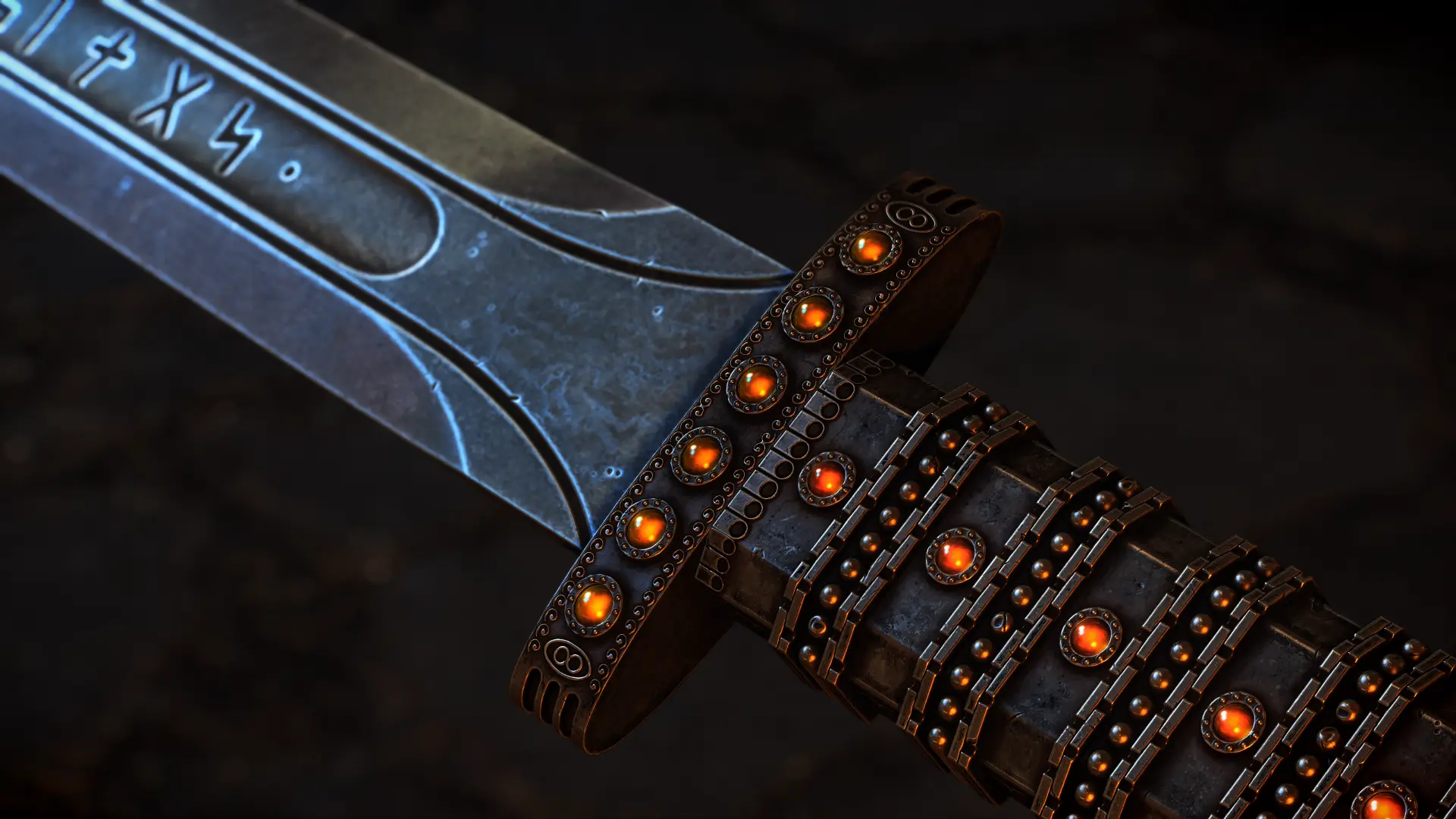
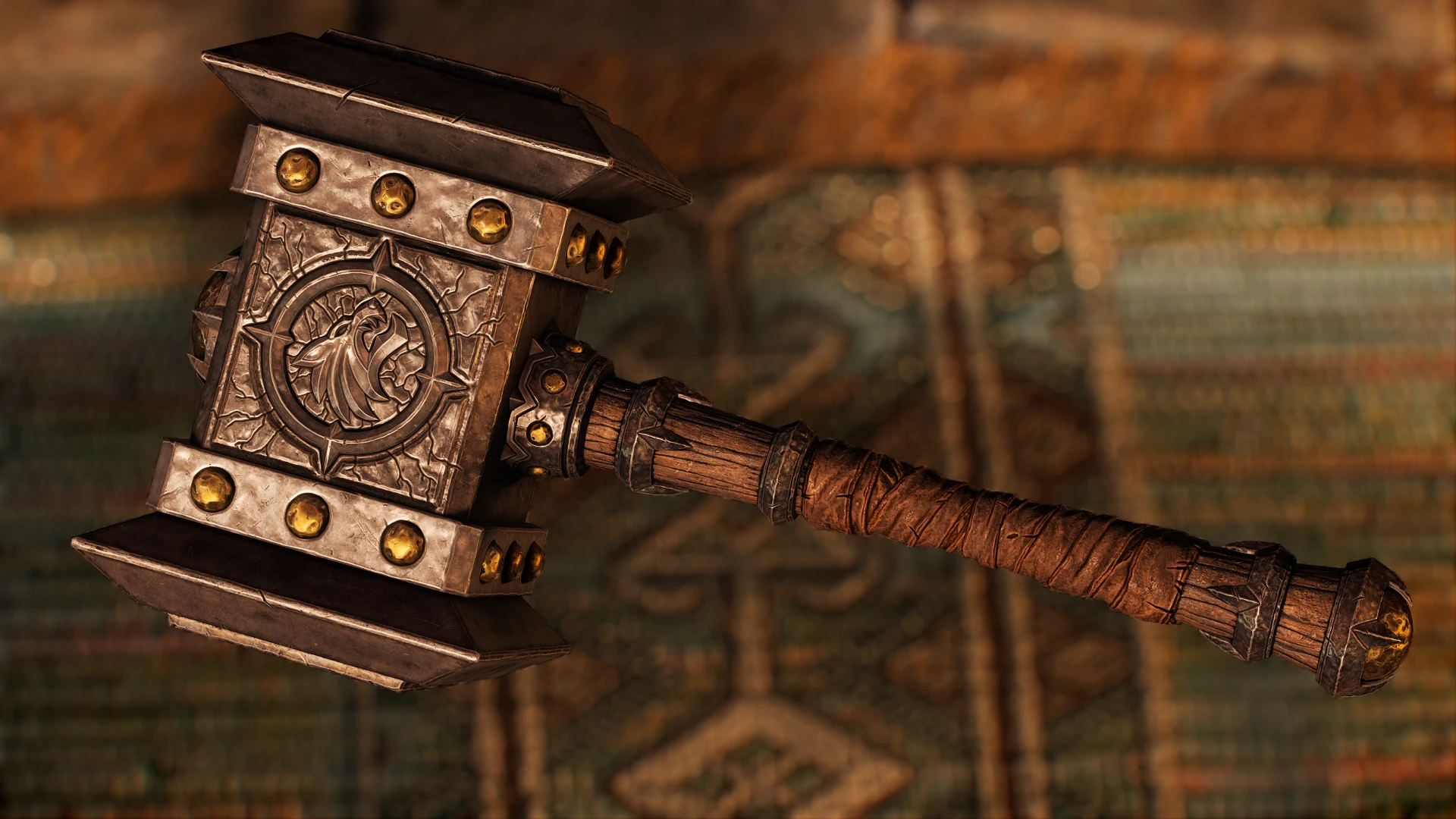
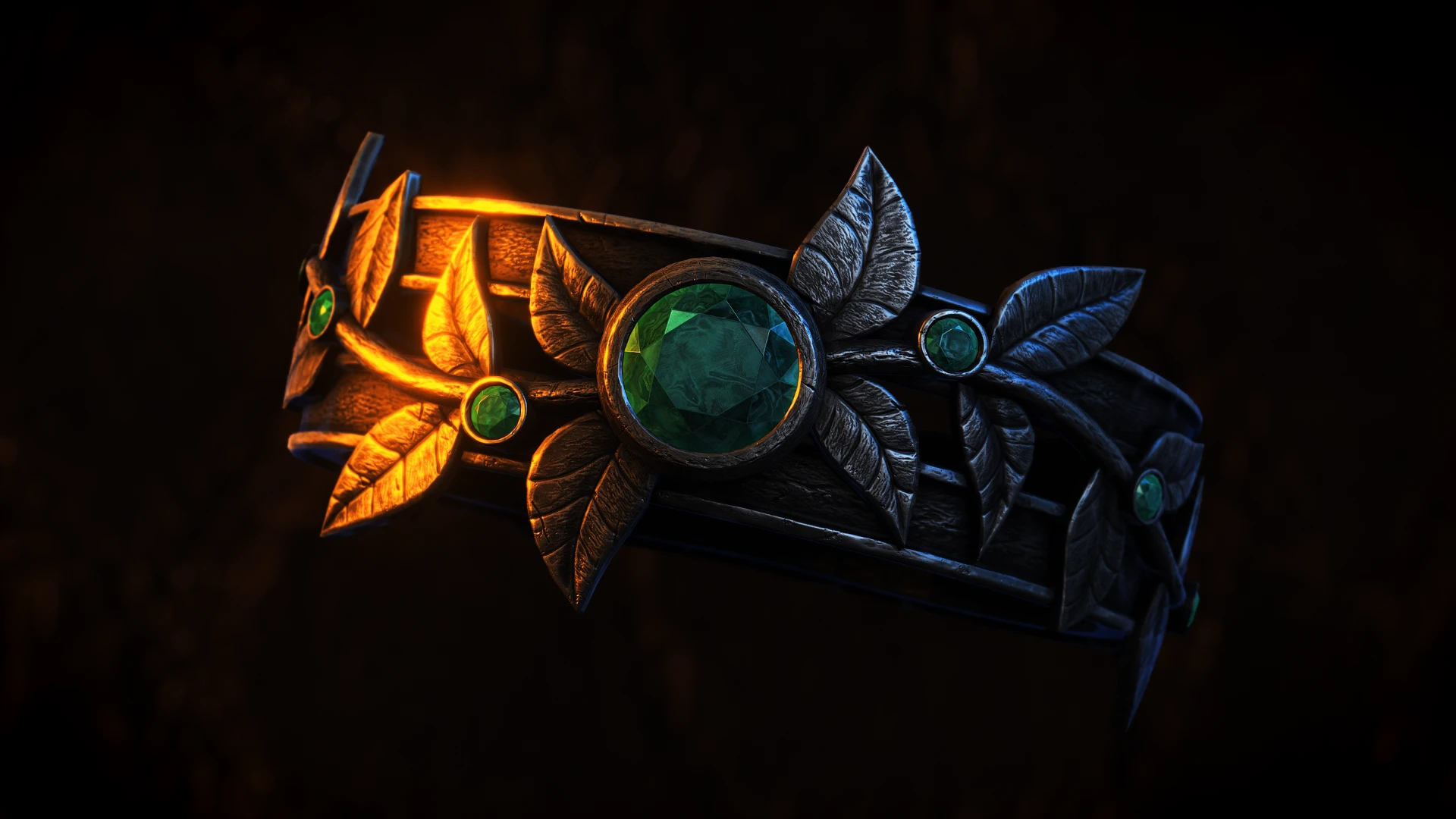

🔍 Analysis
- 👍 0.9% endorsement rate
- 🏆 #77 of 141 User Interface mods in this game by downloads
📋 About This Mod
About:
A brand new re-design of the Lockpicking Interface! Not much more that can be said really!
Appearance may vary based on ENB / non-ENB settings.
What this mod includes:
New Lockpicking Interface
New Skeleton Key model/textures
Do NOT optimize the textures!!
Installation:
NMM or Whatever is being used these days
Manual extract to skyrim/data
Questions:
Q. Is this compatible with this thing?
A. Probably not.
Q. Bleh bleh bleh, when are you porting this or that?
A. I don't know. I've only got the christmas holidays off.
Q. What mods are you working on/got planned?
A. Those are posted on my facebook page!
If for some reason the files do not work, cause crashes
or any other problems, please do not hesitate to contact me.
All screenshots are taken directly from the game and resized down from 1920x1080 to 1280x720. No other editing has been done.
Thanks and I hope you enjoy this Skyrim Mod! Remember, modding is stressful and we do it for free!
PS. DO NOT UPLOAD THIS FILE ANYWHERE ELSE!
Check out my other mods!
A complete visual overhaul of Skyrim's lockpicking interface, featuring a redesigned UI and a new Skeleton Key model in 4K and 2K resolutions. With over 15,000 endorsements and 1.8 million downloads, it's a community favorite for players who want a fresh look at a core mechanic.
✨ Key Features
📊 Pros & Cons
✅ Pros
- Huge community trust (15,866 endorsements, 1.8M downloads)
- Gives the lockpicking minigame a fresh, modern look
- Includes a remade Skeleton Key for extra visual flair
⚠️ Cons
- Last updated in 2018 – may not be compatible with the latest Skyrim versions or mods
- Only affects visuals – no gameplay or mechanic changes
- 4K textures may be heavy for lower-end systems
For Skyrim players who want to refresh the lockpicking minigame without changing gameplay. Perfect for visual overhaul enthusiasts and those who appreciate high-res textures. Skip if you're looking for gameplay tweaks or if you're on a low-end PC.
💡 Beginner Tips
- If you're using a mod manager like Vortex or Mod Organizer 2, just download and install – it's a simple drop-in.
- For 4K textures, make sure your GPU can handle it; if you experience stuttering, switch to the 2K version.
- Since it's an interface mod, load order rarely matters, but placing it after other UI mods can prevent conflicts.
📊 Mod Details
- Game
- Skyrim Mods
- Author
- johnskyrim
- Version
- 1.1
- Downloads
- 1,762,900
- Endorsements
- 15,866
- Category
- User Interface
- Created
- 12/27/2018
- Updated
- 12/27/2018
🧩 Commonly Used Together
Users add these mods to the same collections — a real compatibility signal, not an AI guess.
🔧 How to Install Skyrim Mods
Download from Nexus.
📖 Full step-by-step install guide for Skyrim →
Visit the official mod page for specific installation instructions for this mod.
🎮 Need cheat codes or console commands? Check ur gaming wiki for Skyrim commands, item IDs, and more.
Keep browsing — more Skyrim mods await