Improved colors Reshade for Vanilla HDR
⚪ Last updated 2023⚠️ Install Order · 8 steps
Install in this order, then this mod last — most mods fail to load without their framework and dependencies in place.
🖼️ Gallery (9 images)
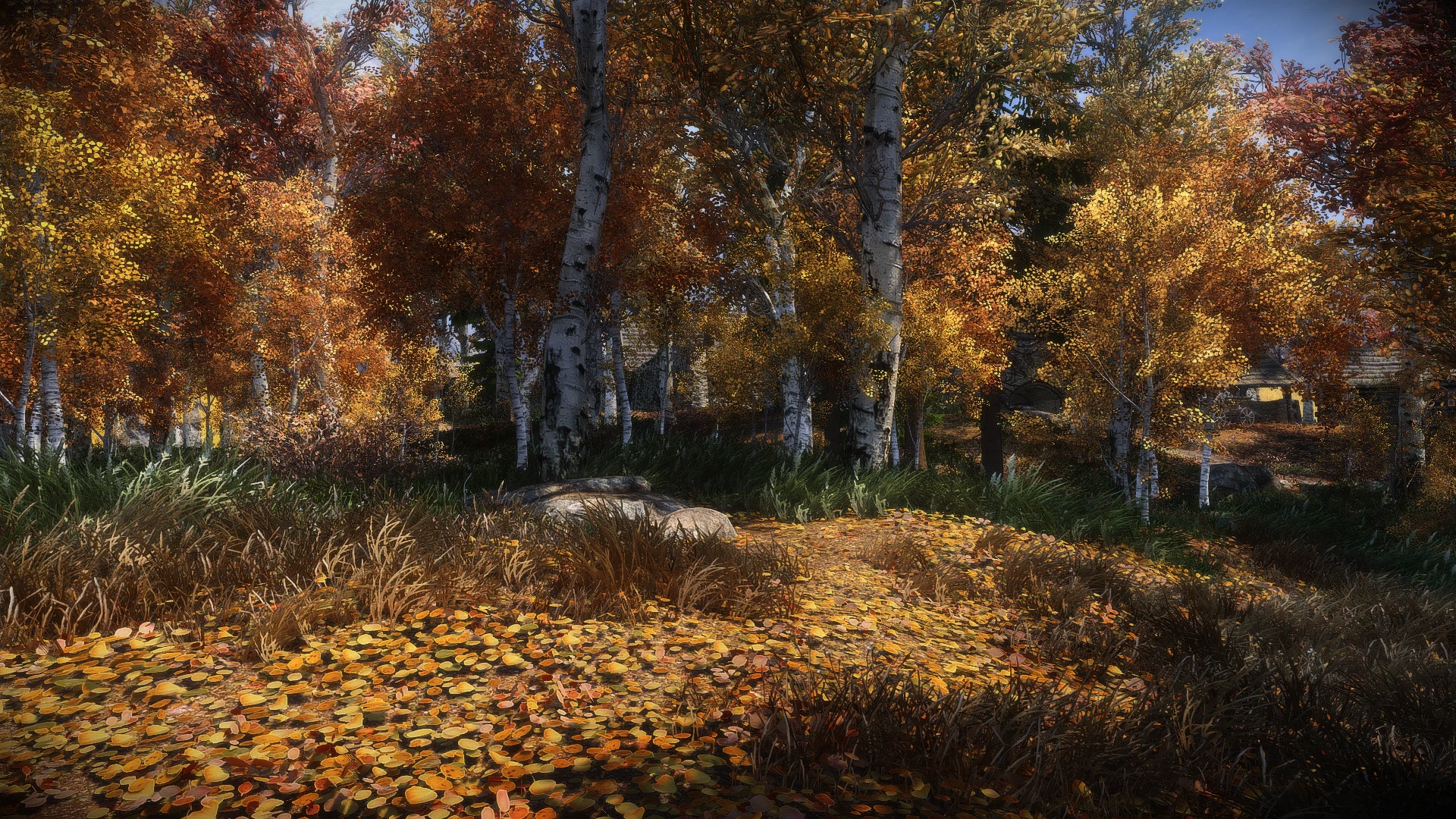


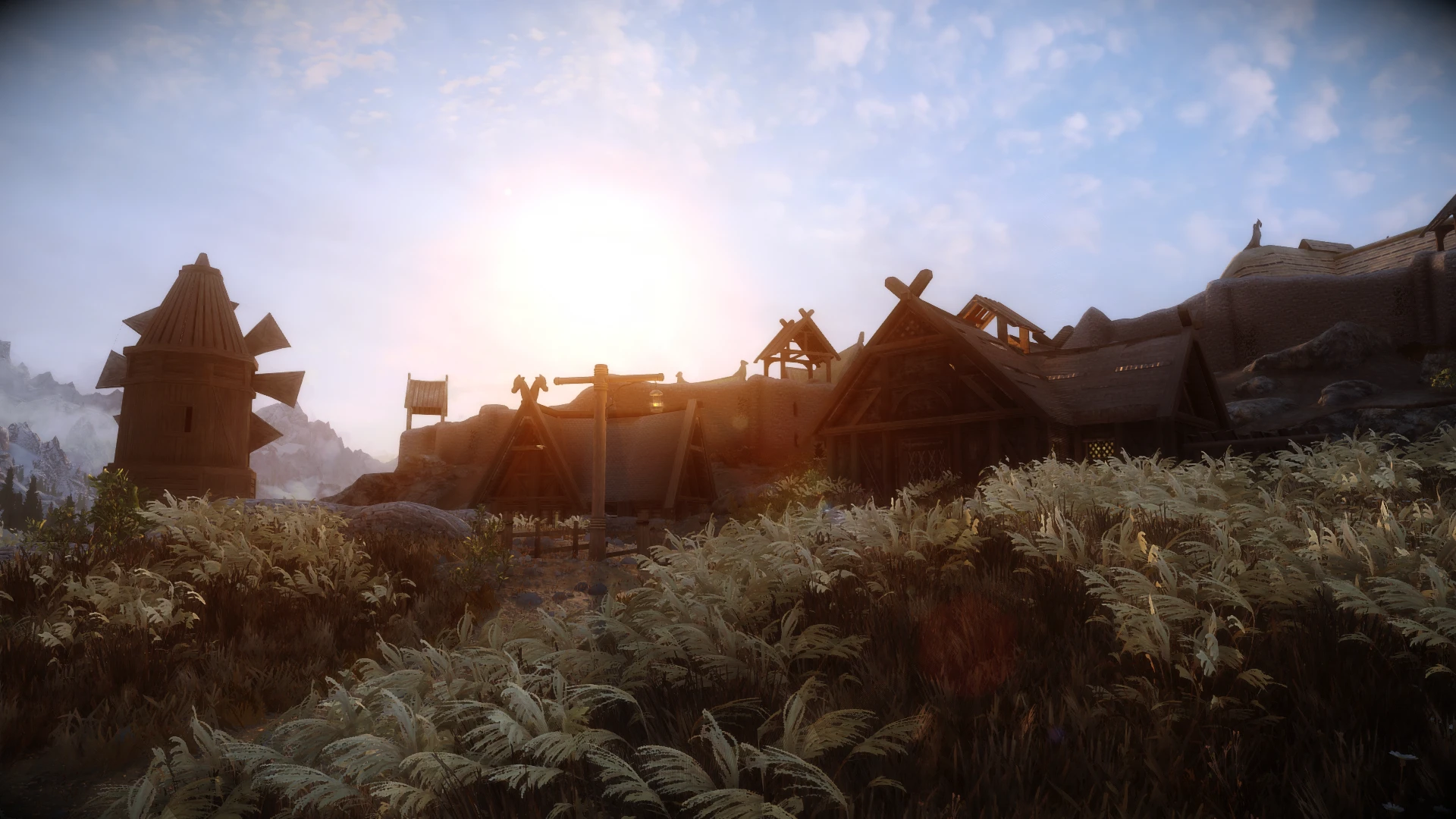




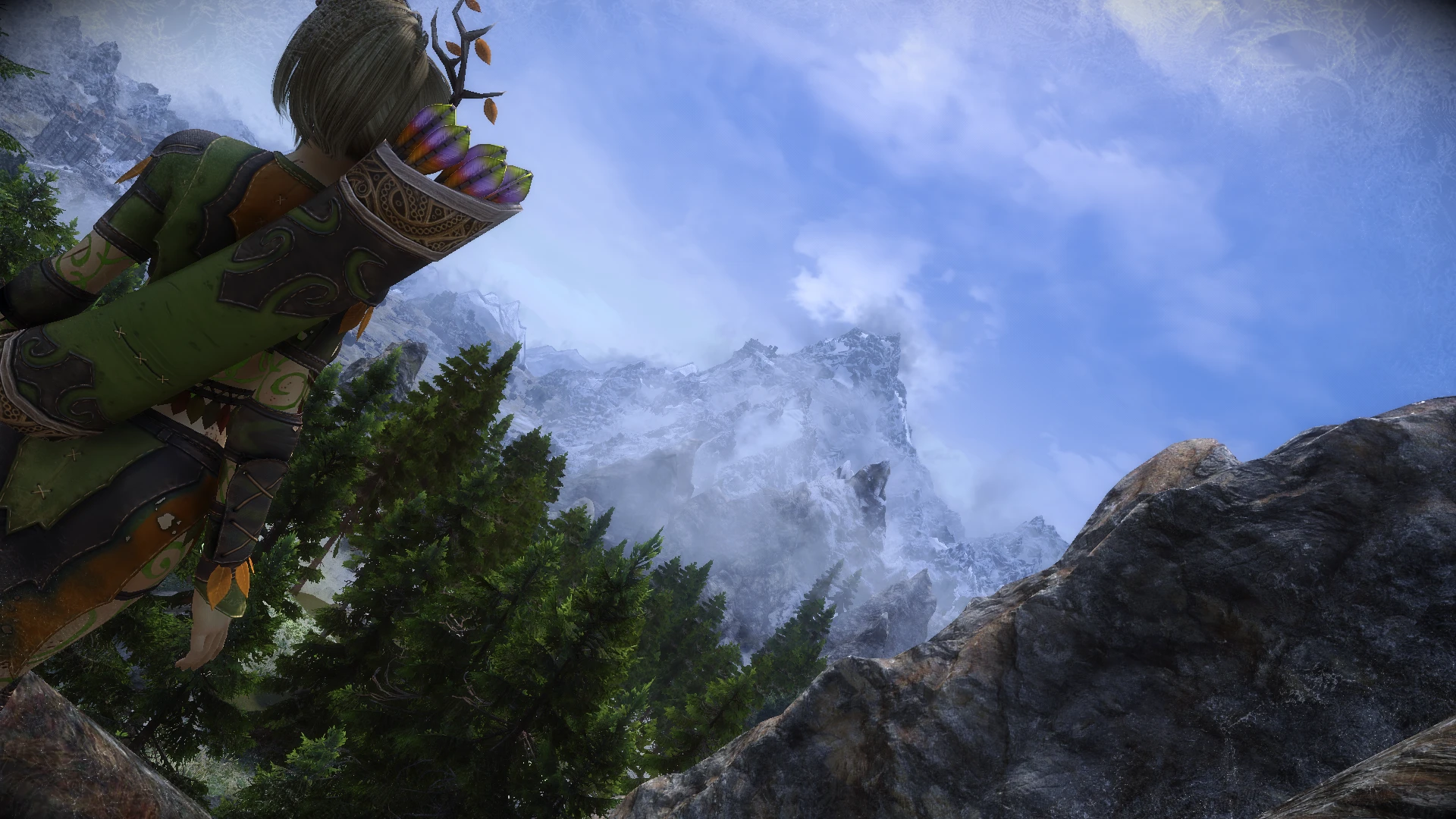
🔍 Analysis
- 👍 1.0% endorsement rate — high engagement, a strong quality signal
- 🏆 #9 of 19 Presets - ENB and ReShade mods in this game by downloads
📋 About This Mod
Description
A simple reshade preset designed for use with Vanilla HDR and Community Shaders.
Mainly improves color and display sharpness.
Requirements
Community Shaders and its requirements
Vanilla HDR (make sure got all of the INI-Settings from the page)
Tree LOD Lighting
Grass Lighting
Screen-Space Shadows
Subsurface Scattering
Wettness Effects
ReShade Toggler (optional)
ReShade v6. 1. 1+ with full add-on support (The installer settings are further down this page)
Recommendations
Veydosebrom Regions - A Skyrim Grass Overhaul - ENB Complex Grass (with ENB Support selected in the FOMOD)
Happy Little Trees
Water for ENB
Cathedral Weathers and Seasons
Enhanced Volumetric Lighting and Shadows (EVLaS)
Grass Collision
Grass Sampler Fix
Water Caustics
Water Parallax
Dynamic Cubemaps
Dynamic Cubemaps - Metals
Light Limit Fix
DynDOLOD 3 (refer to this page for Community Shader LOD Generation)
Installation
1. Get the Requirements and the Recommendations if you want a similar look.
2. Download Reshade with full add-on support if you don't already have it.
2. 1 If you open the Installer exe you need to select the SkyrimSE.exe at first.
2. 2 On the next page select DirectX 10/11/12.
2. 3 Select Skip on the next page.
2. 4 Now select Standard effects, SweetFX by CeeJay.dk, Color effects by prod80 and Legacy effects.
2. 5 Just hit next until it's installed.
3. Download this Preset and put it in the root folder of Skyrim SE.
4. Start the game and press the home key and skip the tutorial.
5. Select this preset in the dropdown in the first line.
crosire for Reshade
A simple ReShade preset for Skyrim Special Edition that enhances colors while working with Vanilla HDR and Community Shaders. With 325 endorsements and over 31k downloads, it's a popular choice for players wanting improved visuals without heavy ENB setups.
✨ Key Features
📊 Pros & Cons
✅ Pros
- Community-approved (325 endorsements) and widely downloaded (31k+), so it's a proven preset
- Lightweight alternative to full ENB, perfect for players who want better colors without the performance hit
- Works with Vanilla HDR and Community Shaders, so it fits into modern lightweight setups
⚠️ Cons
- Last updated in July 2023, so it may not be fully compatible with the latest Community Shaders versions
- Only tweaks colors—no major visual overhauls like depth of field or ambient occlusion
- Requires ReShade and Community Shaders, so it's not a drop-in solution for vanilla players
For Skyrim players who want richer colors without the complexity of a full ENB. If you're already using Community Shaders and Vanilla HDR, this is a quick win. Skip if you're looking for dramatic visual changes or if you prefer a more comprehensive preset.
💡 Beginner Tips
- Make sure you have ReShade installed and set up before adding this preset, and place the preset file in the ReShade Presets folder.
- If you're using a mod manager, you can install the preset manually by dropping the .ini file into your Skyrim directory and selecting it in the ReShade in-game menu.
- Since it's designed for Vanilla HDR, ensure that mod is active and loaded before Community Shaders to avoid conflicts.
📊 Mod Details
- Game
- Skyrim Mods
- Author
- SkyHorizon
- Version
- 3.0.0
- Downloads
- 31,707
- Endorsements
- 325
- Category
- Presets - ENB and ReShade
- Created
- 3/29/2023
- Updated
- 7/2/2023
🔧 How to Install Skyrim Mods
Download from Nexus.
📖 Full step-by-step install guide for Skyrim →
Visit the official mod page for specific installation instructions for this mod.
🎮 Need cheat codes or console commands? Check ur gaming wiki for Skyrim commands, item IDs, and more.
Keep browsing — more Skyrim mods await