Immersive Loading Icon
⚪ Last updated 2018⚠️ Install Order · 5 steps
Install in this order, then this mod last — most mods fail to load without their framework and dependencies in place.
Preview
🔍 Analysis
- 👍 1.8% endorsement rate — high engagement, a strong quality signal
- 🏆 #126 of 165 User Interface mods in this game by downloads
📋 About This Mod
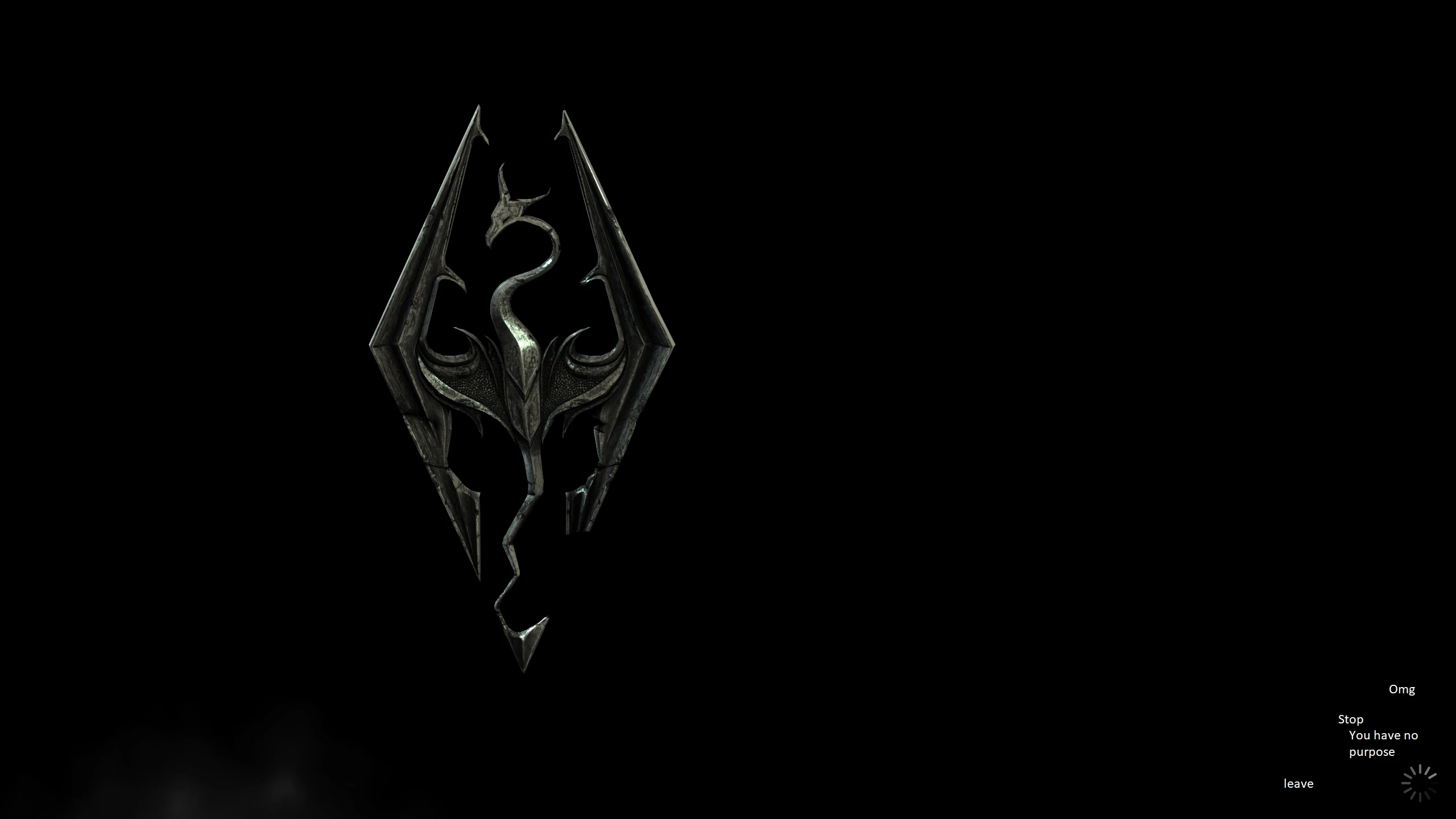
Bethesda - pls stop.
This mod will replace the spinning loading animation that plays in the bottom right corner when you boot your game up. Some of you might not need this. Some of you (like me) will have noticed that it sometimes gets stuck and persists FOREVER until you restart the game. Yet another pointless and bugged thing added by a Creation Club update.
This replaces the SWF file with a blank one, so nothing will play.
Alternative description:
Play Skyrim like you've never played it before. Immerse yourself in the world of Tamriel with "Immersive Loading Icon". Waiting in the main menu has never FELT more absorbed.
Immersive Loading Icon removes the spinning Creation Club loading icon from Skyrim's bottom-right corner, which can get stuck and require a restart. This simple UI tweak has 1,702 endorsements and 96,546 downloads, last updated in November 2018. It's for players who find the icon annoying or buggy.
✨ Key Features
📊 Pros & Cons
✅ Pros
- Community favorite with 1,702 endorsements and nearly 100k downloads
- Solves a real annoyance—no more stuck icon forcing restarts
- Simple, focused fix that does exactly what it says
⚠️ Cons
- Last updated in 2018, so may not be compatible with newer Skyrim versions or Creation Club updates
- Only removes the icon; no other UI improvements or customization options
- Potential conflicts with other UI mods that modify the same loading screen elements
For Skyrim players who are tired of the spinning Creation Club icon cluttering their screen or causing stuck-loading bugs. If you're a purist who wants a clean UI without extra features, this is for you. Skip if you're on the latest Skyrim version and haven't encountered the issue—you might not need it.
💡 Beginner Tips
- Since this is a simple file replacement, you can install it manually by dropping the files into your Data folder, or use a mod manager for easy uninstallation.
- If you're using other UI mods, check their load order—place this mod after them to ensure it takes effect.
- For Skyrim Special Edition, make sure you're not using the Creation Club icon mods that might conflict; this mod targets the base game icon.
📊 Mod Details
- Game
- Skyrim Mods
- Author
- Aurora555
- Version
- 1.0
- Downloads
- 96,546
- Endorsements
- 1,702
- Category
- User Interface
- Created
- 11/21/2018
- Updated
- 11/21/2018
🧩 Commonly Used Together
Users add these mods to the same collections — a real compatibility signal, not an AI guess.
🔧 How to Install Skyrim Mods
Download from Nexus.
📖 Full step-by-step install guide for Skyrim →
Visit the official mod page for specific installation instructions for this mod.
🎮 Need cheat codes or console commands? Check ur gaming wiki for Skyrim commands, item IDs, and more.
Keep browsing — more Skyrim mods await