Emote
⚪ Last updated 2018⚠️ Install Order · 5 steps
Install in this order, then this mod last — most mods fail to load without their framework and dependencies in place.
Preview
🔍 Analysis
- 👍 3.5% endorsement rate — high engagement, a strong quality signal
- 🏆 #47 of 103 Animation mods in this game by downloads
📋 About This Mod
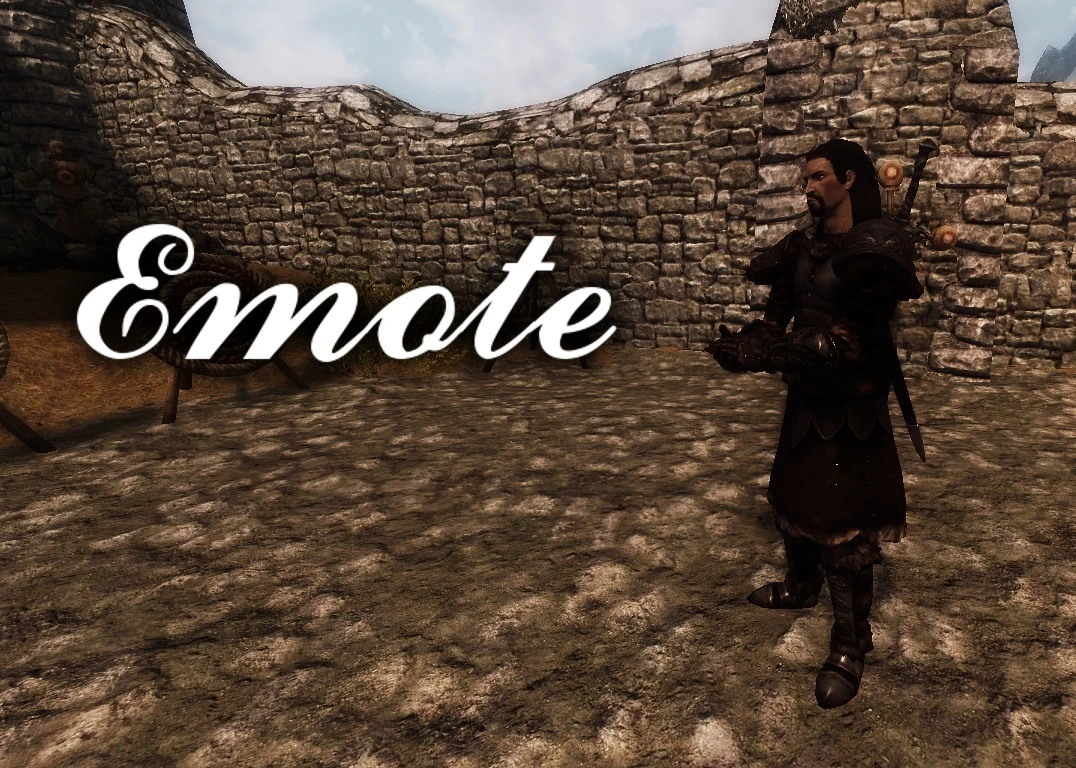
I decided to make this mod after realizing in every screenshot my character was standing still as a board, and always had a blank expression, and with no other mod allowing simple animations to be played without a lot of menus.
I made this mod to incredibly customizable; you have 10 basic hotkeys, and two modifier hotkeys, initially set to Left Shift and Left Alt, so that you can play up to three animations per hotkey, and up to 30 animations in total through hotkeys. These hotkeys also allow you to play these animations while in dialog. I also included the option to add a lesser power for each animation, in case you somehow had a few more animations you wanted to play without setting up another hotkey.
Each animation can also give the player an expression while the animation lasts. Each animation's expression is tracked separately, as well as the strength of the expression for each animations.
Finally, each animation can be enabled and disabled, if they are disabled they will not show up on any other pages or lists on the MCM page, making the page less cluttered.
There are 90 animations available through this mod; which I labeled emotes, idles, and walks. Emotes are simple animations that play once and don't loop. Idles are animations that loop, until you press the cancel key, which is initially set to E. Walks are also animations that loop, but they allow you to walk around, again you need to press the cancel key to stop the animation. Some looping animations also have additional animations that play if the hotkey or lesser power associated with them is activated again, these are denoted with a '+' in-game.
Emote is an animation mod that lets you play player emote and idle animations at any time, with customizable emotions and up to 30 configurable hotkey configurations. It has 797 endorsements and 22,492 downloads, last updated in May 2018.
✨ Key Features
📊 Pros & Cons
✅ Pros
- Solid community backing with 797 endorsements and over 22k downloads.
- Highly customizable with up to 30 hotkey setups for quick access.
- Adds roleplay and expression options that vanilla lacks.
⚠️ Cons
- Last updated in 2018, so may not be compatible with newer game versions.
- Potential conflicts with other animation mods that alter player behavior.
- Requires setup time to configure hotkeys and emotions to your liking.
For roleplayers and players who want to express themselves in-game with emotes and idle animations. If you're into immersion or just want to spice up your character's animations, this is for you. Skip if you're looking for combat or gameplay changes—this is purely cosmetic.
💡 Beginner Tips
- Check if the mod is compatible with your game version before installing, as it hasn't been updated since 2018.
- Use a mod manager to easily install and uninstall if you run into conflicts.
- Take time to bind your favorite emotes to hotkeys for quick access during gameplay.
📊 Mod Details
- Game
- Skyrim Mods
- Author
- IronDusk33
- Version
- 1.0
- Downloads
- 22,492
- Endorsements
- 797
- Category
- Animation
- Created
- 5/27/2018
- Updated
- 5/27/2018
🧩 Commonly Used Together
Users add these mods to the same collections — a real compatibility signal, not an AI guess.
🔧 How to Install Skyrim Mods
Download from Nexus.
📖 Full step-by-step install guide for Skyrim →
Visit the official mod page for specific installation instructions for this mod.
🎮 Need cheat codes or console commands? Check ur gaming wiki for Skyrim commands, item IDs, and more.
Keep browsing — more Skyrim mods await