Distinct Interiors - FPS Fix
⚪ Last updated 2020⚠️ Install Order · 6 steps
Install in this order, then this mod last — most mods fail to load without their framework and dependencies in place.
Preview
🔍 Analysis
- 👍 0.3% endorsement rate
- 🏆 #98 of 124 Bug Fixes mods in this game by downloads
📋 About This Mod
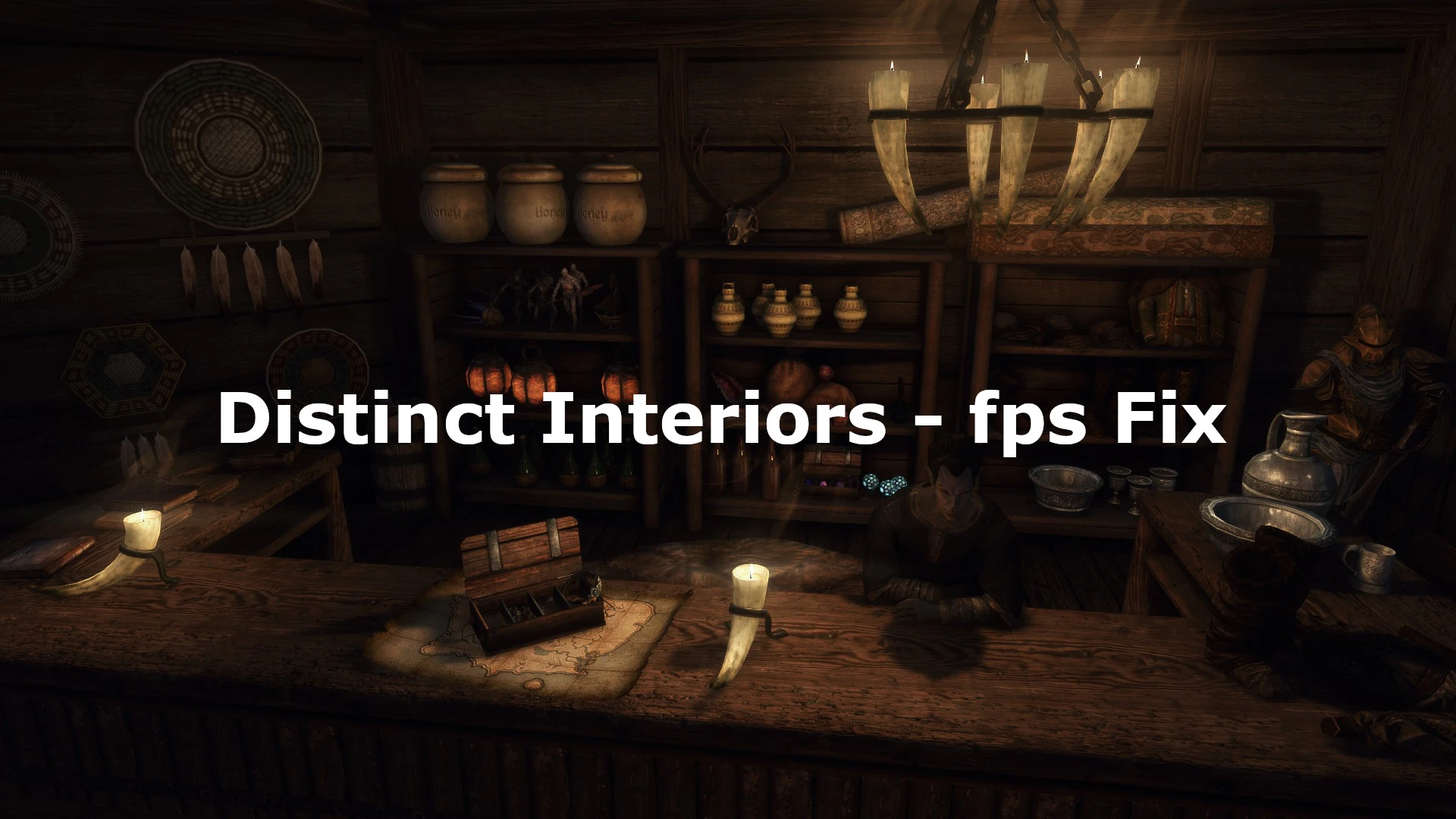
The sudden, huge fps drops that come with Distinct Interiors are now gone.
Without this patch, almost all interiors touched by DI will be very laggy and extremely demanding for your system.
This effect is relatively independant from your specs. Even 2080ti users experienced heavy fps drops. So this fix is absolutely needed!
The new models added by DI are almost completely replaced with optimized meshes. In detail, the collusion boxes have been readjusted and reworked to ensure a smooth gameplay experience. That's necessary, because the collusion boxes from DI are insanely detailed – you can compare it to using 16k textures for a small object.
Well, you definitely don't want collision meshes with a resolution of individual atoms.
But how many fps do you win?
- You'll gain up to 50 fps! Yes, the drops were insane. This allows you to play a stable 60 fps again.
Optional SMIM barrel replacer addon:
Now these barrels aren't filled with tomatoes, potatoes and cabbages anymore, instead they share the beautiful & simple SMIM model.
The wood textures are of higher quality as well as the mesh. All in all you just win.
Installation and Load Order:
1. Original Mod is needed, feel free to give Sokkvabekk an endorsement if you like his awesome work!
2. Simply install this patch with your favorite mod manager and pick your options in the installer.
3. Sort your load order via LOOT.
4. Using a mod to fix all the other bugs in Distinct Interiors is highly recommended! Distinct Interiors - Fixes is the most popluar one.
Alternatively, if you prefer a patch that removes less objects and stays closer to the original mod, you can use this patch (removed player homes &
Thieves Guild) or that hotfix (everything included). But you still need this mod for the FPS fix.
Growl - Werebeasts of Skyrim potentiated these fps issues in combination with Distinct Interiors, due to an activate perk.
--> Growl now received an update (v. 2. 1. 0+) fixing incompatabilities that occur when using Distinct Interiors and Growl together!
The patches are compatible with everything.
The plugins are super lightweight and flagged as ESPFE. Enjoy!
SMIM and Noble Skyrim are strongly recommended.
If you have any suggestions or feedback please leave a comment!
My other mods:
Opulent Thieves Guild - FPS Fix
Armor Variants Expansion - Patch Collection
Thank you Sokkvabekk for Distinct Interiors
Thank you mnikjom for Distinct Interior - Fixes
Thank you LordKhaox123 for your amazing help!
Thank you TMushS for
This bug fix mod addresses severe FPS drops caused by the original Distinct Interiors mod by replacing its poorly optimized custom meshes with reworked models. It's a must-have for players who love Distinct Interiors but suffer performance issues. With 947 endorsements and 280,315 downloads, it's a proven solution.
✨ Key Features
📊 Pros & Cons
✅ Pros
- Community-approved fix with 947 endorsements and over 280k downloads
- Directly addresses a common performance issue, making the original mod playable
- Simple concept: swap bad meshes for better ones, no extra clutter
⚠️ Cons
- Last updated in December 2020 — may not be compatible with newer game versions or other mods
- Only works if you already have Distinct Interiors installed, so it's not a standalone fix
For Skyrim players who love Distinct Interiors but suffer from FPS drops in interiors. If you've avoided the mod due to performance, this fix is essential. Skip if you don't use Distinct Interiors or if you're on a newer game version that might break compatibility.
💡 Beginner Tips
- Make sure you have the original Distinct Interiors mod installed first, then overwrite its files with this fix.
- Use a mod manager like Vortex or Mod Organizer 2 to ensure proper load order and easy uninstallation.
- If you're on Skyrim Special Edition, check if the mod is compatible with your version, as it was last updated in 2020.
📊 Mod Details
- Game
- Skyrim Mods
- Author
- TheHessiJames and TMushS
- Version
- 2.0
- Downloads
- 280,315
- Endorsements
- 947
- Category
- Bug Fixes
- Created
- 10/6/2020
- Updated
- 12/8/2020
🔧 How to Install Skyrim Mods
Download from Nexus.
📖 Full step-by-step install guide for Skyrim →
Visit the official mod page for specific installation instructions for this mod.
🎮 Need cheat codes or console commands? Check ur gaming wiki for Skyrim commands, item IDs, and more.
Keep browsing — more Skyrim mods await