Blacksmith Forge Water xEdit-Synthesis Patch
⚪ Last updated 2023⚠️ Install Order · 5 steps
Install in this order, then this mod last — most mods fail to load without their framework and dependencies in place.
Preview
🔍 Analysis
- 👍 0.1% endorsement rate
- 🏆 #58 of 108 Visuals and Graphics mods in this game by downloads
📋 About This Mod
Description
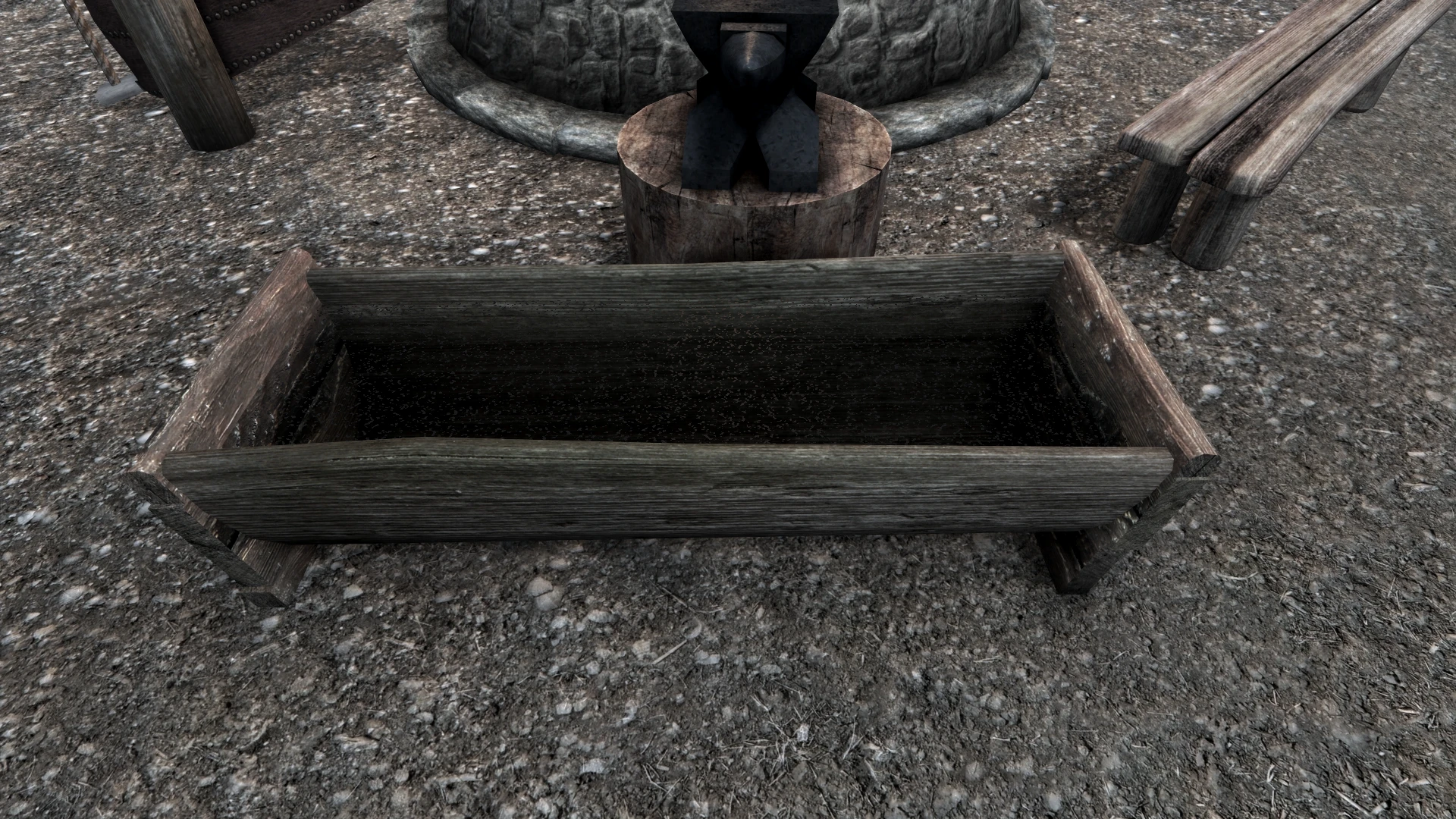
I really like the Blacksmith Forge Water Fix, but I never liked the compatibility factor required. Moving existing forges or adding in new forges always required a patch to adjust the water. I wanted a single patch that accounted for my current load order and put all the water exactly where it needed to go. So I ended up creating an xEdit script to do just that!
All you need to do is run the xEdit script and a customized version of BFWF will be generated for your load order.
Synthesis Installation
Install the meshes first. Load the patch from the download section, or install it from Synthesis and run it with the rest of your patches.
xEdit Installation
Install the meshes first. Put the xEdit script into your xEdit script folder and run xEdit. Make sure you load every mod. Right click on any mod on the left window and click "Apply Script". Select the "Blacksmith Forge Water Patch" script and run it. Once you enter in a filename a custom patch will be generated and tailored to your load order. Close xEdit and save your new plugin.
You can re-create the patch at any time.
NOTE
DO NOT hold shift while loading xEdit. If you bypass building references this script will not function correctly.
Compatibility
Realistic Water Two - RWT has it's own version of the water fix. I've created a patch that will disable that water so that your generated patch will take over once created. If you use this patch you do not need to use the MCM options in the RWT MCM menu.
rolloLG - Created the original Blacksmith Forge Water Fix and allowed me to upload my own version.
Mator - Without his scripts as a reference I would have never figured this stuff out
ElminsterAU - xEdit and his script guide were a godsend
This utility patch applies Blacksmith Forge water visuals to all new and existing locations in Skyrim, ensuring consistent water appearance across the game world. It's a lightweight tool for modders and players using the xEdit or Synthesis patching tools, with 1,872 endorsements and 1.7 million downloads.
✨ Key Features
📊 Pros & Cons
✅ Pros
- Huge community trust: 1,872 endorsements and 1.7M downloads
- Solves a common visual inconsistency without manual editing
- Works with both xEdit and Synthesis, flexible for different workflows
⚠️ Cons
- Requires familiarity with xEdit or Synthesis to use effectively
- Last updated in 2023, may not support the latest Skyrim version or DLCs
For Skyrim modders and players who want consistent water visuals in Blacksmith Forges without manual patching. Ideal if you already use xEdit or Synthesis. Skip if you're not comfortable with patching tools or prefer simple mods.
💡 Beginner Tips
- If you're new to Synthesis, watch a tutorial on how to set up and run patchers before using this mod.
- Run this patch after your other mods are loaded to ensure it covers all locations added by other mods.
- Make sure your game version matches the mod's last update (2023) to avoid compatibility issues.
📊 Mod Details
- Game
- Skyrim Mods
- Author
- Sandman53
- Version
- 1.5
- Downloads
- 1,662,187
- Endorsements
- 1,872
- Category
- Visuals and Graphics
- Created
- 10/17/2019
- Updated
- 7/16/2023
🔧 How to Install Skyrim Mods
Download from Nexus.
📖 Full step-by-step install guide for Skyrim →
Visit the official mod page for specific installation instructions for this mod.
🎮 Need cheat codes or console commands? Check ur gaming wiki for Skyrim commands, item IDs, and more.
Keep browsing — more Skyrim mods await