Beyond Skyrim Loading Screen Conditions
⚪ Last updated 2020⚠️ Install Order · 5 steps
Install in this order, then this mod last — most mods fail to load without their framework and dependencies in place.
Preview
🔍 Analysis
- 👍 0.7% endorsement rate
- 🏆 #20 of 40 Miscellaneous mods in this game by downloads
📋 About This Mod
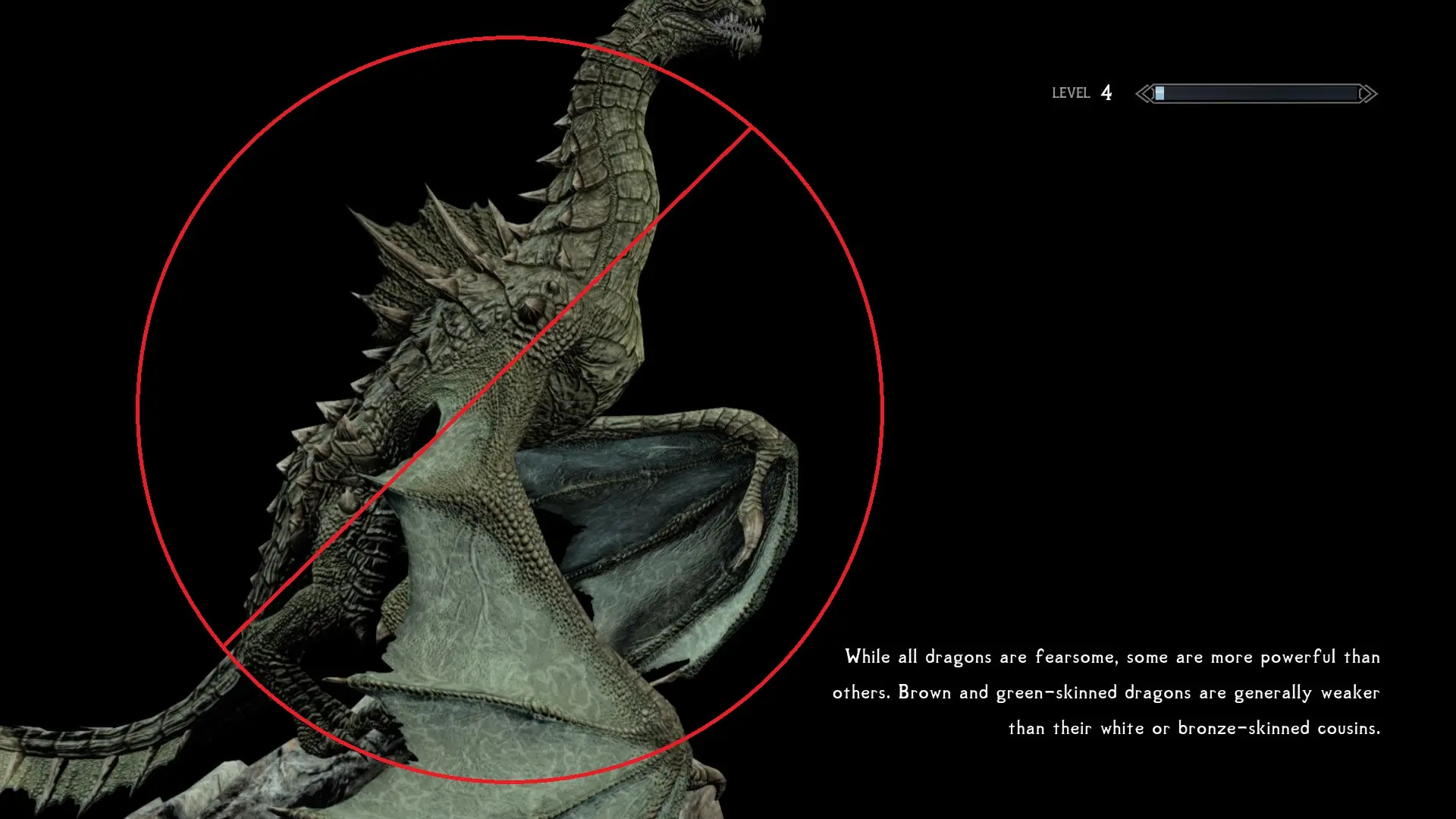
This simple mod edits the conditions on loading screens for both Vanilla and Bruma, so you're not bombarded with information about the Mammoths of Skyrim while you're exploring an Ayleid ruin, and vice versa. Does not affect 'generic' loading screens such as game-play mechanic ones, ones containing lore/tips that could universally apply, or ones that already were restricted to certain conditions.
I plan to update this mod further as more BS projects release.
Installation
First, install USSEP (Required for the Vanilla module, as USSEP fixes some of the edited records.)
Then, install both the Vanilla module and the Bruma module by downloading and installing with the mod manager of your choice (Recommended) or manually extract to your Data folder.
Compatibility
Should be compatible with anything that doesn't also edit the loading screens. Mods that replace the visuals of a loading screen should be compatible, so long as they only edit the model that the screen was already pointing to. Mods that add more loading screens are compatible, but will be subject to their own conditions and a consistency patch may be warranted. Forwards the changes from the Ayleid Loading Screen Hotfix.
I now have a patreon, if you enjoy my mods and would like to support me, I would greatly appreciate it. However, my mods will never be paywalled or offered early to patrons, so don't worry. It's purely to help me have to focus less on real life and more on modding.
This mod adds extra conditions to both Vanilla and Beyond Skyrim: Bruma loading screens, ensuring they only appear in appropriate areas. It's a small quality-of-life tweak for players who want more immersive loading screens, with 157 endorsements and last updated in November 2020.
✨ Key Features
📊 Pros & Cons
✅ Pros
- Community-approved (157 endorsements) and well-downloaded (21,610 downloads)
- Simple concept that improves immersion without changing gameplay
- Works for both Vanilla and Bruma, so it's useful for Beyond Skyrim players
⚠️ Cons
- Last updated in 2020, so it may not be compatible with the latest game patches or Bruma updates
- Niche appeal – only affects loading screen variety, not a major gameplay or visual overhaul
- Potential conflicts with other mods that alter loading screens or their conditions
For Skyrim players who use Beyond Skyrim: Bruma and want loading screens to make sense based on location. Also for immersion enthusiasts who notice when a Bruma loading screen pops up in Skyrim. Skip if you don't care about loading screen context or don't use Bruma.
💡 Beginner Tips
- If you use a mod manager like Vortex or MO2, just download and install – it's a simple plugin.
- Make sure you have Beyond Skyrim: Bruma installed for the Bruma-specific conditions to work.
- Place this mod after other loading screen mods in your load order to ensure its conditions apply.
📊 Mod Details
- Game
- Skyrim Mods
- Author
- UltimateGaymer
- Version
- 1.0
- Downloads
- 21,610
- Endorsements
- 157
- Category
- Miscellaneous
- Created
- 11/16/2020
- Updated
- 11/16/2020
🔧 How to Install Skyrim Mods
Download from Nexus.
📖 Full step-by-step install guide for Skyrim →
Visit the official mod page for specific installation instructions for this mod.
🎮 Need cheat codes or console commands? Check ur gaming wiki for Skyrim commands, item IDs, and more.
Keep browsing — more Skyrim mods await