Anniversary Edition and Creation Club - Everything Upscaled
⚪ Last updated 2021⚠️ Install Order · 5 steps
Install in this order, then this mod last — most mods fail to load without their framework and dependencies in place.
🖼️ Gallery (12 images)






🔍 Analysis
- 👍 0.5% endorsement rate
- 🏆 #19 of 401 Models and Textures mods in this game by downloads
📋 About This Mod
Description
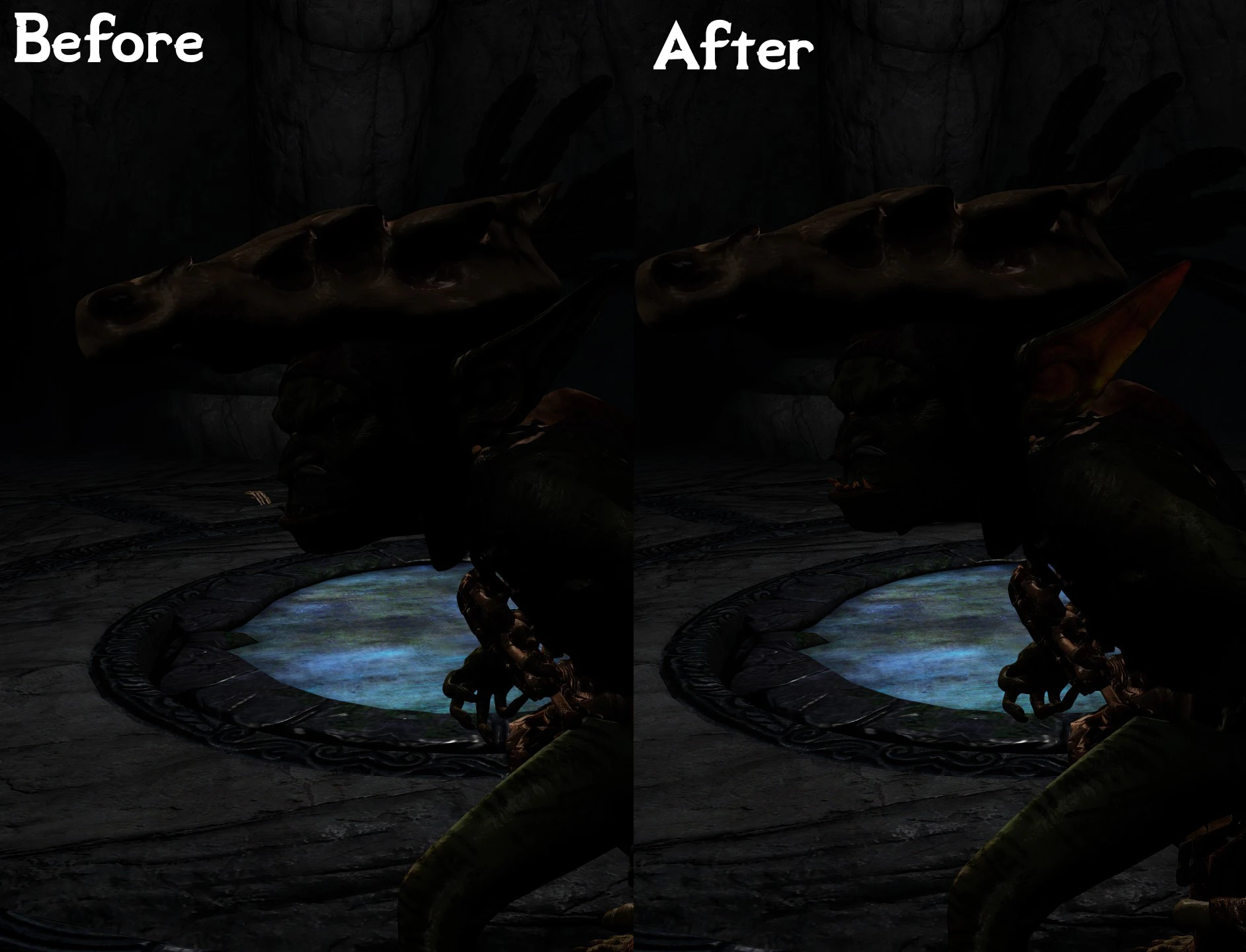
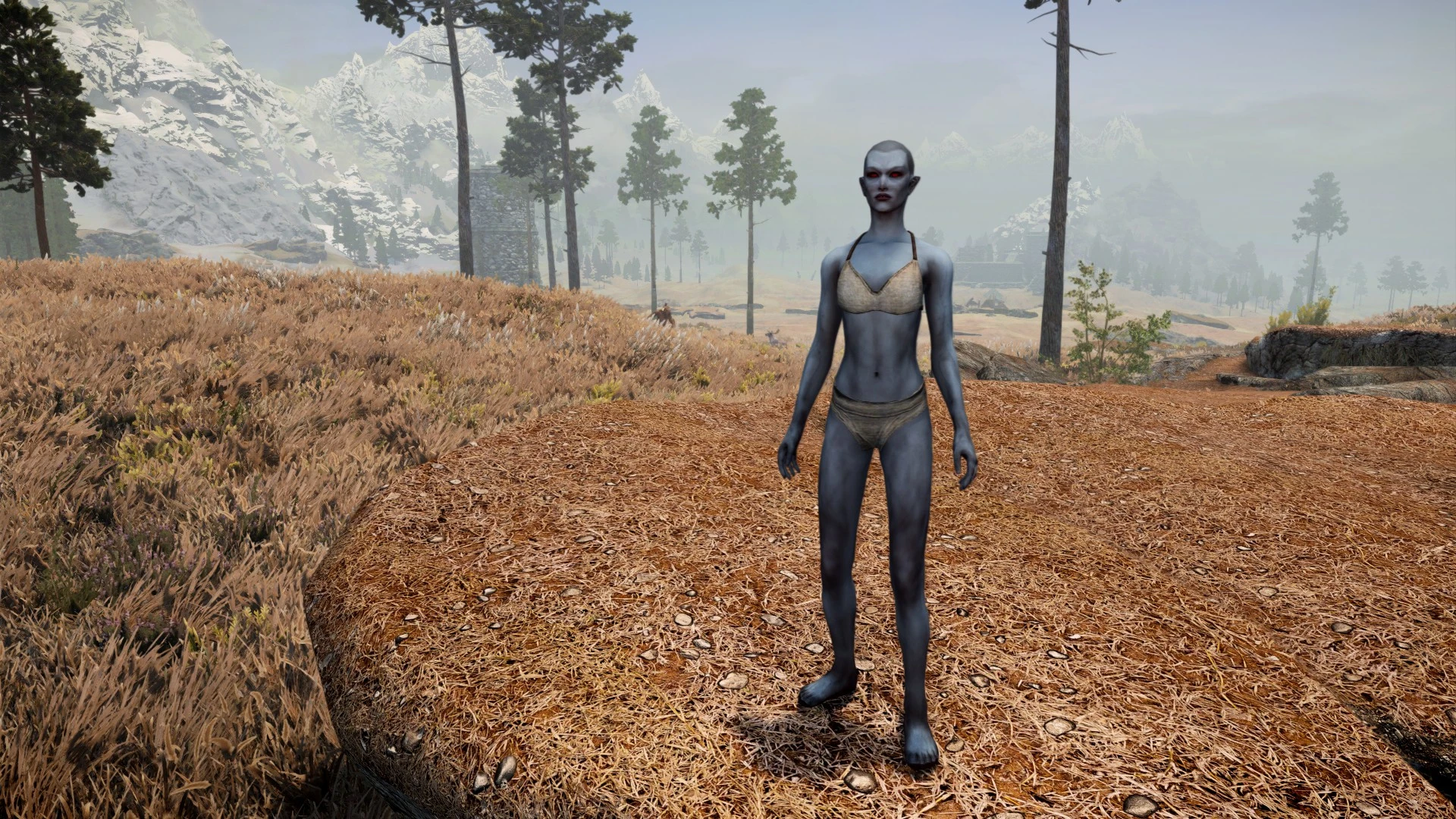
Just in time for Anniversary Edition - Every texture for every Creation Club mod upscaled, maximum size is 4K, textures that were already 4K have been cleaned and saved with a lower compression.
Installation
Download all three rar files and drop them in your Skyrim Special Edition\Data folder and unzip them all. You can delete the rars when you're done. See optional files for downloads for individual creations.
Q: Can you upload a version with X resolution and Y compression?
A: Use Cathedral Assets Optimiser instead, run it on your textures/creationclub folder with the appropriate compression and resizing settings.
This mod upscales every texture from every Creation Club mod to a maximum of 4K, and cleans existing 4K textures with lower compression. It's a comprehensive visual upgrade for Skyrim Special Edition players who own Creation Club content, with over 1,200 endorsements and 240,000 downloads.
✨ Key Features
📊 Pros & Cons
✅ Pros
- Huge community trust: 1,227 endorsements and 240k downloads show this is a go-to for CC texture overhauls.
- Covers ALL Creation Club mods, so you don't need separate texture packs for each one.
- Cleaning existing 4K textures with lower compression means better performance without losing visual quality.
⚠️ Cons
- Last updated in November 2021 — might not cover newer Creation Club releases or the latest game patches.
- Upscaling to 4K can be VRAM-heavy; players with lower-end GPUs might see performance hits.
For Skyrim Special Edition players who own Creation Club content and want a unified visual upgrade without juggling multiple texture packs. Perfect for modders who want high-res textures but don't want to spend time optimizing each one. Skip if you don't use Creation Club mods or prefer a vanilla look.
💡 Beginner Tips
- Use a mod manager like Vortex or Mod Organizer 2 to install this mod, as manual extraction can overwrite important files.
- Place this mod after other texture mods in your load order to ensure it takes priority.
- If you have a mid-range GPU, consider using the 2K version (if available) to save VRAM while still getting improved textures.
📊 Mod Details
- Game
- Skyrim Mods
- Author
- HeartAttackMan
- Version
- 2.0
- Downloads
- 240,256
- Endorsements
- 1,227
- Category
- Models and Textures
- Created
- 11/9/2021
- Updated
- 11/29/2021
🔧 How to Install Skyrim Mods
Download from Nexus.
📖 Full step-by-step install guide for Skyrim →
Visit the official mod page for specific installation instructions for this mod.
🎮 Need cheat codes or console commands? Check ur gaming wiki for Skyrim commands, item IDs, and more.
Keep browsing — more Skyrim mods await