Unique Region Names - Dragonborn
⚪ Last updated 2013⚠️ Install Order · 3 steps
Install in this order, then this mod last — most mods fail to load without their framework and dependencies in place.
Preview
🔍 Analysis
- 👍 7.4% endorsement rate — high engagement, a strong quality signal
- 🏆 #60 of 70 Miscellaneous mods in this game by downloads
📋 About This Mod
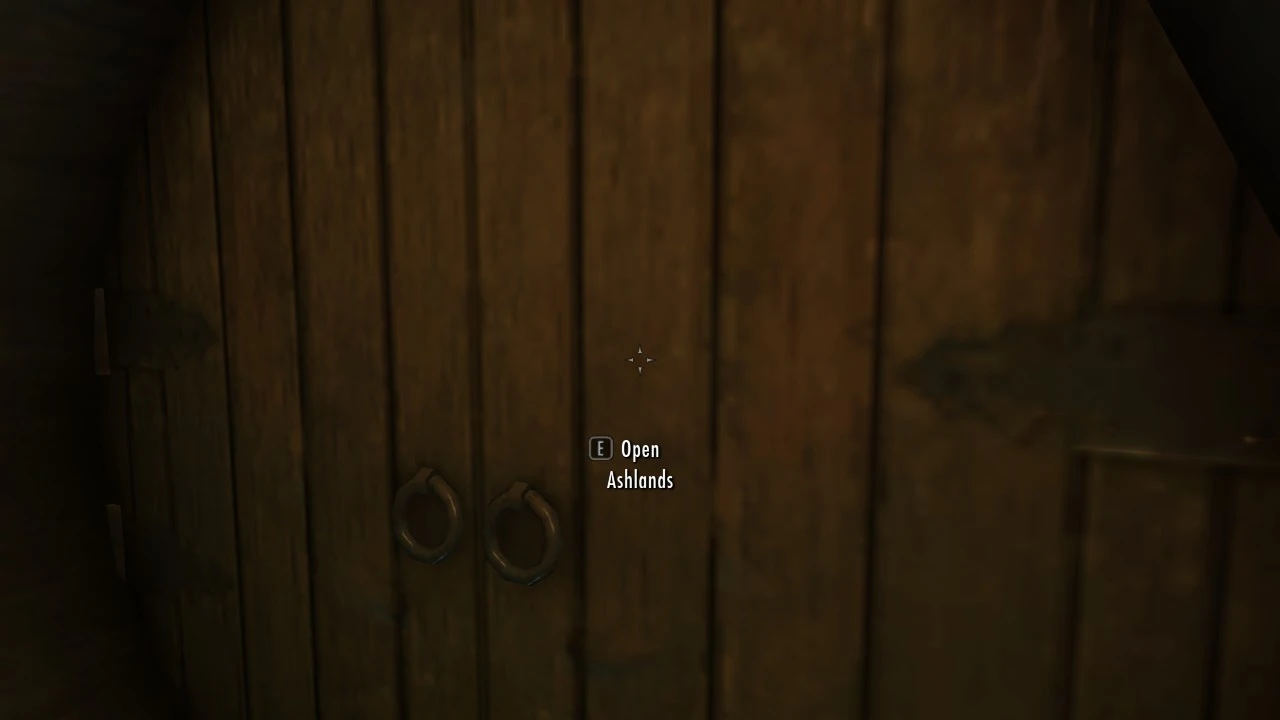
This mod overrides the \"Solstheim\" text displayed on your saves and interface with the region or town you\'re currently in. Currently, the regions implemented are: -Ashlands -Moesring Mountains -Isinfier Plains -Felsaad Coast -Raven Rock -Skaal Village This mod edits weather regions, so it will not be compatible with mods that overhaul the weather on Solstheim. Requires Dragonborn. But I\'m sure you already figured that out. See Unique Region Names for the Skyrim version.
This small utility mod replaces the generic 'Solstheim' label on your save files and interface with the specific region or town you're currently in, adding a touch of immersion for Dragonborn players. It's a simple, community-approved tweak with over 1,100 endorsements, last updated in 2013.
✨ Key Features
📊 Pros & Cons
✅ Pros
- Nice quality-of-life touch for immersion—no more generic 'Solstheim' on every save.
- Tiny footprint, so it won't affect performance or conflict with most mods.
- Proven track record: 1,103 endorsements from a niche utility mod.
⚠️ Cons
- Last updated in 2013—may not be compatible with the latest Skyrim Special Edition or Anniversary Edition updates.
- Only affects the displayed text, so if you're looking for gameplay changes, this isn't it.
For Skyrim players who want a bit more immersion in their save files and UI, especially those who spend a lot of time on Solstheim. Skip if you're on the latest Skyrim version without a compatibility patch, or if you prefer gameplay-altering mods.
💡 Beginner Tips
- If you're using a mod manager like Vortex or Mod Organizer 2, just download and enable—it's a simple plugin override.
- Check if the mod has been updated or patched by the community for Special Edition, since the original is from 2013.
- Load order shouldn't matter much, but place it after other UI mods to ensure the text override takes effect.
📊 Mod Details
- Game
- Skyrim LE Mods
- Author
- Thingy Person
- Version
- 1.1
- Downloads
- 14,907
- Endorsements
- 1,103
- Category
- Miscellaneous
- Created
- 2/10/2013
- Updated
- 5/22/2013
🔧 How to Install Skyrim LE Mods
Download from Nexus.
📖 Full step-by-step install guide for Skyrim LE →
Visit the official mod page for specific installation instructions for this mod.
🎮 Need cheat codes or console commands? Check ur gaming wiki for Skyrim LE commands, item IDs, and more.
Keep browsing — more Skyrim LE mods await