Randomized Word Walls
⚪ Last updated 2013⚠️ Install Order · 3 steps
Install in this order, then this mod last — most mods fail to load without their framework and dependencies in place.
Preview
🔍 Analysis
- 👍 2.5% endorsement rate — high engagement, a strong quality signal
📋 About This Mod
Exploration is a big part of Skyrim, but after a dozen or so playthroughs I know which dungeon hosts which word. This bothered me, so I decided to do something about it.
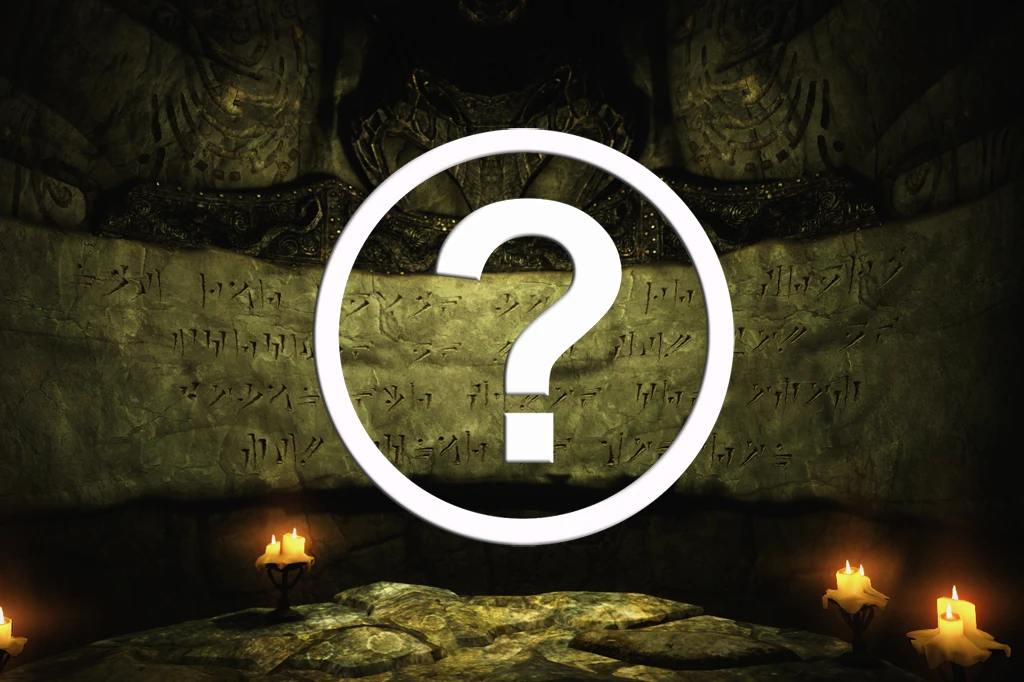
This mod shuffles the Words of Power in Skyrim around, meaning you might learn Storm Call instead of Become Ethereal while retrieving the Horn of Jurgen Windcaller. Walls that will not be included at all are:
- Bleakfalls Barrow's Unrelenting Force, because it would break the related quest.
- Shearpoint's Throw Voice wall, because its a three-in-one wall.
- DLC walls, due to scripting issues and laziness.
You need to install this on a new, preferably unmodded save. Once the script has done its job you can install more mods. To improve stability and speed of the script, check the .ini edit bellow.
How it works: When you start the game, you are given a power called Randomize Word Walls. When you cast it, the randomization process begins.
Things to keep in mind before casting the spell: - Make sure you are in a safe place. You should more or less go AFK while the script is working, so you don't want combat to start. The optimal place would be right after you've slain the bear during the Helgen attack. - You should run this on a fresh save, without any other mods installed. Once the script is finished you can install more mods. - Be sure you are no where near a word wall. - Save the game before casting. - The changes done to your playthrough cannot be reversed, even by uninstalling the mod.
When the script finishes, it also stops any running script and removes the Randomize Word Walls power, making it rather "safe" to uninstall, though uninstalling any mod is not recommended.
Sugested .ini edit: In Skyrim.ini add/edit:
fUpdateBudgetMS=800 fExtraTaskletBudgetMS=800 fPostLoadUpdateTimeMS=2000 iMinMemoryPageSize=256 iMaxMemoryPageSize=512 iMaxAllocatedMemoryBytes=2457600
You can find the Skyrim.ini file in the Documents/My Games/Skyrim folder. If the "-line already exists, do not include it. The same goes for every line.
Installation: - Download with NMM or install manually.
Uninstallation: - If you've cast the spell, just remove the mod using NMM or remove it from the Data folder, along with the . BSA package. - If you haven't cast the spell, do it and select the unistall option. Then do the step above. - Keep in mind that uninstalling any mod may cause instability in your save.
"This sounds fun and all, but is there any way I can check if the mod works before I start a new game?" Yes there is actually. Just follow the steps bellow: - Start the game. While
Randomized Word Walls shuffles the locations of Skyrim's word walls, ensuring each playthrough offers a unique arrangement of shouts. This mod is for players seeking to refresh their exploration experience by discovering shouts in unexpected places. With 882 endorsements and a long-standing presence since 2013, it remains a popular choice for variety.
✨ Key Features
📊 Pros & Cons
✅ Pros
- Community favorite with 882 endorsements and over 34k downloads.
- Adds a fresh twist to exploration for veteran players who know every word wall location.
- Simple concept that delivers on its promise of unique playthroughs.
⚠️ Cons
- Last updated in 2013, so compatibility with the Special Edition or Anniversary Edition is uncertain.
- May conflict with other mods that alter word walls or shout locations.
For Skyrim veterans who have memorized every word wall location and want a fresh challenge. Also for players who enjoy replaying the game with randomized elements. Skip if you prefer a curated experience or use mods that depend on specific shout locations.
💡 Beginner Tips
- If you're using the Special Edition, check if the mod has been ported or use a mod manager to handle compatibility.
- Make a save before installing so you can revert if you encounter issues with shout progression.
- Pair with a mod that tracks discovered shouts to keep track of your randomized progress.
📊 Mod Details
- Game
- Skyrim LE Mods
- Author
- Sjogga
- Version
- 1.0
- Downloads
- 34,657
- Endorsements
- 882
- Category
- Dungeons - Vanilla
- Created
- 10/2/2013
- Updated
- 10/2/2013
🔧 How to Install Skyrim LE Mods
Download from Nexus.
📖 Full step-by-step install guide for Skyrim LE →
Visit the official mod page for specific installation instructions for this mod.
🎮 Need cheat codes or console commands? Check ur gaming wiki for Skyrim LE commands, item IDs, and more.
Keep browsing — more Skyrim LE mods await