Poser Hotkeys
⚪ Last updated 2016⚠️ Install Order · 3 steps
Install in this order, then this mod last — most mods fail to load without their framework and dependencies in place.
Preview
🔍 Analysis
- 👍 3.2% endorsement rate — high engagement, a strong quality signal
- 🏆 #93 of 118 Animation mods in this game by downloads
📋 About This Mod
Requirements
-
[]SKSE 1. 7. 3+
[
]PapyrusUtil 3. 2+[]MFG Console 1. 1+
[]SkyUI 4. 0+ (just for MCM, SkyUI-Away should work fine)
[]At least one Poser and FNIS*
** FNIS is required to add animations and poses to your game. Please read the FNIS mod page for instructions on how to use it.
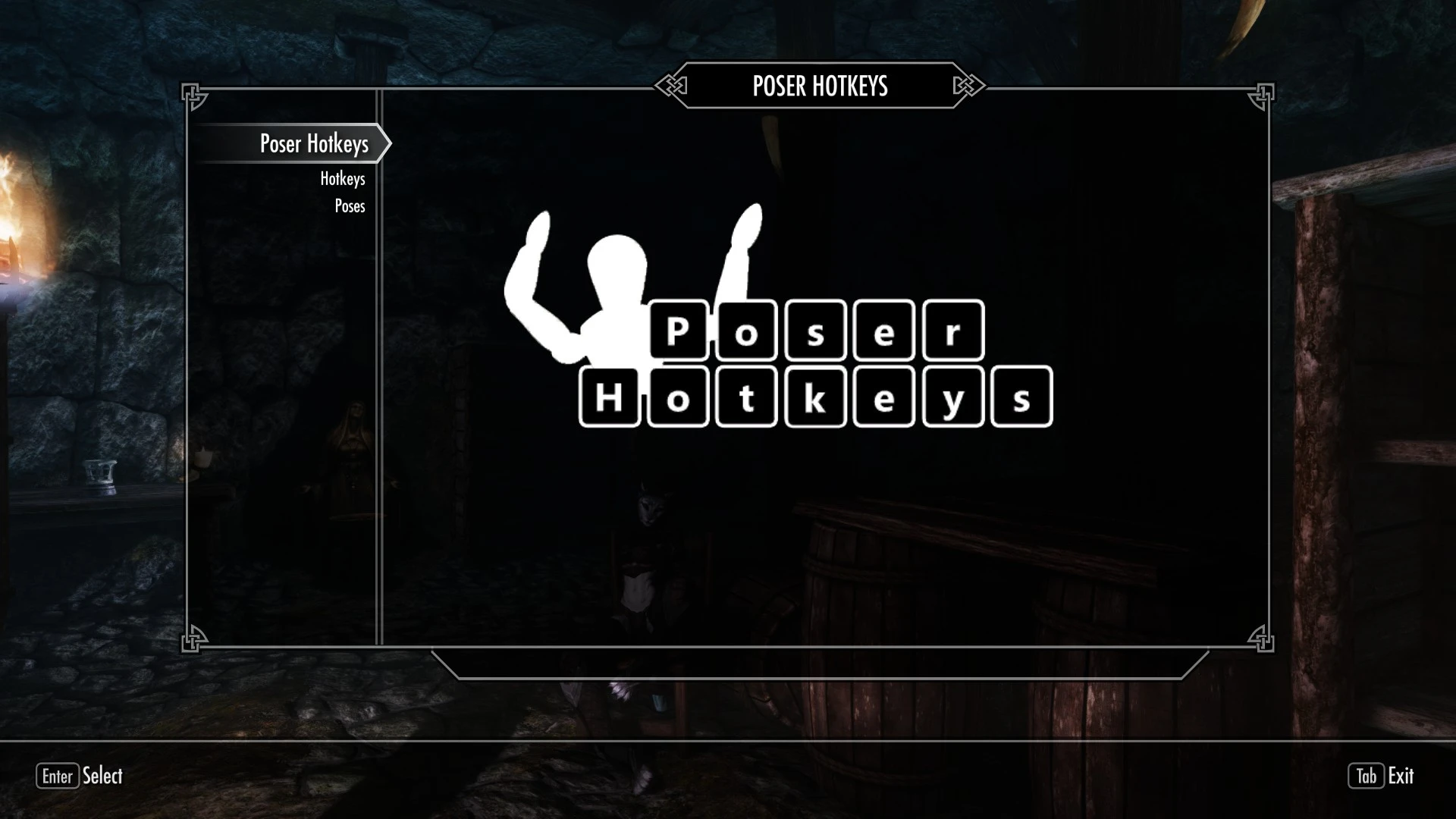
Poser Hotkeys adds a configurable hotkey MCM menu that lets you select, favorite, and play poses on the Player and NPCs. The installer can add support for several popular posers out of the box and there is an optional utility program that can add support for other posers found in the Optional Files section.
Installation
Poser Hotkeys comes with a FOMOD installer to automate installation. If you are installing manually, drag the “Data” folder from within the archive into your Skyrim directory, select data files from the PoserData folder matching any posers you have installed and place them in Data\SKSE\Plugins\PoserHotKeys\PoserData\ then activate the plugin using the mod manager of your choice. In game, you should see a new MCM menu called “Poser Hotkeys” which allows you to set hotkeys and browse installed poses.
If you select the option to install "Animation Objects - Merged.esp" you can deactivate many of the poser plugin files while maintaining the ability to see the added animation objects in the poses. This should help people lower the esp count on large load orders. It also stops the game from adding tons of rings and spells to the player when the game first loads. The poser assets are still required. They are not included here. For example, any meshes or textures added by the posers still need to be in your Data folder. This is only a replacement for the esp files. All of the posers that have pre-generated data in the installer should have had their animation object records added to the single "Animation Objects - Merged" plugin file.
Uninstallation
It should be safe to uninstall Poser Hotkeys at any time. Please be sure that any poses on NPCs have been cleared or else they may permanently be stuck. There are no lingering scripts or scheduled update ticks within this mod.
You can adjust hotkeys on the Hotkeys page if you don’t like the defaults. If you want to save your hotkeys and settings for later, go to the Data
Poser Hotkeys lets you assign hotkeys to cycle through animations, poses, and facial expressions on both the player and NPCs. With 3,740 endorsements and 118,164 downloads, it's a popular tool for roleplayers and screenshot enthusiasts. Last updated in 2016, it may have compatibility issues with newer game versions.
✨ Key Features
📊 Pros & Cons
✅ Pros
- Huge community trust with 3,740 endorsements and over 118k downloads.
- Opens up creative possibilities for roleplay and screenshot sessions.
- Simple concept that does exactly what it says—no bloat.
⚠️ Cons
- Last updated in 2016—likely outdated for current game patches.
- May conflict with other hotkey mods if you're running a full load order.
For roleplayers and screenshot artists who want quick access to poses and expressions without menu diving. Also great for machinima creators. Skip if you're on a newer game version and don't want to troubleshoot compatibility.
💡 Beginner Tips
- Check if your game version is compatible—this mod hasn't been updated since 2016, so it might not work on the latest patch.
- Test hotkeys in a safe save before using them in important scenes to avoid accidental animation switches.
- If you use other hotkey mods, assign unique keys to prevent conflicts.
📊 Mod Details
- Game
- Skyrim LE Mods
- Author
- mzin
- Version
- 1.06
- Downloads
- 118,164
- Endorsements
- 3,740
- Category
- Animation
- Created
- 1/13/2016
- Updated
- 8/3/2016
🔗 Required By 1 Mod
These mods list this mod as a dependency.
🔧 How to Install Skyrim LE Mods
Download from Nexus.
📖 Full step-by-step install guide for Skyrim LE →
Visit the official mod page for specific installation instructions for this mod.
🎮 Need cheat codes or console commands? Check ur gaming wiki for Skyrim LE commands, item IDs, and more.
Keep browsing — more Skyrim LE mods await