Immersive First Person View
⚪ Last updated 2016⚠️ Install Order · 3 steps
Install in this order, then this mod last — most mods fail to load without their framework and dependencies in place.
Preview
🔍 Analysis
- 👍 4.0% endorsement rate — high engagement, a strong quality signal
- 🏆 #14 of 147 Immersion mods in this game by downloads
📋 About This Mod
1. Description
2. Requirements
3. Installing
4. Uninstalling
5. Compatibility & issues
6. Credits
7. Similar mods
8. Changelog
1. Description
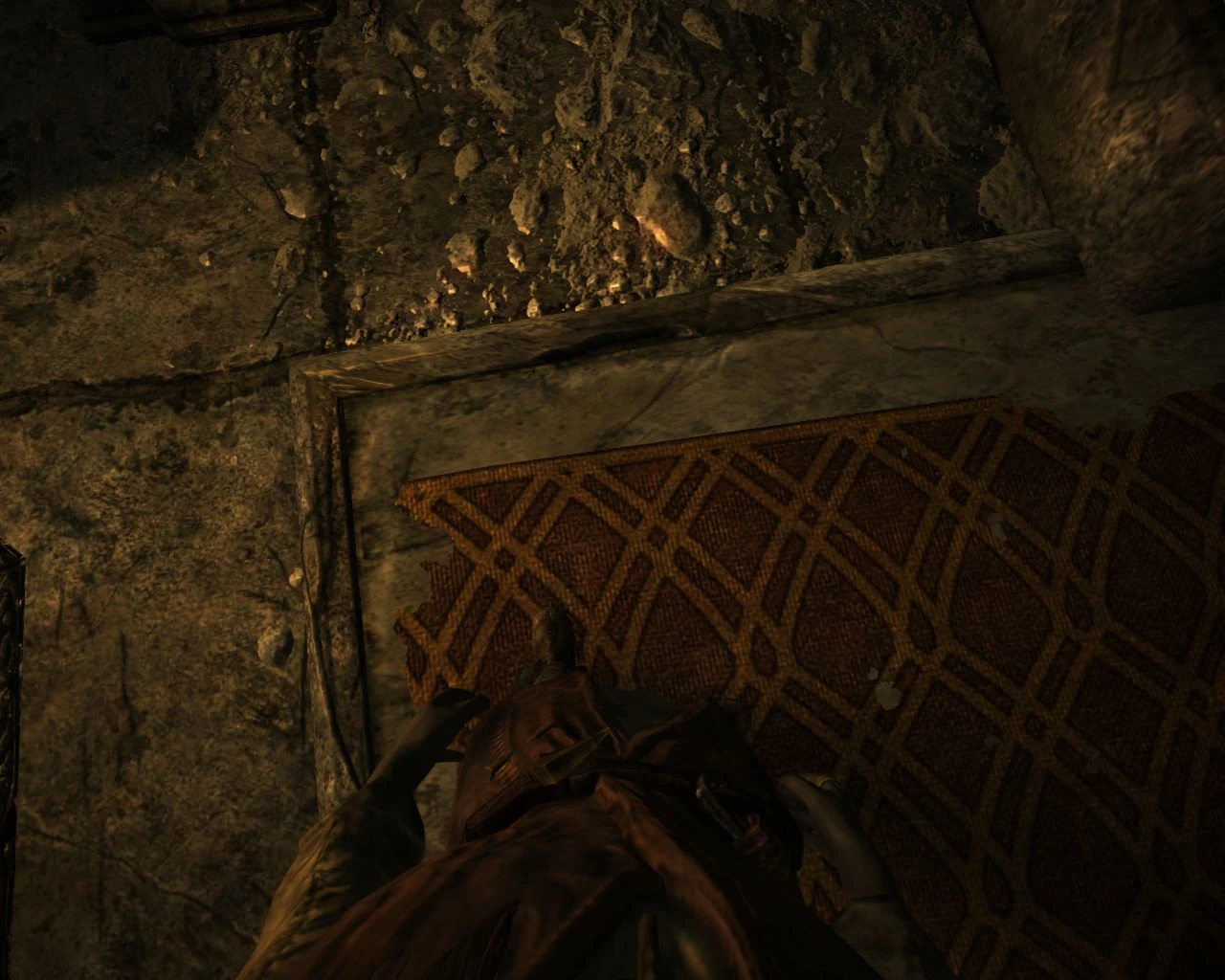
See exactly what your character sees. Look at screenshots or videos for what the mod does. :)
As of 2. 0 the mod no longer has a MCM or ESP. It's now a pure SKSE plugin. There is a text file for configuration in Data/SKSE/Plugins/FirstPersonPlugin.txt
Press Numpad 8 to reload configuration file during playing. You can configure this key in the file as well.
Press Numpad 4 to toggle helmet view. This only makes sense with open face helmets.
2. Requirements
SKSE 1. 6. 16 or higher: http://skse.silverlock.org/
Skyrim latest version
3. Installing
Exctract Data folder over your Skyrim Data folder or use a mod manager to install.
4. Uninstalling
Make sure you are not in IFPV when you save game (so headtracking is reset). Then remove files you added when installing or use a mod manager.
5. Compatibility & issues
Doesn't work properly with 360 degree animations! If you see your character face when running backwards you are using 360 animations.
If nothing happens in game when you switch to first person you must install latest version of SKSE. If you are installing with MO make sure the DLL file ends up in Data/SKSE/Plugins. You may have to manually do this. You can also try starting SKSE loader with administrator privileges.
See comments / posts section for solutions to other problems.
6. Credits
All people who test and report bugs.
7. Similar mods
Skyrim - Enhanced Camera
The Joy of Perspective
8. Changelog
3. 4 - 09/04/2016
[]Setting near clip dynamically based on the angle where you look (up or down). See the three profiles above Main.[/]
[]Added lower near clip value indoors.[/]
[]Added option to increase vertical angle restriction past 90 degrees so you can look at your own body better.[/]
[*]When you are looking ahead then near clip value is not modified at all (default 15). Should remove all mountain flicker or ENB brightness weirdness. However if you look down you may notice the near clip value change at 45 degrees if you have ENB. Best fix is to re-enable ne
Immersive First Person View is a highly popular immersion mod for Skyrim that lets you see exactly what your character sees through their eyes. It features a toggleable hotkey and many customization options. With over 65,000 endorsements and 1.6 million downloads, it's a community favorite, though it hasn't been updated since 2016.
✨ Key Features
📊 Pros & Cons
✅ Pros
- Massive community trust with 65,312 endorsements and 1.6 million downloads
- Enhances immersion by showing the world from your character's perspective
- Hotkey toggle and customization options give you control over the experience
⚠️ Cons
- Last updated in 2016 — may have compatibility issues with current Skyrim versions
- Requires SKSE and SkyUI for full functionality (not explicitly stated but commonly needed)
For Skyrim players who want a deeper first-person experience and feel more connected to their character. Perfect for roleplayers and immersion enthusiasts. Skip if you prefer third-person or don't want to deal with potential compatibility tweaks.
💡 Beginner Tips
- Make sure you have SKSE installed, as this mod relies on it for many features.
- Use a mod manager like Vortex or Mod Organizer 2 to avoid overwriting files.
- Check the mod's forum posts for compatibility patches if you use other camera or immersion mods.
📊 Mod Details
- Game
- Skyrim LE Mods
- Author
- meh321
- Version
- 3.4
- Downloads
- 1,635,571
- Endorsements
- 65,312
- Category
- Immersion
- Created
- 12/21/2013
- Updated
- 4/9/2016
🔗 Required By 1 Mod
These mods list this mod as a dependency.
🔧 How to Install Skyrim LE Mods
Download from Nexus.
📖 Full step-by-step install guide for Skyrim LE →
Visit the official mod page for specific installation instructions for this mod.
🎮 Need cheat codes or console commands? Check ur gaming wiki for Skyrim LE commands, item IDs, and more.
Keep browsing — more Skyrim LE mods await