FNIS Copy and Execute
⚪ Last updated 2013⚠️ Install Order · 3 steps
Install in this order, then this mod last — most mods fail to load without their framework and dependencies in place.
Preview
🔍 Analysis
- 👍 9.0% endorsement rate — high engagement, a strong quality signal
- 🏆 #7 of 41 Utilities mods in this game by downloads
📋 About This Mod
WHAT IS IT? This little program is a tool I wrote for my personal use. I just hated to have to browse for that FNIS Generator in Data files.
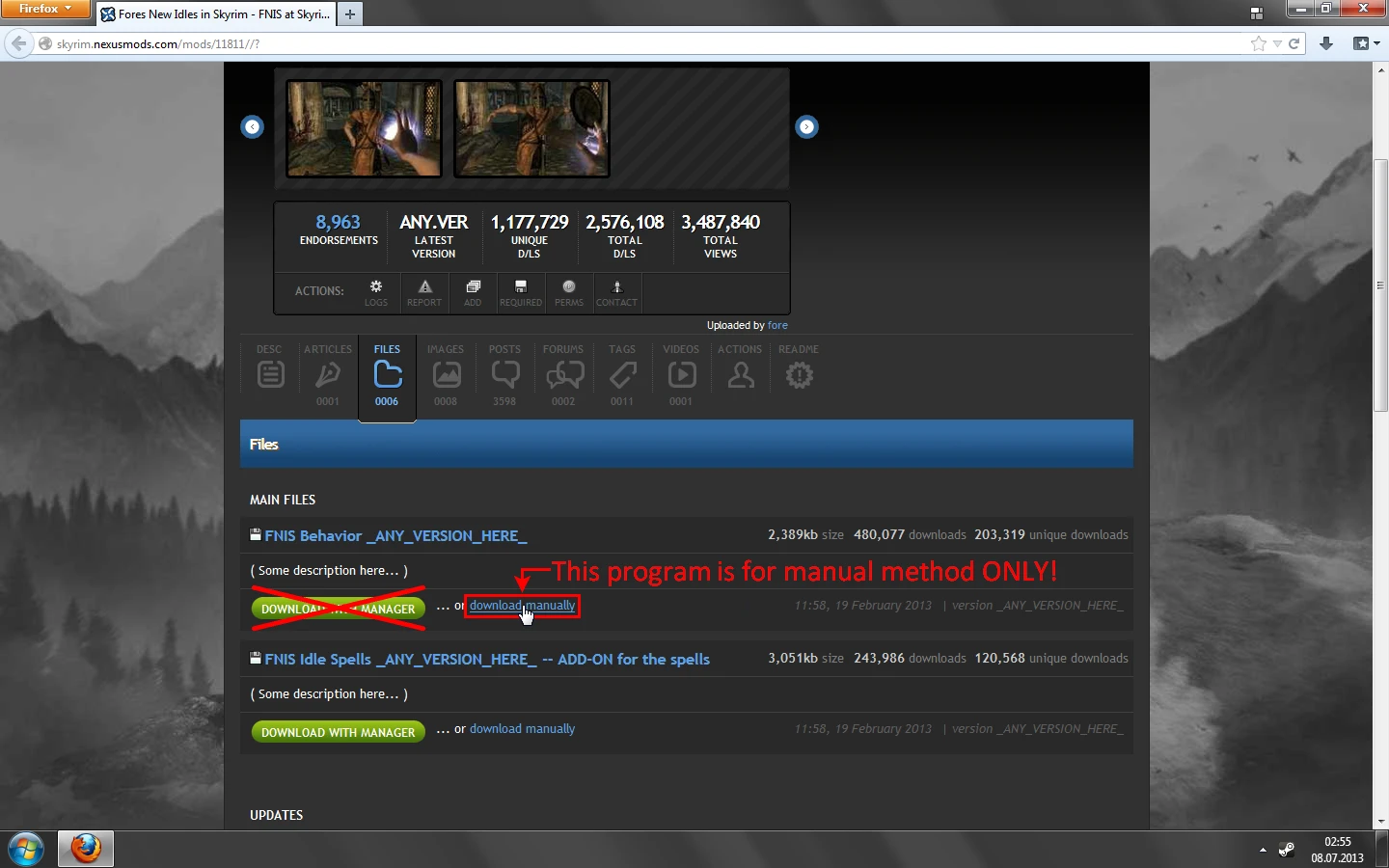
(IN)COMPATIBILITIES It should work with any version of FNIS. Also those yet to come. If it doesn't, I will update it. It will NOT work with Nexus Mod Manager. It's only for people who install manually. I dislike NMM, deal with it.
WHAT IT DOES? It automates the process of installing FNIS. At least a little. First it handles copying FNIS files to where they should be. Then it starts GenerateFNISForUsers.exe for you, so you don't need to look for the file yourself.
HOW TO USE IT? 1. Download FNIS and extract it from archive 2. Open what was extracted and locate the Data folder in it 3. Place FNIS_Setup.exe next to the Data folder 4. Again, make sure that Data folder and FNIS_Setup.exe are in the same directory 5. Execute FNIS_Setup.exe (which will copy FNIS files and launch FNIS Generator) 6. Now make sure all FNIS-dependent mods are installed and use FNIS Generator
ADDITIONAL NOTES The program runs many many checks before it does anything. It's because I want it to be as idiot-proof as possible. If it encounters any problems, it will do nothing but giving you an error message. If you get an error, it's totally your fault. Read the error message to figure out, what exactly is wrong. If there is a problem with finding your game in registry, start Skyrim Launcher.exe, exit it, and try my program again. Other errors are not as easy to get by. Use your brain to fix it. Or just don't use my program, simple :)
FNIS Copy and Execute is a utility that automates the process of copying FNIS files and running the FNIS Generator after. It streamlines the animation mod setup for Skyrim modders, saving time and reducing manual steps. With 1,167 endorsements and 12,929 downloads, it's a community-trusted tool, though it hasn't been updated since 2013.
✨ Key Features
📊 Pros & Cons
✅ Pros
- Community-approved with 1,167 endorsements and 12,929 downloads
- Saves time by automating repetitive steps
- Simple utility that does exactly what it says
⚠️ Cons
- Last updated in 2013, so it may not work with newer Skyrim versions or FNIS updates
- Only works with FNIS, so it's useless if you don't use that animation framework
- Potential compatibility risk with modern mod setups or Skyrim Special Edition
For Skyrim modders who use FNIS and want to cut down on the manual copy-and-run routine. If you're tired of doing the same steps every time you add an animation mod, this tool is for you. Skip it if you don't use FNIS or if you're on a newer Skyrim version that might not be compatible.
💡 Beginner Tips
- Make sure you have FNIS installed and configured before using this tool, as it relies on FNIS's file structure.
- Run the tool from the same directory as your FNIS executable to ensure it finds the right files.
- If you're using a mod manager, consider adding this as a custom executable for one-click runs.
📊 Mod Details
- Game
- Skyrim LE Mods
- Author
- Erundil
- Version
- 1.2
- Downloads
- 12,929
- Endorsements
- 1,167
- Category
- Utilities
- Created
- 7/8/2013
- Updated
- 7/20/2013
🔧 How to Install Skyrim LE Mods
Download from Nexus.
📖 Full step-by-step install guide for Skyrim LE →
Visit the official mod page for specific installation instructions for this mod.
🎮 Need cheat codes or console commands? Check ur gaming wiki for Skyrim LE commands, item IDs, and more.
Keep browsing — more Skyrim LE mods await