Double Cursor Fix
⚪ Last updated 2013⚠️ Install Order · 4 steps
Install in this order, then this mod last — most mods fail to load without their framework and dependencies in place.
Preview
🔍 Analysis
- 👍 4.3% endorsement rate — high engagement, a strong quality signal
- 🏆 #4 of 45 Bug Fixes mods in this game by downloads
📋 About This Mod
DCF Plugin - Double Cursor Fix ============================================== http://skyrim.nexusmods.com/mods/36125 Please endorse if you like it :)
v1. 3 Improve compatibility by removing CRT from plugin.
v1. 2: Proper method to hide/show cursor, now should work much better with BW_plugin. It also resolves no cursor or cursor appearing only after clicking after alttab. For more info read NOTES section below.
Borderless Window plugin for SKSE: http://skyrim.nexusmods.com/mods/36177
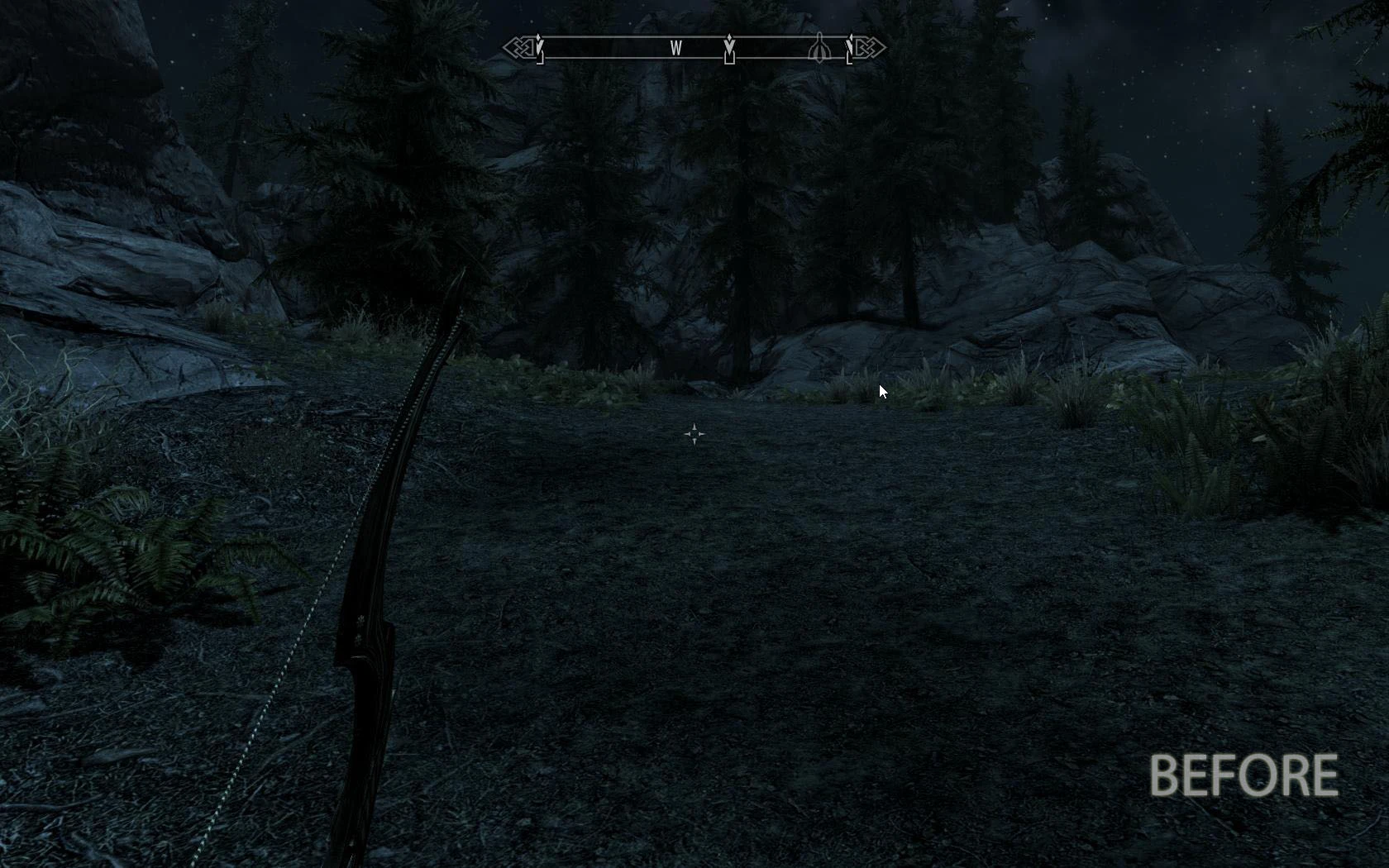
Fixes double cursor when alt+tab game. This is not poor AutoHotkey script or separate launcher/application. Works automatically at Skyrim start!
REQUIRMENTS: SKSE 1. 6.x
USAGE: Copy Data directory to Skyrim install directory
NOTES: Other similar mods/launchers (AutoHotkey scripts) make cursor transparent instead of hiding it properly, mostly because ShowCursor() does not work as expected for their authors. Function name is misleading, because MSDN documentation for ShowCursor() says that system have a reference counting for cursor show/hide operations. So app must hide cursor as many times as shown it to make it disappear from screen.
A lightweight SKSE plugin that fixes the double cursor issue when alt-tabbing out of Skyrim. With over 50,000 endorsements and 1.2 million downloads, it's a proven essential for players who frequently switch windows. Last updated in 2013, but remains a staple for classic Skyrim.
✨ Key Features
📊 Pros & Cons
✅ Pros
- Community staple with 50,011 endorsements and 1.2M downloads — clearly a must-have.
- Solves a super annoying bug that breaks mouse control after alt-tabbing.
- Lightweight and does exactly one thing without bloat.
⚠️ Cons
- Last updated in 2013 — may not work with newer Skyrim versions or Special Edition.
- Requires SKSE, so you need to set that up first.
- No active development or support for years.
For Skyrim players who alt-tab frequently and hate the double cursor glitch. Essential for modders and multitaskers. Skip if you're on Special Edition or Anniversary Edition — this is for the original game.
💡 Beginner Tips
- Make sure SKSE is installed and you launch the game through skse_loader.exe, not the default launcher.
- If you're using a mod manager like Vortex or MO2, just drop the plugin into your mod list and enable it.
- This mod is for the original Skyrim (LE) — don't try it on Special Edition.
📊 Mod Details
- Game
- Skyrim LE Mods
- Author
- virusek
- Version
- 1.3
- Downloads
- 1,150,919
- Endorsements
- 50,011
- Category
- Bug Fixes
- Created
- 5/16/2013
- Updated
- 8/16/2013
🧩 Commonly Used Together
Users add these mods to the same collections — a real compatibility signal, not an AI guess.
🔧 How to Install Skyrim LE Mods
Download from Nexus.
📖 Full step-by-step install guide for Skyrim LE →
Visit the official mod page for specific installation instructions for this mod.
🎮 Need cheat codes or console commands? Check ur gaming wiki for Skyrim LE commands, item IDs, and more.
Keep browsing — more Skyrim LE mods await