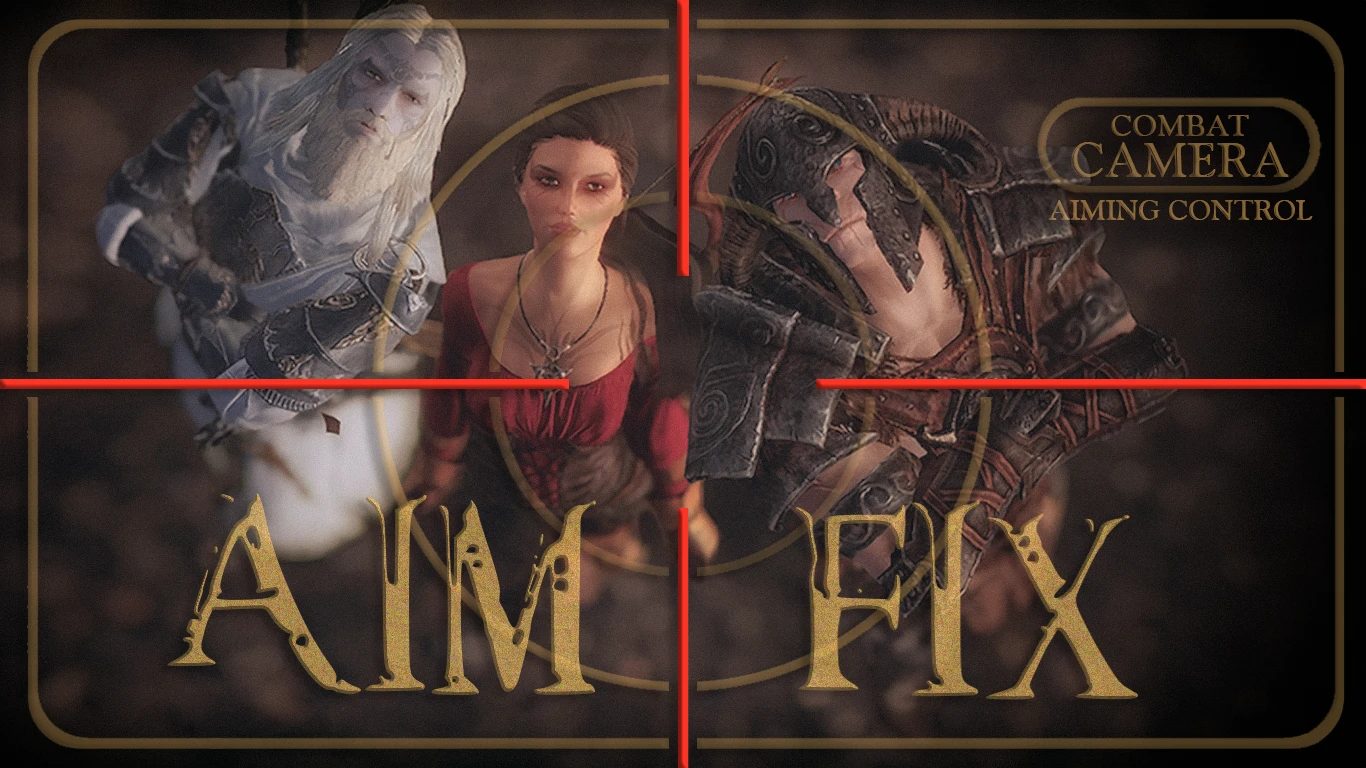
AIM FIX - total control over the crosshair for archery and magic
⚪ Last updated 2020⚠️ Install Order · 3 steps
Install in this order, then this mod last — most mods fail to load without their framework and dependencies in place.
Preview
🔍 Analysis
- 👍 3.2% endorsement rate — high engagement, a strong quality signal
- 🏆 #7 of 37 Bug Fixes mods in this game by downloads
📋 About This Mod
Main purpose of this mod is to provide a fix for a broken crosshair in archery and magic but also to give many other useful features related to ranged combat.
> 64-bit adventurers please go there: AIM FIX mod for Skyrim Special Edition
> Mod is available in two editions to choose from:
1. AIM FIX Combat Camera - represents a 3rd person camera mod, does the main purpose (crosshair fix) and combines features of two camera mods: 3PCO v2. 5 and Customizable Camera v2. 11. Mentioned mods not needed - AIM FIX Combat Camera replaces them both.
2. AIM FIX Lite - does the main purpose (crosshair fix) but does not contain camera functions, so it's compatible with other camera mods; additionally already contains patched 3PCO v3. 0 scripts to make both mods work together.
> FEATURES:
- []Dynamic used-defined offsets to the crosshair position, individually for archery and magic, especially when the crosshair goes crazy after installing a bunch of lovely mods.
[
]Dynamic camera: auto-switches, 1st/3rd person auto-switches (like auto 1st person on bow equip and auto 3rd person on sword), the Smooth Camera Follow and more.[]Dynamic crosshair visibility toggle, stealth meter position toggle, sneak eye lowering and crosshair appearing during hovering on interaction objects/NPC's,
[]Dynamic Aim Assist auto-switching (tweaked similar to Proper aiming mod) separately for archery and magic also for 1st/3rd person.
[]Powerful compatibility controls: any part of functionality can be disabled at will; built-in compatibility with Archery Gameplay Overhaul; compatibility with a custom UI/crosshair mods.
[]NPC accuracy degree control: enemies become more/less sniper or squint-eyed :)
"Dynamic" means that features being applied depending on player's activity - exploring, ranged, melee and spell-blade (hybrid ranged/melee).
Peach-colored features available only in Combat Camera mod, not in Lite version.
Please notice that all mod features can be customized via MCM menu to suit any liking, so your own opinion should be built on how you set up the mod, and not on its default settings.
> DOCUMENTATION = (.)(.)
Useful tip: all MCM settings are well documented - each option contains hovering hints appearing below the MCM.
The most frequently asked question ever:
Q: Why AIM FIX Combat Camera's MCM is grayed out?!
A: See section Compatibility with other mods a bit lower but don't read too much, otherwise you're at risk of finding more useful info.
Ultra-detailed description on each function of AIM FIX mod: readme-changelog.txt
AIM FIX is a bug fix mod for Skyrim that makes aiming accurate out of the box and provides total control over crosshair position for archery and magic, allowing users to adjust for custom animations and mods. It has 1,987 endorsements and 62,804 downloads, last updated in June 2020.
✨ Key Features
📊 Pros & Cons
✅ Pros
- Community-approved with 1,987 endorsements and over 62k downloads
- Gives you full control over crosshair placement, so you can fine-tune to your exact setup
- Works for both archery and magic, covering two major combat styles
⚠️ Cons
- Last updated in 2020 — may be outdated for current Skyrim versions
- Requires manual tweaking to get the crosshair just right, which might take some trial and error
- No detailed instructions provided, so you'll need to experiment to find your ideal settings
For Skyrim players who use custom animations or mods that throw off their aim and want precise control over the crosshair. Also for archery and magic users who want to adjust difficulty to their preference. Skip if you play with vanilla animations and don't notice aiming issues.
💡 Beginner Tips
- Test your aim with a bow and a spell after installing, then tweak the crosshair position until shots land where you expect.
- If you use mods that change animation or projectile speed, adjust the crosshair accordingly to compensate.
- Start with small adjustments to the crosshair position to avoid overcorrecting and making aim worse.
📊 Mod Details
- Game
- Skyrim LE Mods
- Author
- KindThinker
- Version
- 2.22c
- Downloads
- 62,804
- Endorsements
- 1,987
- Category
- Bug Fixes
- Created
- 7/10/2018
- Updated
- 6/8/2020
🔧 How to Install Skyrim LE Mods
Download from Nexus.
📖 Full step-by-step install guide for Skyrim LE →
Visit the official mod page for specific installation instructions for this mod.
🎮 Need cheat codes or console commands? Check ur gaming wiki for Skyrim LE commands, item IDs, and more.
Keep browsing — more Skyrim LE mods await