A Matter of Time - A HUD clock widget
⚪ Last updated 2018⚠️ Install Order · 3 steps
Install in this order, then this mod last — most mods fail to load without their framework and dependencies in place.
Preview
🔍 Analysis
- 👍 4.7% endorsement rate — high engagement, a strong quality signal
- 🏆 #7 of 76 User Interface mods in this game by downloads
📋 About This Mod
A Matter of Time
Have you ever find yourself walking through a dungeon or sitting at the bar and asking yourself: How late is it? Will the sun shine outside or will I see the moons if I go outside? If so, this mod is for you!
Updating from version 1.x:
Users of the first version should do a clean reinstallation of the mod since nearly everything has changed. To do so, please follow these steps:
- Uninstall old version of the mod
- Load the game and make a full save (not a quick save)
- Quit the game and install the new version of the mod
- Load the game and make a full save
- Load the second save and play
Updating from version 2.x:
Just install the new version.
Under some circumstances one might have to create a save and load it again to get everything setup correctly (especially periodic display).
Yy577t7Nb38 8A7cMHHbgoo
The purpose of the mod
The mod adds some widgets to the HUD which can display different time related informations:
- The current in game time can be displayed using a symbol and a textual representation
- The current in game date can be displayed using text.
- The real life time and date can be displayed using text.
The mod is highly configurable through the SkyUI Mod Configuration Menu.
Configuration
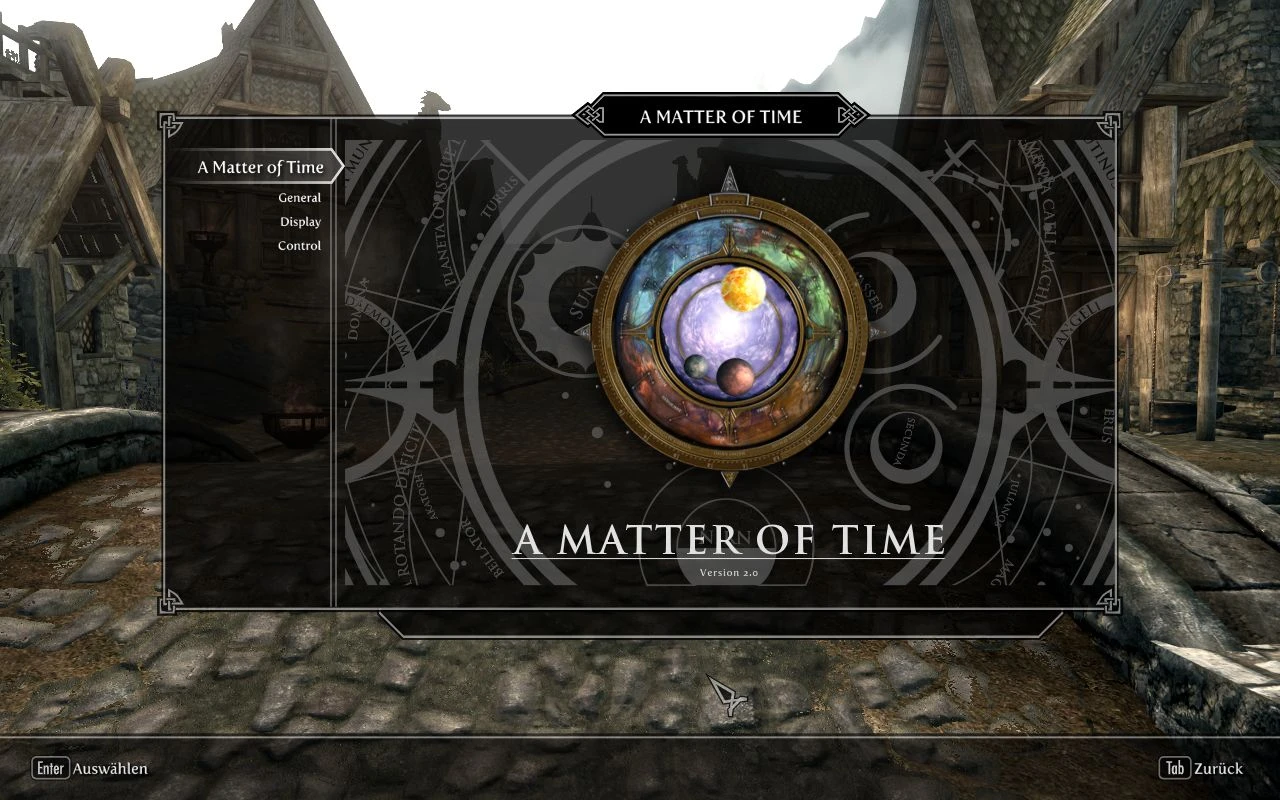
The configuration can be reached through the Mod Configuration Menu. It is splitted into three pages: General, Display and Control.
On the general page one can choose which widget to show and how it is displayed e.g. which symbol to use.
The second page (Display) controls the options related to the arrangement, scale and transparency of the widgets.
The third page (Control) lets you choose when and how the widgets are shown.
The last page (Settings) gives you the ability to save and load your settings so you can reuse them.
The control mode defines how the widget is displayed. Right now, there are four ways:
always: The widget is always shown as long as no menu is opened
timed: The widget is shown for a short time (configurable within the MCM option "Display Time") after you hit the configured hotkey
toggle: One uses the configured hotkey to display and hide the widget
periodically: Automatically shows the widget at configurable times like once an hour.
Compatibility
This mod should be compatible with every other mod. Especially, it is compatible with the Immersive HUD and Frostfall mod.
If you're using the IHUD mod and want the clock to be displayed together with the other HUD element
A Matter of Time adds a clock widget to the HUD, displaying the current in-game time of day. It's a highly popular UI mod for Skyrim, with over 105,000 endorsements and 2.2 million downloads, though it hasn't been updated since 2018.
✨ Key Features
📊 Pros & Cons
✅ Pros
- Massive community trust: 105k endorsements and 2.2M downloads—this is a staple mod.
- Simple, focused feature: a clock on the HUD—does exactly what it says.
- Lightweight UI mod that won't bloat your load order.
⚠️ Cons
- Last updated in 2018—may have compatibility issues with newer Skyrim versions or other UI mods.
- Only adds a clock—if you want more HUD enhancements, you'll need other mods.
For Skyrim players who want to easily track in-game time without opening the menu. Perfect for immersion-focused players and roleplayers. Skip if you're on the latest Skyrim version and worried about outdated mods, or if you prefer all-in-one HUD overhauls.
💡 Beginner Tips
- Check if your Skyrim version is compatible—this mod hasn't been updated since 2018, so it may not work with the latest patches.
- If you use a mod manager like Vortex or MO2, install it through that for easy management.
- Place this mod early in your load order to avoid conflicts with other UI mods.
📊 Mod Details
- Game
- Skyrim LE Mods
- Author
- SkyAmigo
- Version
- v2.0.10
- Downloads
- 2,232,625
- Endorsements
- 105,188
- Category
- User Interface
- Created
- 10/10/2013
- Updated
- 1/14/2018
🔧 How to Install Skyrim LE Mods
Download from Nexus.
📖 Full step-by-step install guide for Skyrim LE →
Visit the official mod page for specific installation instructions for this mod.
🎮 Need cheat codes or console commands? Check ur gaming wiki for Skyrim LE commands, item IDs, and more.
Keep browsing — more Skyrim LE mods await