Alternative Camera
⚪ Last updated 2023Preview
🔍 Analysis
- 👍 2.3% endorsement rate — high engagement, a strong quality signal
- 🏆 #3 of 79 Gameplay mods in this game by downloads
📋 About This Mod
Installation
Both .pak & .sig files of the same name need to be placed in one of the following locations in order to work:
Epic Games\Sifu\Sifu\Content\Paks\~mods
Steam\steamapps\common\Sifu\Sifu\Content\Paks\~mods
If the "~mods" Folder is not there, create it.
The ".paks" are loaded in UE4 games in order based on name priority.
So if it doesn't work then you'll need to change the name of the included ".pak" & ".sig" files.
If you change the names, make sure both the ".pak" & ".sig" files have the same exact name as eachother.
If the files are placed in the "Paks" folder, they will be overwritten by the default pak files.
-----------------------------------------------------------------------------------------------------------------------------------------------------------------------------
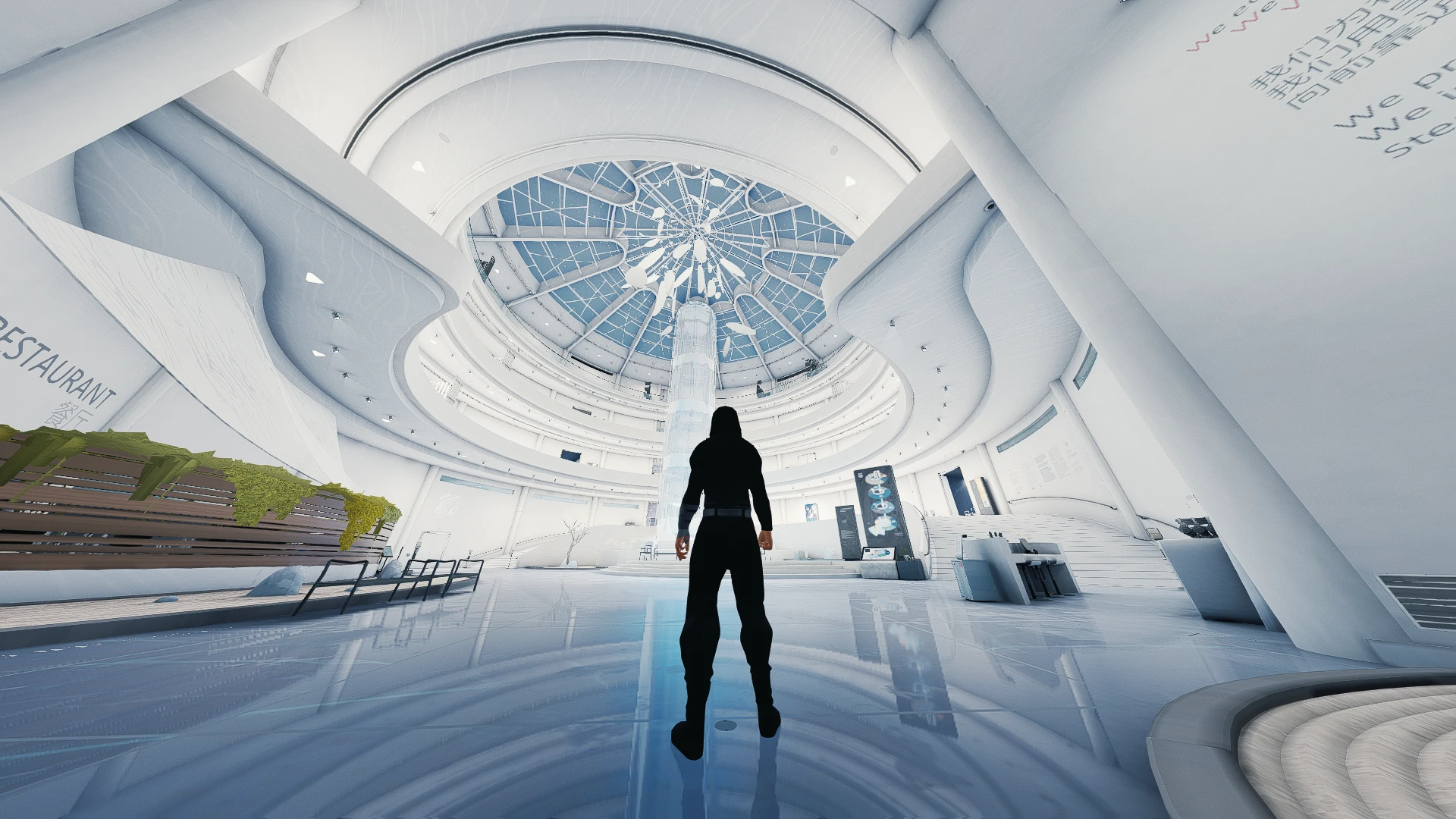
All cameras are separated into different subfiles to allow for mixing and matching based on personal preference.
If the default camera is preferred in a given situation, just don't insert the file for it.
-----------------------------------------------------------------------------------------------------------------------------------------------------------------------------
Explo = Camera when not fighting enemies
1v1 = Camera when fighting 1 enemy
1vX = Camera when fighting more than one enemy
Files Organized By Horizontal FOV (Field Of View)
Recommended FOV For Aspect Ratios:
90 to 105 (4:3/5:4)
105 to 120 (16:9/16:10)
120 To 135 (21:9 & Above)
--------------------------------------------------------------------------------------------------------------------------------------------------------------
"FixedCam" files apply to the areas of the game where the camera is not manually rotated by the player
"NoFixedCam" Files disable the fixed cameras in the specified Hideout Locations/Arenas
--------------------------------------------------------------------------------------------------------------------------------------------------------------
OldBoy = The sideview hallway In the Squats (Hideout 1)
Flood = The sideview hallway In the Museum (Hideout 3)
Stairs = The fixed camera in the Squats themed Linear Arena Level
Park = The fixed camera in the Sanctuary themed Linear Arena Level
DataCenter = The fixed camera in the Tower themed Linear Arena Level
------------------------------------------------------------------------------------------------------------------
"Other" files disable or change other miscellaneous aspects of the camera
------------------------------------------------------------------------------------------------------------------
AltCameraTakedown = Keeps FOV of the regular cameras
Alternative Camera is a WIP gameplay mod by Velindian that overhauls the game's camera to be less frustrating. With 857 endorsements and 36,910 downloads, it has a solid following despite its early stage. For players annoyed by the default camera, this offers a tweaked alternative.
✨ Key Features
📊 Pros & Cons
✅ Pros
- Community-approved with 857 endorsements
- Decent download count (36,910) shows real interest
- Directly addresses a common annoyance—camera feel
⚠️ Cons
- WIP means features may change or be incomplete
- No detailed feature list, so you don't know exactly what's tweaked
- Potential compatibility risk with other camera or gameplay mods
For players who find the default camera clunky and want a quick fix. If you're a modder looking for a base to build on, this could be a starting point. Skip if you need polished, fully documented mods.
💡 Beginner Tips
- Check the mod's page for any update notes before installing, since it's WIP.
- Test the camera in different situations (combat, exploration) to see if it feels better.
- If you use other camera mods, try this one alone first to avoid conflicts.
📊 Mod Details
- Game
- Sifu Mods
- Author
- Velindian
- Version
- 0.9.2
- Downloads
- 36,910
- Endorsements
- 857
- Category
- Gameplay
- Created
- 2/20/2022
- Updated
- 12/24/2023
🔧 How to Install Sifu Mods
Download from Nexus Mods.
📖 Full step-by-step install guide for Sifu →
Visit the official mod page for specific installation instructions for this mod.
🎮 Need cheat codes or console commands? Check ur gaming wiki for Sifu commands, item IDs, and more.
Keep browsing — more Sifu mods await