Toggle HUD
⚪ Last updated 2023Preview
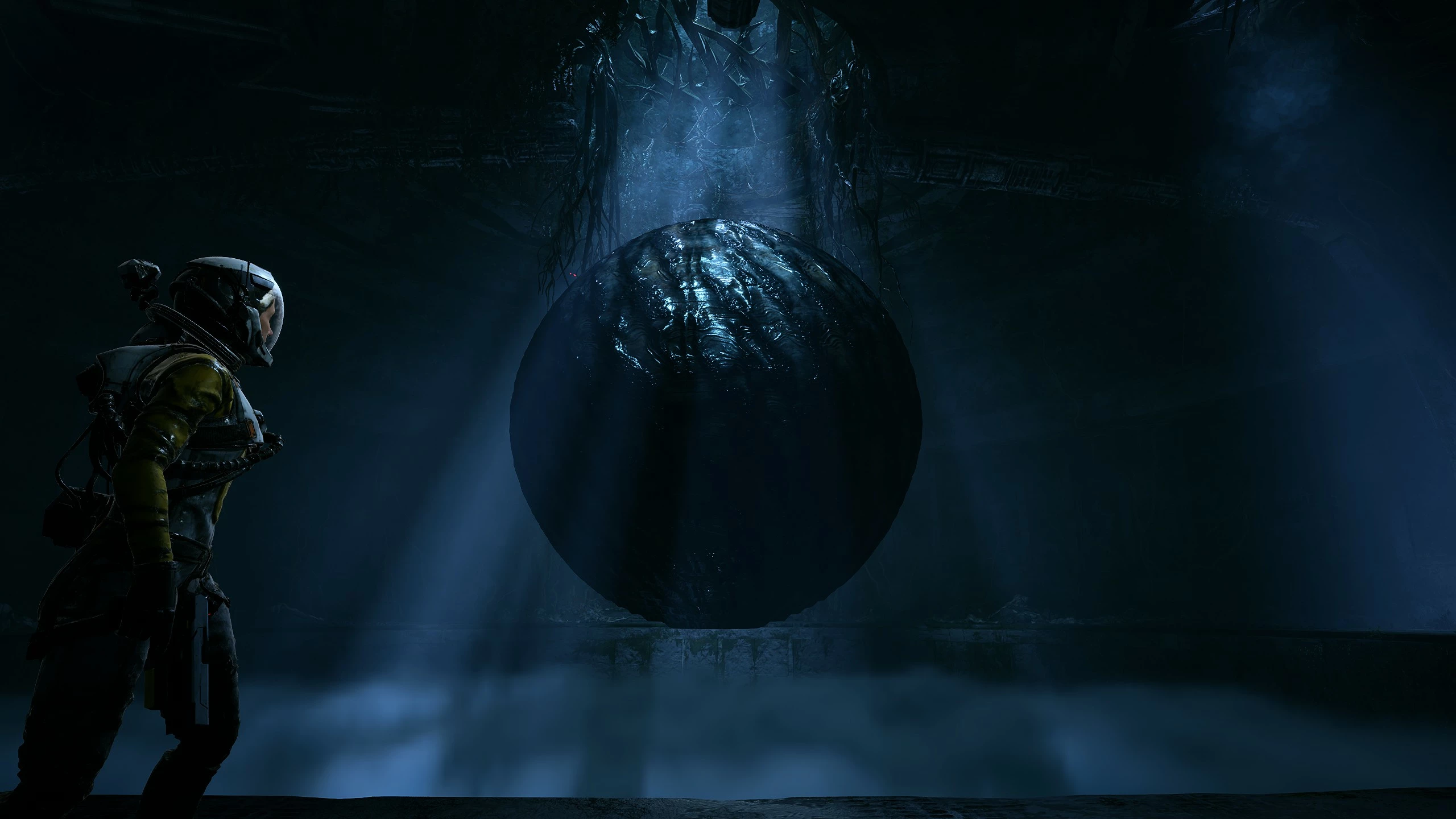
🔍 Analysis
- 🏆 #12 of 14 Miscellaneous mods in this game by downloads
📋 About This Mod
This mod simply allows you to quickly toggle all HUD elements on/off with a single key press (F1 by default, but this can be changed).
I've also included three extra toggle options: F2 toggles everything except the minimap, F3 toggles everything except the minimap and crosshair, and F4 only toggles the crosshair.
Both the F2 and F3 toggles also show the adrenaline bar/heartbeat monitor-looking thing, which unfortunately cannot be toggled off separately, it's tied to the minimap.
Before anyone asks, I can't do any other HUD toggle combos, almost all of the HUD shaders are tied together, sorry.
WHAT YOU NEED:
-
[]Latest version of ReShade with full add-on support (second option) from here
[
]Latest version of ShaderToggler (first zip, not the x86 version) from GithubINSTALLATION:
-
[]Install ReShade to the game by selecting Returnal-Win64-Shipping.exe in this location:
steamapps\common\Returnal\Returnal\Binaries\Win64
[
]Place the ShaderToggler.addon you downloaded from Github into the same folder as above[]Place my ShaderToggler.ini you've downloaded from NexusMods into this same folder
[]Boot up the game and use F1 to toggle the HUD on/off
TO CHANGE TOGGLE HUD KEYBIND:
While in-game press the Home key to bring up the Reshade UI, go to the "Add-ons" tab, and select "Edit" under ShaderToggler to pick a new hotkey. Click "OK", then "OK" again, then finally "Save all Toggle Groups".
TO UNINSTALL:
Simply delete ShaderToggler.ini
A huge thank you to Frans Bouma, the creator of Shader Toggler! This wouldn't have been possible without them.
-
[]Install ReShade to the game by selecting Returnal-Win64-Shipping.exe in this location:
Toggle HUD is a compact utility mod for Returnal that lets you hide or show the entire HUD with a single key press. With 11 endorsements and 219 downloads, it's a niche tool for players who want a cleaner screen for screenshots or immersion. Last updated in February 2023, it remains a simple solution for HUD toggling.
✨ Key Features
📊 Pros & Cons
✅ Pros
- One-key toggle is super convenient for quick HUD hiding.
- Perfect for capturing clean screenshots or recording without UI clutter.
- Lightweight mod that doesn't bloat your game.
⚠️ Cons
- Only 11 endorsements — not a lot of community validation yet.
- No mention of customizable keybinds, so you're stuck with the default key.
- Last updated in 2023 — might not work with future Returnal patches.
For Returnal players who want to hide the HUD for immersive play or clean screenshots. Also great for content creators who need UI-free footage. Skip if you want more HUD customization options — this is just an on/off toggle.
💡 Beginner Tips
- Check the mod's description for the default keybinding — you'll need to know it before you start.
- Test the toggle in a safe area first to get used to hiding/showing the HUD quickly.
- If you're using a mod manager, make sure it's compatible with Returnal's mod setup.
📊 Mod Details
- Game
- Returnal Mods
- Author
- Zach Fett
- Version
- 1.01
- Downloads
- 219
- Endorsements
- 11
- Category
- Miscellaneous
- Created
- 2/17/2023
- Updated
- 2/20/2023
🔧 How to Install Returnal Mods
Download from Nexus Mods.
📖 Full step-by-step install guide for Returnal →
Visit the official mod page for specific installation instructions for this mod.
🎮 Need cheat codes or console commands? Check ur gaming wiki for Returnal commands, item IDs, and more.
Keep browsing — more Returnal mods await