Realistic Atmosphere ReShade
⚪ Last updated 2021Preview
🔍 Analysis
- 👍 7.9% endorsement rate — high engagement, a strong quality signal
- 🏆 #39 of 74 Visuals mods in this game by downloads
📋 About This Mod
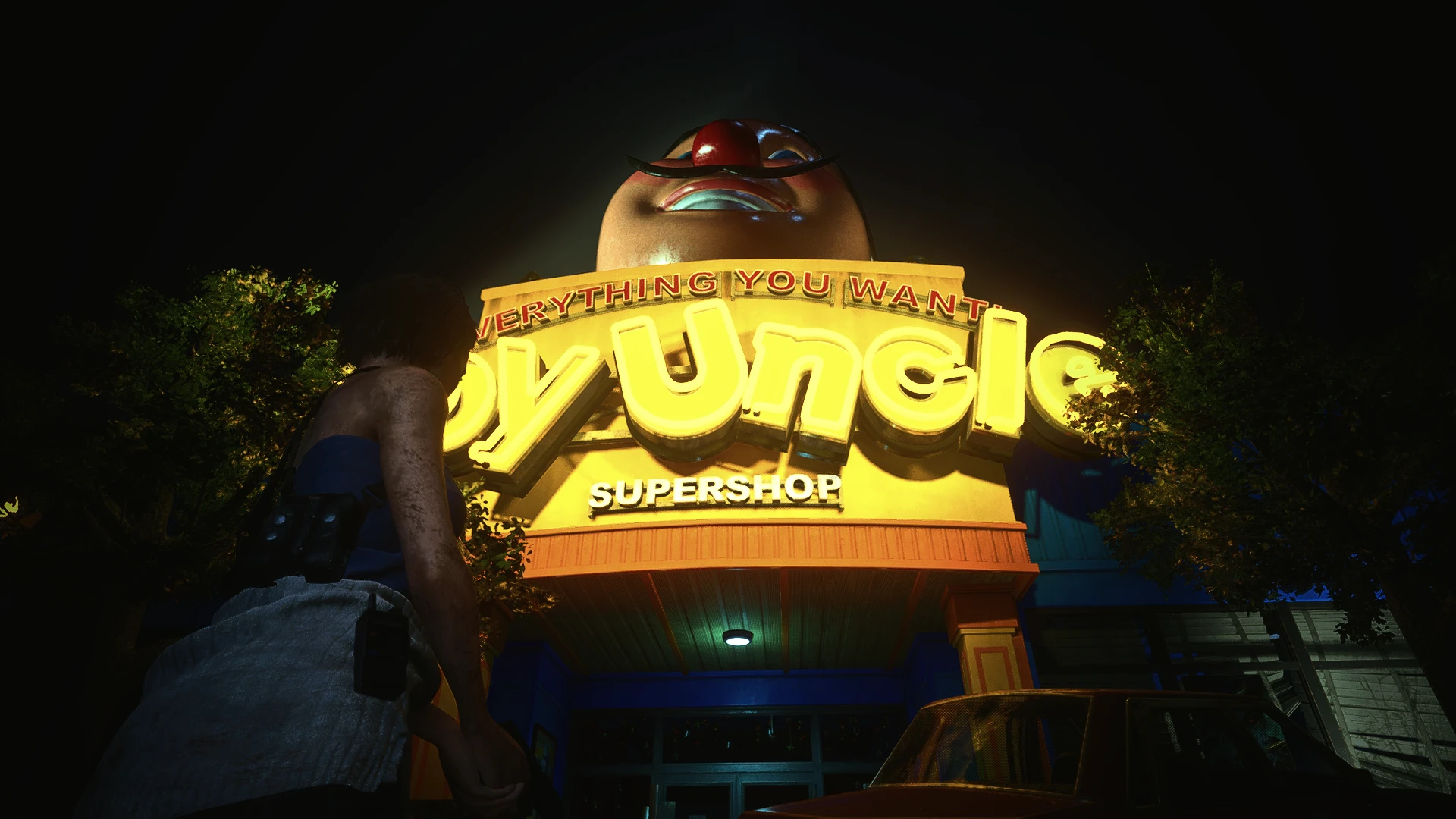
For great visuals and VP purposes! :)
Just a reshade preset to make your game look better!
Installation:
1. Download reshade from this link
2. Open the Installer and select re3, if you can't find it in the list then press browse, usually the exe file is located at C:\steam\steamapps\common\RE3
3. Select DX10/11/12 Option and install ALL packages!
4. Go to C:\steam\steamapps\common\RE3 and just drop the file that you have just downloaded there.
5. Start RE3 and press HOME, follow the tutorial if you want.
6. Press where it says ReshadePreset.ini and select Realistic Atmosphere Reshade
7. Enjoy! :)
This is my first reshade preset that I have ever shared, haha! :D
📊 Mod Details
- Game
- Residentevil32020 Mods
- Author
- teenzicke
- Version
- 1.0
- Downloads
- 1,927
- Endorsements
- 153
- Category
- Visuals
- Created
- 9/12/2021
- Updated
- 9/12/2021
🔧 How to Install Resident Evil 3 (2020) Mods
Download from Nexus Mods.
📖 Full step-by-step install guide for Resident Evil 3 (2020) →
Visit the official mod page for specific installation instructions for this mod.
🎮 Need cheat codes or console commands? Check ur gaming wiki for Resident Evil 3 (2020) commands, item IDs, and more.
Keep browsing — more Resident Evil 3 (2020) mods await