Third Person Camera Controller
⚪ Last updated 2023⚠️ Install Order · 1 step
Install in this order, then this mod last — most mods fail to load without their framework and dependencies in place.
Preview
🔍 Analysis
- 👍 4.6% endorsement rate — high engagement, a strong quality signal
- 🏆 #3 of 43 User Interface mods in this game by downloads
📋 About This Mod
Third Person Camera Controller
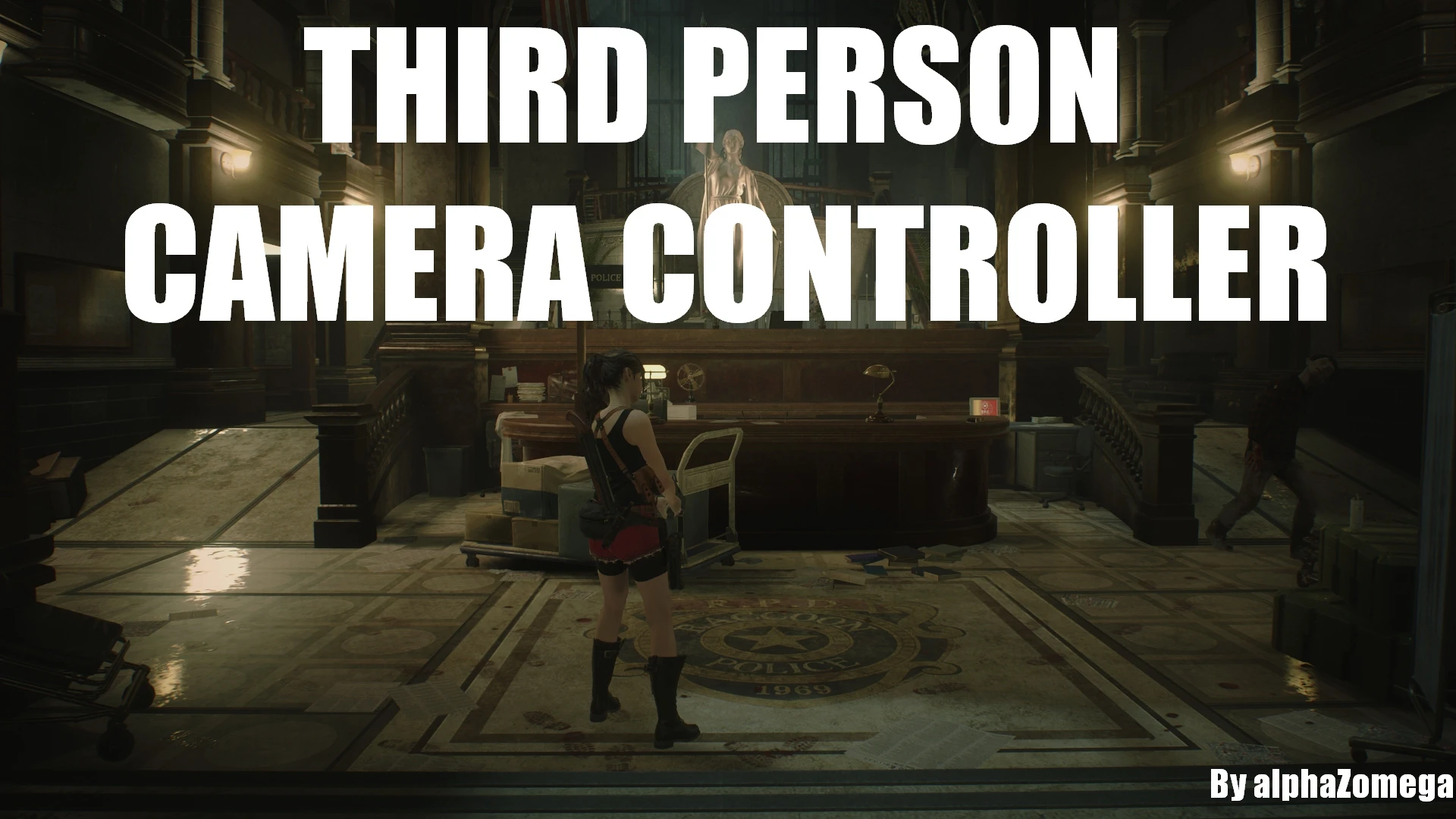
This a small REFramework script that allows you to change aspects of RE2R's third person camera.
You can change the distance that the camera is away from the player, the field of view, and the offset up/down/sideways that the camera orbits relative to the player.
You can also use it to disable the special camera that plays when you are grappled or when other special actions play.
Installation
1. Download REFramework and put its 'dinput8.dll' file into your game folder
2. Extract the mod RAR file and place its 'reframework' folder into your game directory
1. Download REFramework and put its 'dinput8.dll' file into your game folder
2. Download and install Fluffy Mod Manager
3. Download the mod RAR file and place it in your Fluffy Mod Manager "Mods\RE2R\" folder
4. Install the mod with Fluffy Mod Manager
Options
An options menu will appear for the mod in the REFramework "Script Generated UI" menu:
Current Options:
There are three sections, "Normal Settings" for the normal camera, "Alternate Settings" also for the normal camera, and "Aim Settings" for when aiming a weapon. Each section has the following options:
"Distance Multiplier" - The distance from the player that the camera orbits will be multiplied by this number
"FOV Multiplier" - The field of view of the camera will be multiplied by this number
"Offset" - The offset position to the left/right/up/down of the player that the camera will orbit
Other options:
"Disable Action Camera" - Enable/Disable forced camera movements, such as when getting grappled
"Use Alternate Settings" - Swap to the Alternate TPP camera settings
Hotkeys:
Hotkeys can be set for various camera options in the mod inside the Hotkeys menu, and can be used to swap to/from the alternate settings.
Json Presets:
You can save and load presets of camera settings underneath each type's menu (Normal, Alternate and Aim). Type a name for the preset next to Save Preset and click the button, then it will appear in the loadable presets list. Don't be afraid to share these json files with your friends!
The current preset can also be reloaded with a hotkey.
This mod is available for RE2R, RE3R and RE4R
For support or anything about RE Engine modding, join me on the Modding Haven Discord server
Third Person Camera Controller is a UI mod for RE Engine games that lets you customize the third-person camera's distance, offset, FOV, and other options. It requires REFramework and has 618 endorsements, indicating a solid user base. Last updated in October 2023.
✨ Key Features
📊 Pros & Cons
✅ Pros
- Community-approved with 618 endorsements and over 13k downloads.
- Gives you precise control over the camera, which is a game-changer for screenshots and gameplay comfort.
- Lightweight and focused—does one thing and does it well.
⚠️ Cons
- Requires REFramework, so it's not a standalone drop-in mod.
- Last updated in October 2023, so it might not be compatible with the latest game updates.
- Limited to third-person camera tweaks—no first-person or other camera modes.
For players who want to fine-tune the third-person camera to their liking, whether for better gameplay visibility or cinematic screenshots. If you're happy with the default camera, you can skip this—it's purely a customization tool.
💡 Beginner Tips
- Make sure REFramework is installed and up to date before adding this mod, as it won't work without it.
- Use the in-game REFramework menu to tweak camera settings in real time—no need to restart the game.
- If you're playing a game with EAC (Easy Anti-Cheat), disable it or use a mod loader that bypasses it, as REFramework may trigger anti-cheat.
📊 Mod Details
- Game
- Residentevil22019 Mods
- Author
- alphaZomega
- Version
- 1.4
- Downloads
- 13,554
- Endorsements
- 618
- Category
- User Interface
- Created
- 10/10/2023
- Updated
- 10/10/2023
🔧 How to Install Resident Evil 2 (2019) Mods
Download from Nexus Mods.
📖 Full step-by-step install guide for Resident Evil 2 (2019) →
Visit the official mod page for specific installation instructions for this mod.
🎮 Need cheat codes or console commands? Check ur gaming wiki for Resident Evil 2 (2019) commands, item IDs, and more.
Keep browsing — more Resident Evil 2 (2019) mods await