RenoDX - HDR Fix - Tonemap - Gamma for Resident Evil 4
🟡 Updated this yearPreview
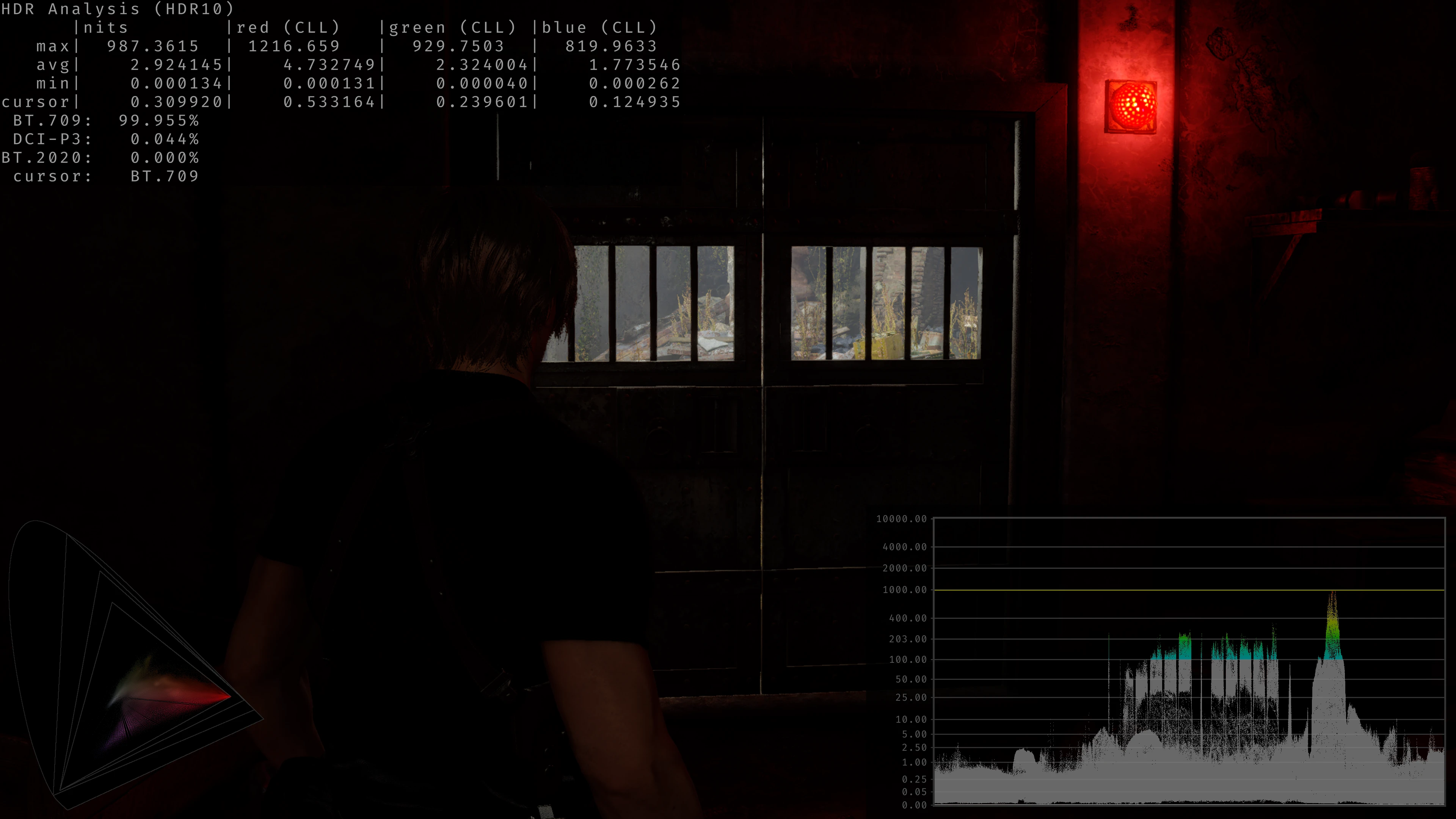
🔍 Analysis
- 👍 1.7% endorsement rate — high engagement, a strong quality signal
- 🏆 #22 of 89 Visuals mods in this game by downloads
📋 About This Mod
Rewrite of the graphics pipeline to fix errors in handling of HDR gamma, saturation and tonemapping, restoring the original artistic vision.
About This Mod
This mod utilizes the ReShade Add-on system to streamline updates and avoid direct game file modifications. The source code is available on GitHub for those interested in seeing the inner workings or contributing to future improvements.
Original HDR Issues:
-
[]Broken Tonemapping: The default tonemapping doesn't account for user brightness causing over/undershooting of peak whites depending on how high the paper white slider (2nd slider in calibration menu) is set[/]
[]Poor LUT Sampling: The game uses sRGB LUTs that only accept an SDR input. In order to get this working in HDR, the developers created a piecewise function that crams all the highlights back into SDR range and then multiplies them back out afterwards. This causes a loss of detail in highlights and broken gradients[/]
[]Gamma/Contrast Boosts: The developers added gamma/contrast boosts to the image that are not present in SDR. This boost was seemingly an incorrect attempt at fixing broken gamma in HDR as they used sRGB gamma in SDR but likely calibrated the game on standard 2. 2 gamma displays. The SDR calibration menu also seems to imply a 2. 2 gamma display is expected.
The Solution:
-
[]Refined Tonemapping: Implements a Vanilla+ tonemapper that corrects peak white levels and removes unnecessary saturation and gamma boosts.[/]
[]Enhanced HDR LUT Sampling: Highlights are now tonemapped down properly to SDR, and a new function is used to calculate the change in color from the LUTs, which is then applied to the original HDR color. Gradients are now fixed, highlight colors are now more accurate, and incorrect hue shifts are now eliminated.[/]
[]True to Source Visuals: By default, the mod uses the same value for the tonemapper's toe parameter as SDR, resulting in a more balanced image that also retains HDR highlights. sRGB -> 2. 2 gamma correction has now been applied to the image, matching how the developers likely intended for the game to look.[/]
[]Enhanced User Control: Introduces interactive sliders for players to customize their visual experience to their liking, ensuring a more balanced and visually pleasing HDR presentation.[/]
[]Tone Map Type: Choices include Vanilla, Vanilla+.[/]
[]LUT Strength and Scaling: Allows full range color grading without clamping. Scaling only applies to LUTs with raised black levels. I couldn't find any, but this option is there just in case there are any.[/]
[*]Internal Sa
-
[]Refined Tonemapping: Implements a Vanilla+ tonemapper that corrects peak white levels and removes unnecessary saturation and gamma boosts.[/]
📊 Mod Details
- Game
- Resident Evil 4 Remake Mods
- Author
- MusaQH
- Version
- 2026-7-6
- Downloads
- 10,993
- Endorsements
- 189
- Category
- Visuals
- Created
- 11/28/2024
- Updated
- 7/7/2026
🔧 How to Install RE4 Remake Mods
Use Fluffy Mod Manager.
📖 Full step-by-step install guide for RE4 Remake →
Visit the official mod page for specific installation instructions for this mod.
🎮 Need cheat codes or console commands? Check ur gaming wiki for RE4 Remake commands, item IDs, and more.
Keep browsing — more RE4 Remake mods await