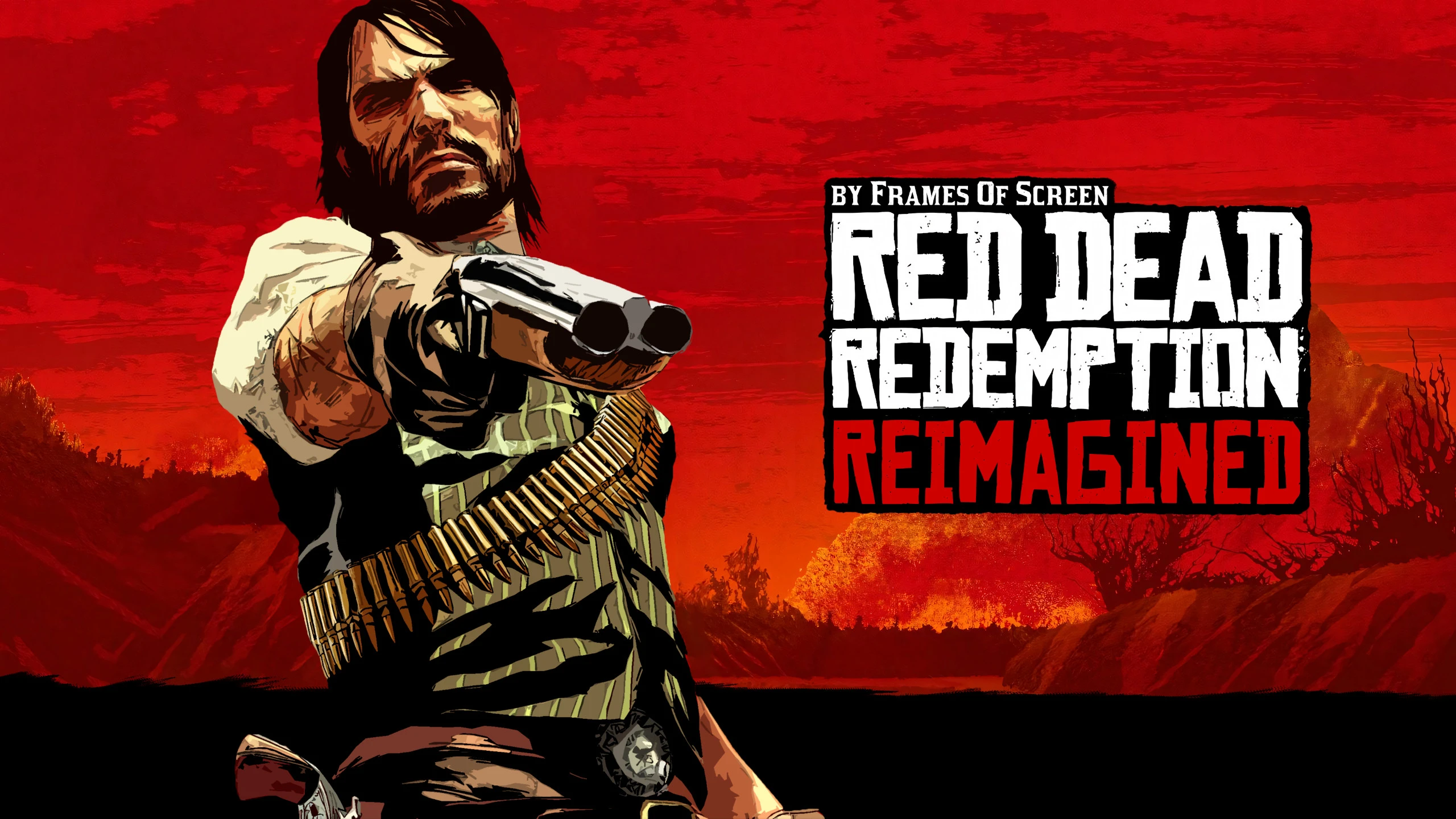
RDR Reimagined
🟠 Updated over a year agoPreview
🔍 Analysis
- 👍 1.3% endorsement rate — high engagement, a strong quality signal
- 🏆 #2 of 103 Visuals mods in this game by downloads
📋 About This Mod
"People don't forget. Nothing gets forgiven."RDR: Reimagined
RDR: Reimagined
Graphical Overhaul based on the visuals of RDR2.
Lighting + Colour Grading + Post-Processing
Contents
-
[]Introduction
[
]List of features[]Tutorial
[]Troubleshooting
[]Recommended mods
[]Special thanks
Introduction
ReShade is a post-processing injector that enhances graphics and adds various effects to your games. ReShade supports all of Direct3D 9, Direct3D 10,
Direct3D 11, Direct3D 12, OpenGL and Vulkan. A computer with Windows 7 SP1, 8. 1 or 10 and . NET Framework 4. 5 or higher installed is required.
This preset attempts to revamp the visuals of Red Dead Redemption, mainly taking inspiration from Red Dead Redemption 2.
Please note: ReShade presets (such as this one) may or may not significantly impact your game's performance.
List of features
-
[]Temporal Anti-aliasing
[
]Global illumination[]Ambient occlusion
[]Volumetric lighting
[]Bloom
[]Specular highlights
[]RDR2 style Sky colour
[]Reflections
[]Vignette
[]Improved colour grading
[]Light adaptation
[]Debanding
[]Depth of field
[]Motion blur
[]Cinematic Mode letterbox toggle
Tutorial
Make sure to carefully follow the tutorial step-by-step.
Prerequisites:
You must download the following before in order to install and use the mod
properly. Make sure to do this correctly before asking for help.
-
[]ReShade Installer: Download and install the latest version of the ReShade framework from the official ReShade website (https://reshade.me/). Follow the installation instructions provided on the website.
Installation:
[]Download the Preset: Locate the "Files" tab and download it to your computer.
[]Locate Game Directory: Open the file explorer and navigate to the directory where your game's executable file is located. This is typically where the game is installed (e.g., C:\Program Files\GameName).
[*]Install Preset File: Drag the downloaded .ini preset
-
[]ReShade Installer: Download and install the latest version of the ReShade framework from the official ReShade website (https://reshade.me/). Follow the installation instructions provided on the website.
-
[]Temporal Anti-aliasing
RDR Reimagined is a visual overhaul for Red Dead Redemption that revamps lighting, colour grading, and post-processing. Aimed at players wanting a remastered look in the original game, it's a community favorite with 1,197 endorsements and 90,417 downloads as of October 2024.
✨ Key Features
📊 Pros & Cons
✅ Pros
- Community-approved graphics upgrade with 1,197 endorsements.
- 90,417 downloads show it's widely used and trusted.
- Updated in 2024, so it's fresh and not abandoned.
⚠️ Cons
- Performance impact isn't documented — you'll have to test your frame rate yourself.
- Purely visual: no gameplay or content changes.
For Red Dead Redemption players who want a modern remastered look without waiting for an official remaster. For fans of visual tweaks who don't mind a purely cosmetic upgrade. Skip if you're looking for new missions or gameplay changes.
💡 Beginner Tips
- Since RDR's PC port is recent, ensure your game is fully updated before installing this mod.
- If the mod uses a post-processing injector, disable Steam/Discord overlays to prevent crashes.
- Check the mod's comment section for recommended in-game graphics settings to pair with this overhaul.
📊 Mod Details
- Game
- Reddeadredemption Mods
- Author
- Frames Of Screen
- Version
- Release-1.0.2
- Downloads
- 90,417
- Endorsements
- 1,197
- Category
- Visuals
- Created
- 10/30/2024
- Updated
- 10/30/2024
🔧 How to Install Reddeadredemption Mods
Download from Nexus Mods.
📖 Full step-by-step install guide for Reddeadredemption →
Visit the official mod page for specific installation instructions for this mod.
🎮 Need cheat codes or console commands? Check ur gaming wiki for Reddeadredemption commands, item IDs, and more.
Keep browsing — more Reddeadredemption mods await