VESTIGIA Legacy Version (1.0)
🟠 Updated over a year ago⚠️ Install Order · 1 step
Install in this order, then this mod last — most mods fail to load without their framework and dependencies in place.
Preview
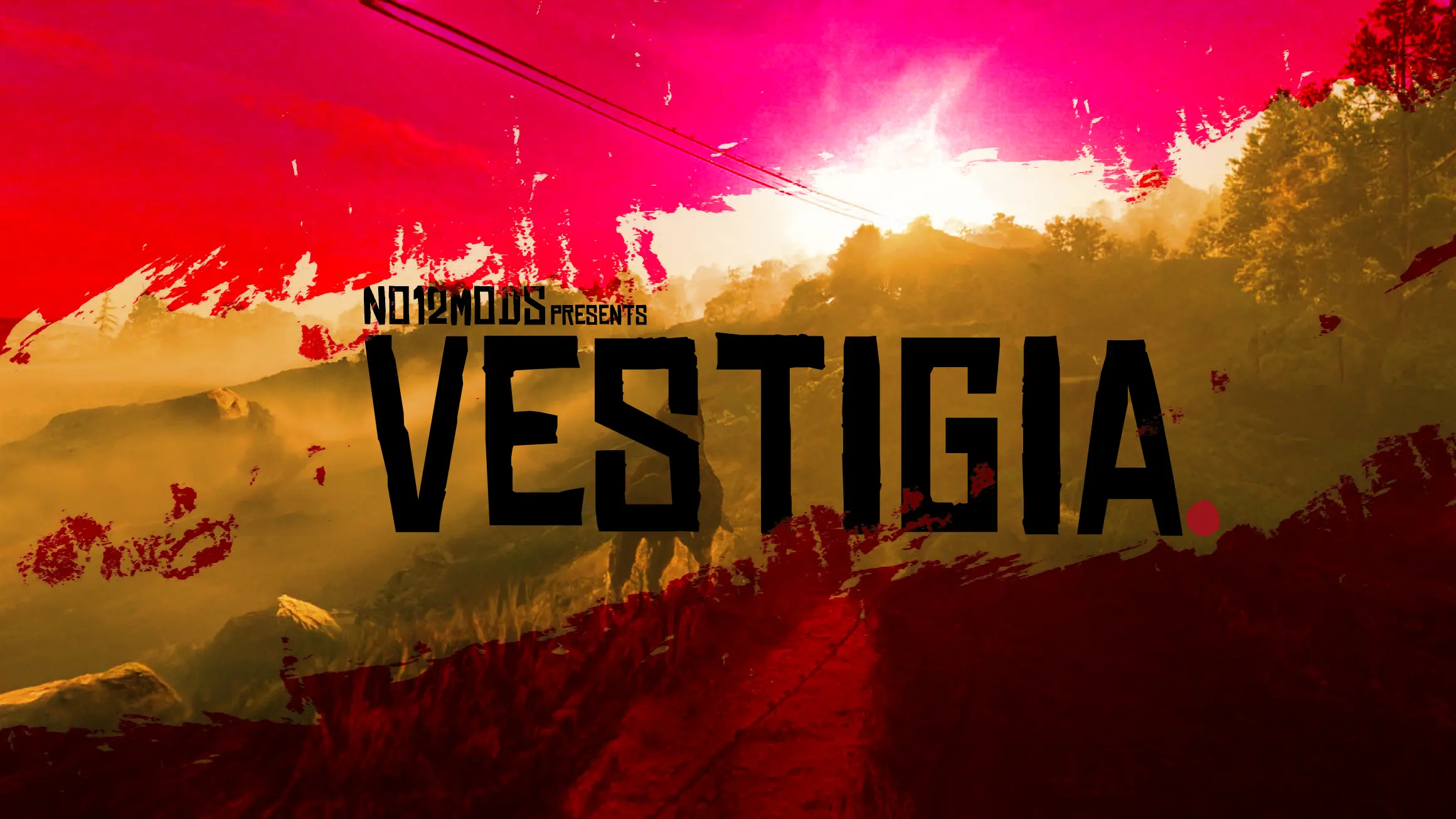
🔍 Analysis
- 👍 1.8% endorsement rate — high engagement, a strong quality signal
- 🏆 #3 of 45 Visuals mods in this game by downloads
📋 About This Mod
This mod page is an archive of the original VESTIGIA, and its files. Go to the VESTIGIA 2. 0 page for the current mod. This page remains here as an option for people who might prefer the old versions, whether for aesthetic or compatibility reasons.
VESTIGIA Legacy Version (1.0) is an archived version of the original VESTIGIA mod for Fallout 4, offering the old files for players who prefer the original aesthetic or need compatibility with older setups. The current mod has moved to VESTIGIA 2.0, but this page remains for those who want the legacy experience. With 2,964 endorsements and 163,826 downloads, it's a well-established choice for visual overhauls.
✨ Key Features
📊 Pros & Cons
✅ Pros
- Proven track record: nearly 3,000 endorsements and over 160k downloads show this legacy version has a solid fanbase.
- Purpose-built for compatibility: if you're running an older setup or just prefer the original look, this is exactly what you need.
- Active maintenance: updated in May 2025, so it's not completely abandoned even though it's archived.
⚠️ Cons
- Not the current version: you're getting the old files, so you'll miss out on any improvements or fixes in VESTIGIA 2.0.
- Potential conflicts: if you're using other visual mods that have updated for 2.0, this legacy version might clash with them.
- Limited support: since it's an archive, don't expect active troubleshooting or updates from the authors.
For Fallout 4 players who loved the original VESTIGIA look and want to stick with it, or those running older mod setups that aren't compatible with the new version. Skip if you want the latest features and improvements—head to VESTIGIA 2.0 instead.
💡 Beginner Tips
- If you're using a mod manager like Vortex or MO2, just download the legacy files and install them as usual—no special setup needed.
- Before installing, check if any of your other visual mods have been updated for VESTIGIA 2.0, as mixing versions can cause texture glitches.
- Since this is an archive, make sure you're not accidentally downloading the 2.0 files—double-check the file name to ensure you're getting the legacy version.
📊 Mod Details
- Game
- RDR2 Mods
- Author
- no12 - DayL - WhyEm - Majestic253
- Version
- 1.3
- Downloads
- 163,826
- Endorsements
- 2,964
- Category
- Visuals
- Created
- 7/2/2022
- Updated
- 5/15/2025
🔧 How to Install RDR2 Mods
Install Script Hook RDR2 first. Most mods go in game directory.
📖 Full step-by-step install guide for RDR2 →
Visit the official mod page for specific installation instructions for this mod.
🎮 Need cheat codes or console commands? Check ur gaming wiki for RDR2 commands, item IDs, and more.
Keep browsing — more RDR2 mods await