John Marston - 1911
⚪ Last updated 2024⚠️ Install Order · 1 step
Install in this order, then this mod last — most mods fail to load without their framework and dependencies in place.
🖼️ Gallery (10 images)
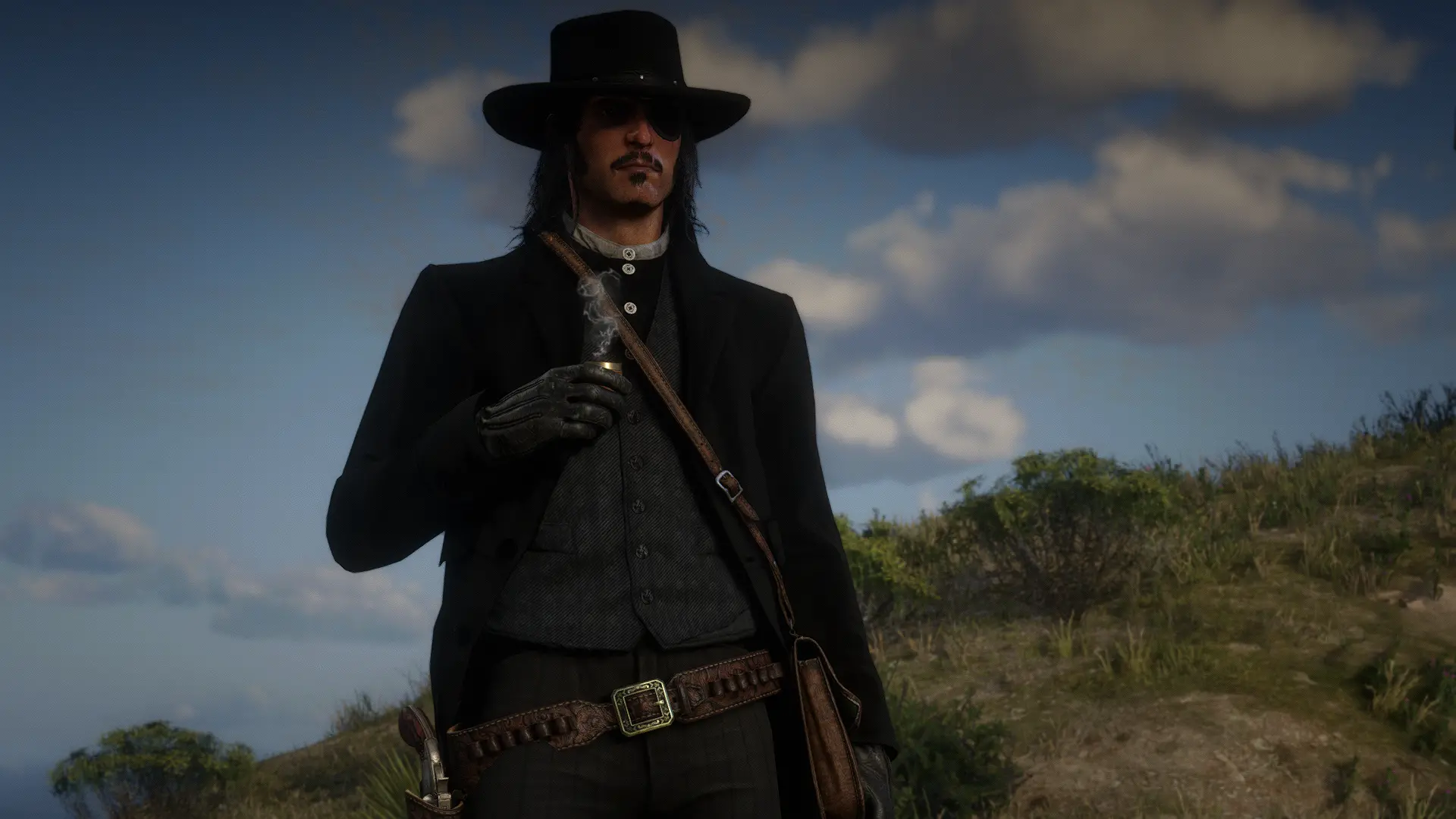
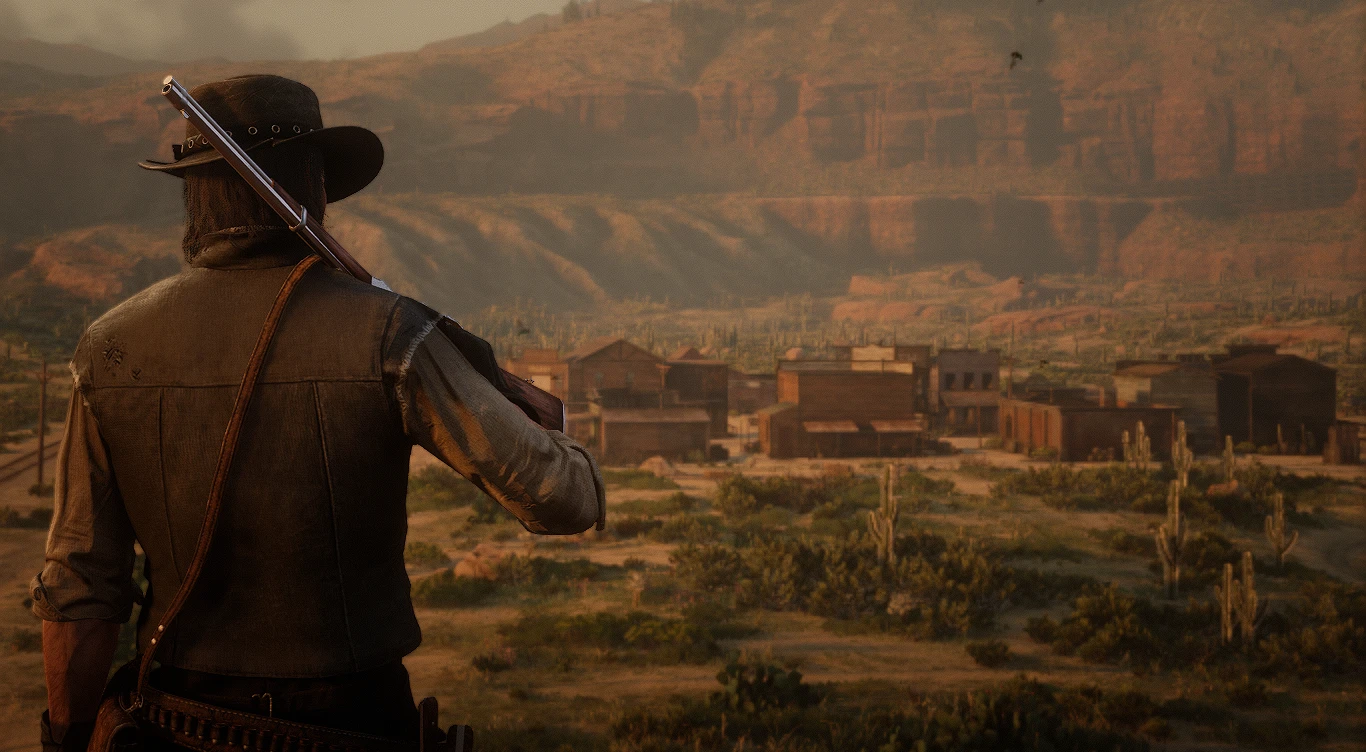



🔍 Analysis
- 👍 1.7% endorsement rate — high engagement, a strong quality signal
- 🏆 #13 of 102 Player mods in this game by downloads
📋 About This Mod
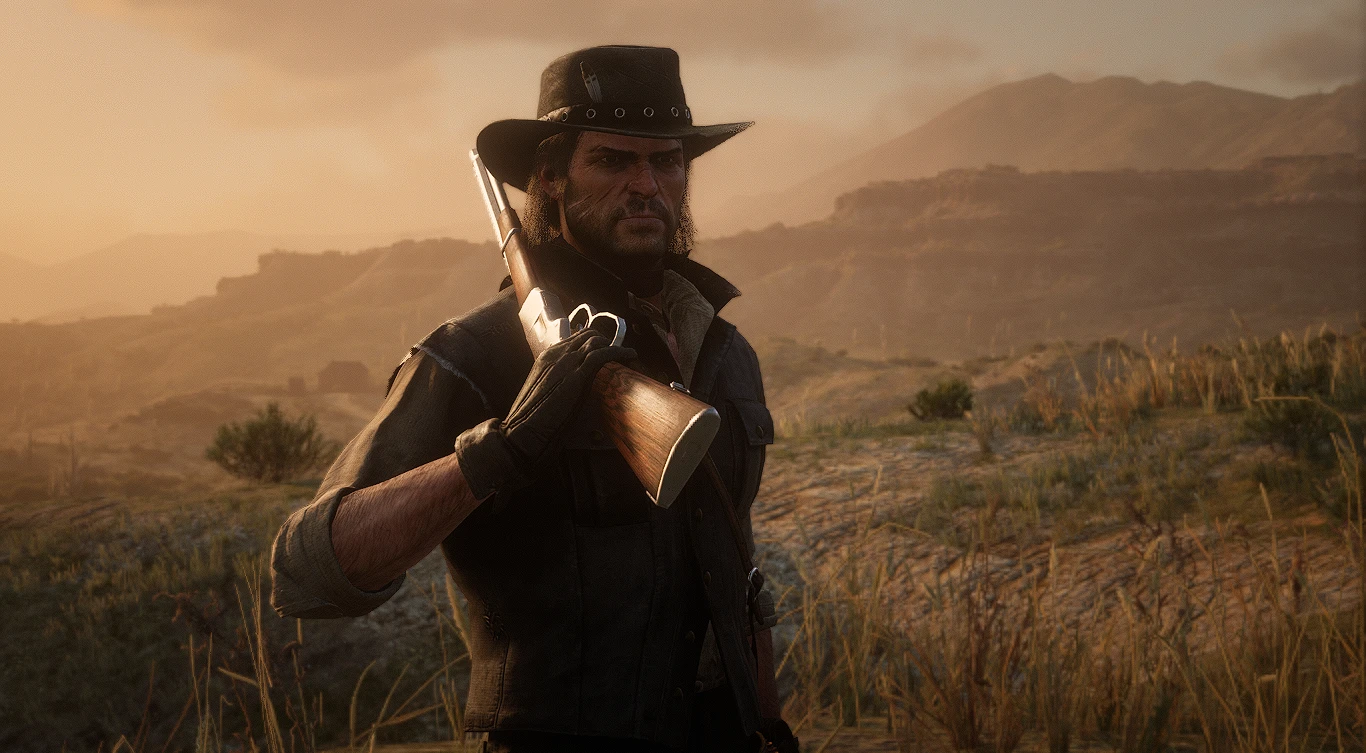
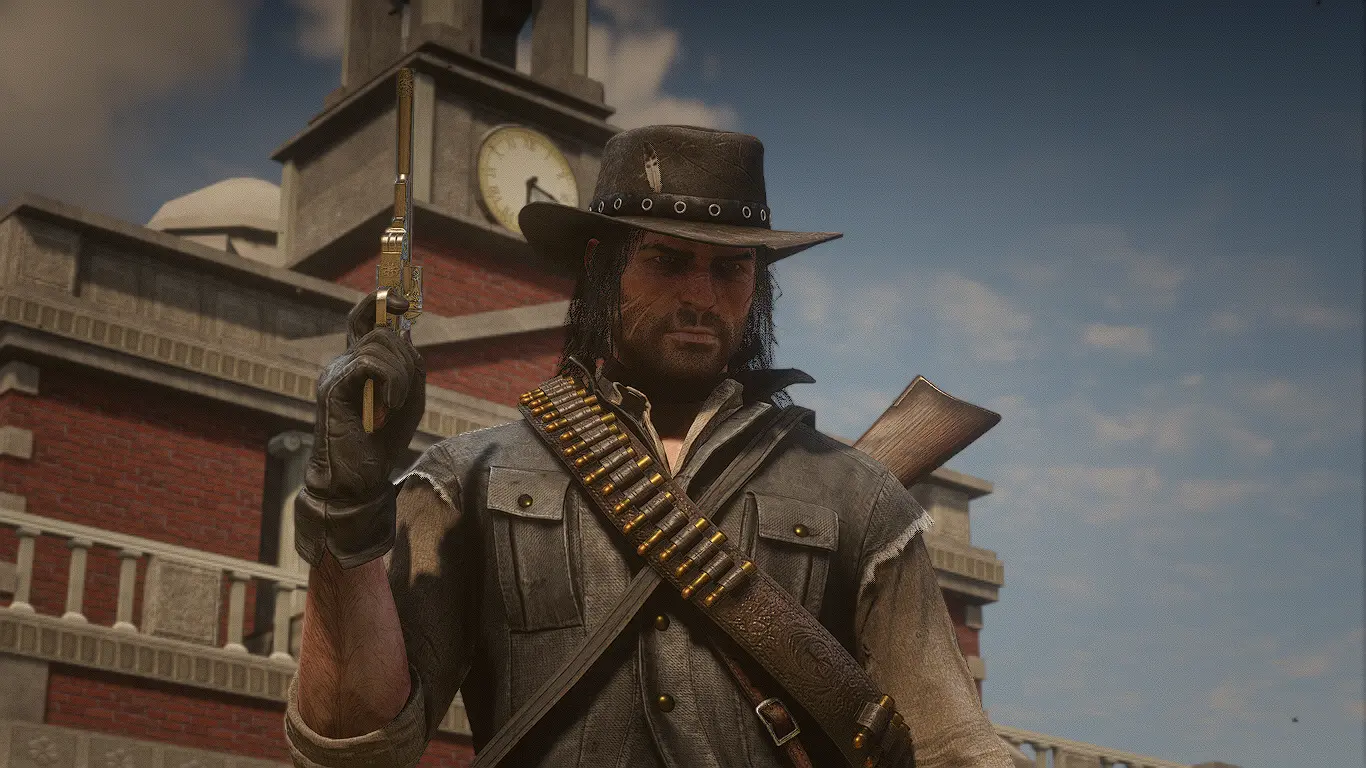
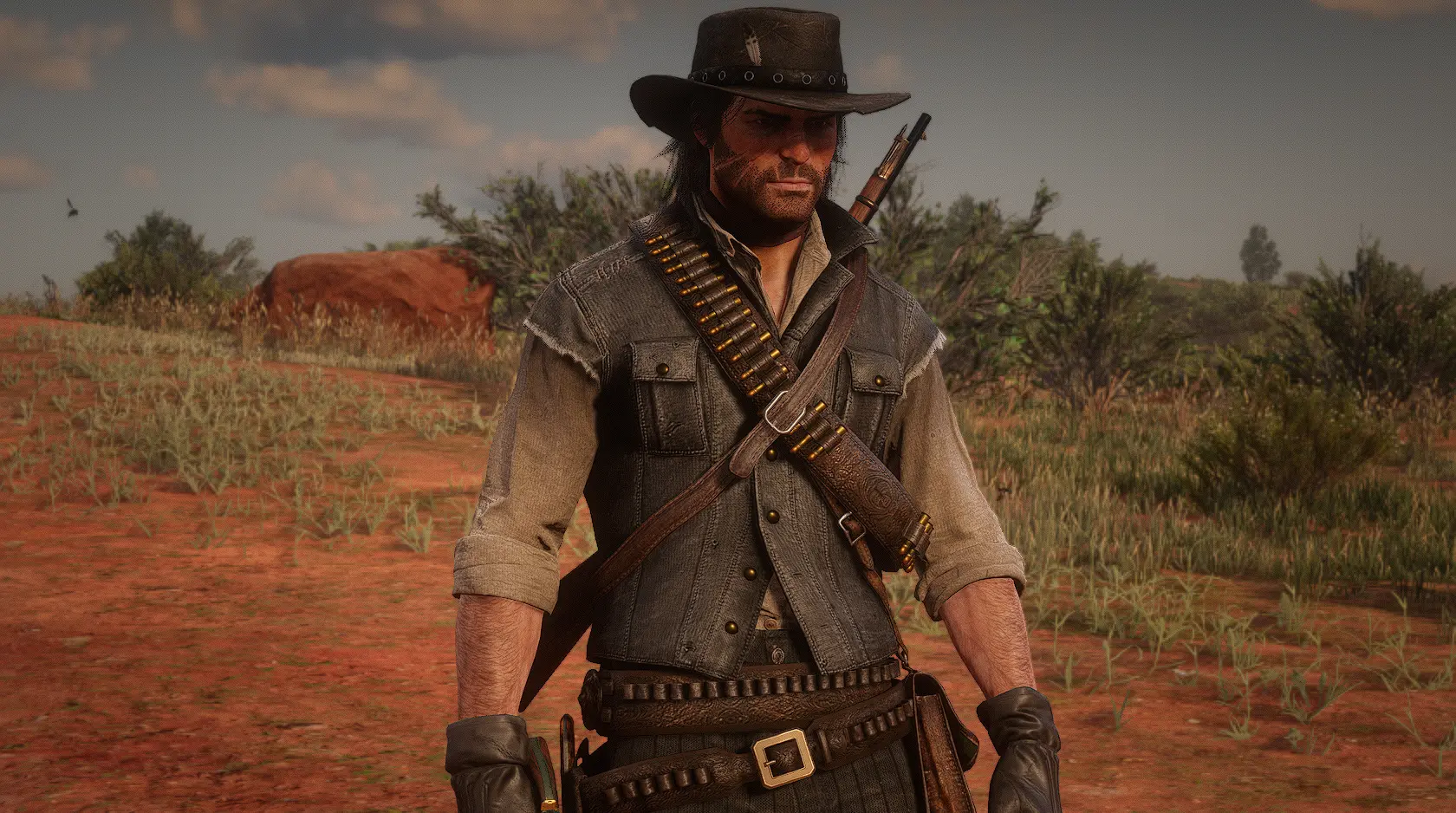
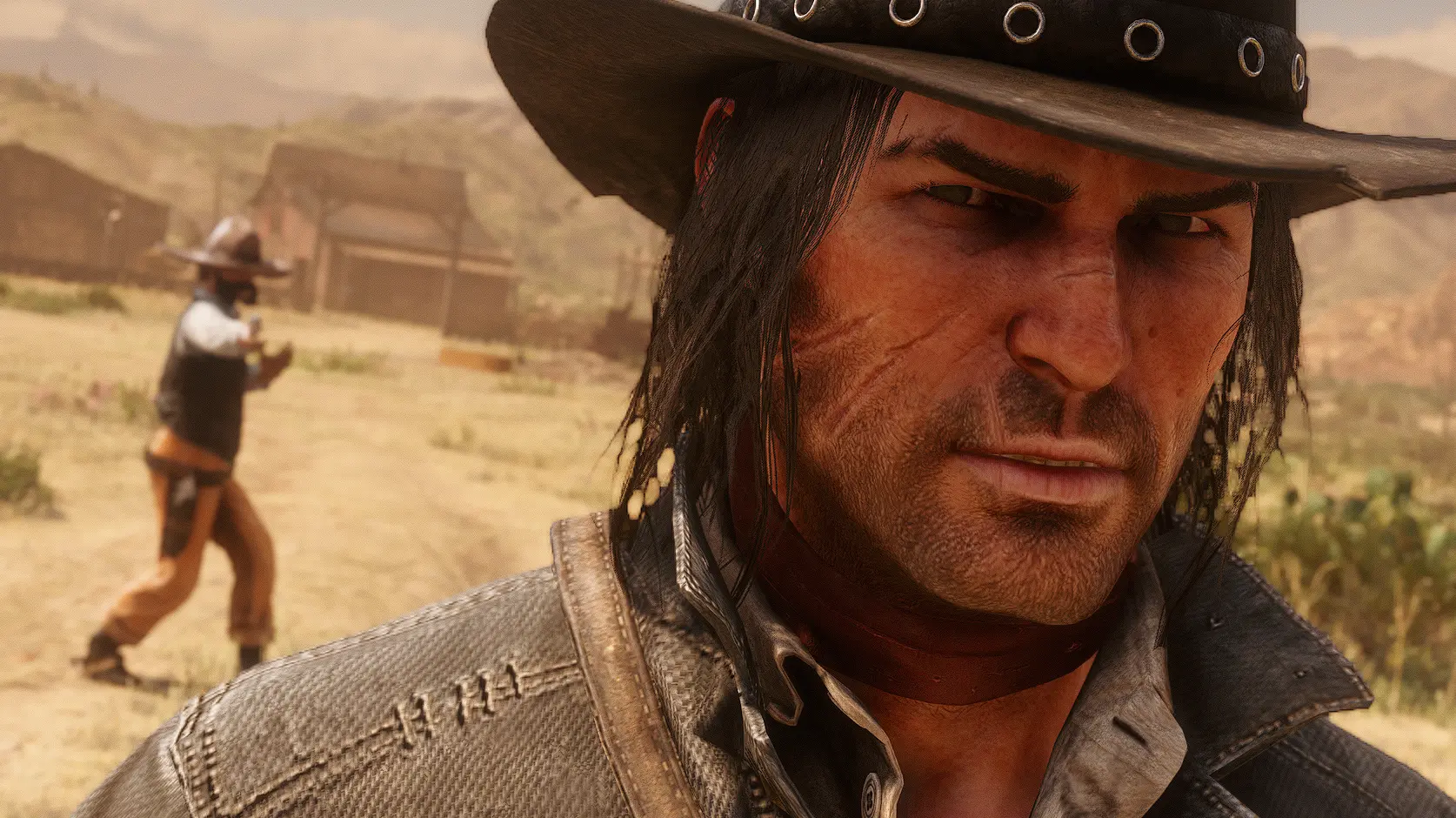
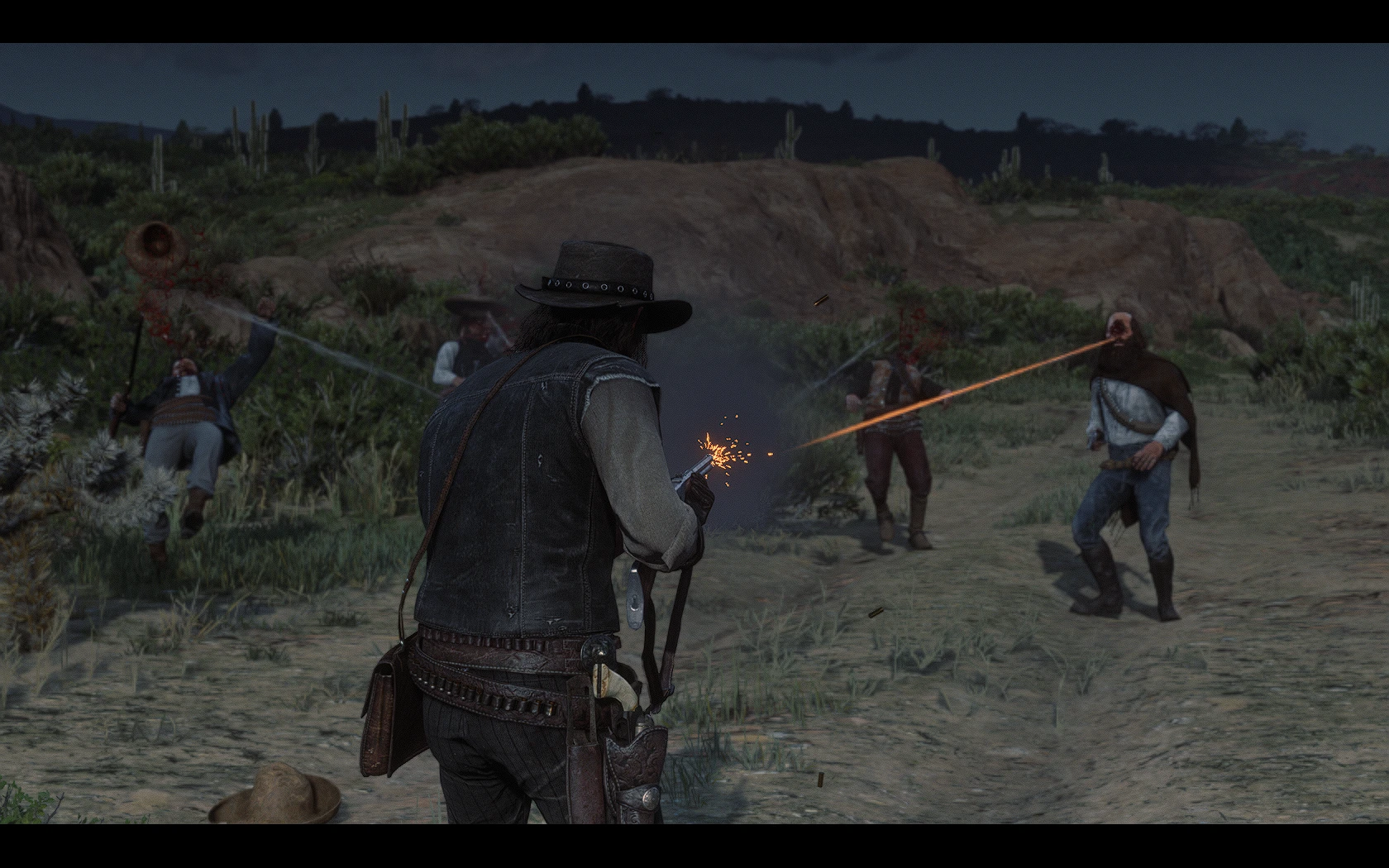
This mod gives epilogue John Marston the RDR1 textures but edited to match John's RDR2 model and the game's color tone.
Features include:
-Gentleman's attire beard style
-Normal maps
-Material textures
-Ambient occlusion so that the scars will react to lighting with no leftovers of the vanilla scars
As an optional file this mod also includes a version that makes John's npc scars more accurate to the RDR1 scars and a guide on how to remove the stitches.
Special thanks to B0AH1907 for making the texture more defined and less blurry.
Also thanks to Skirish for helping me convert RDR1 green alpha normal maps to RDR2 blue normal maps
STRONGLY RECOMMENDED TO USE WITH THIS MOD:
John Marston Facial Animation Overhaul
Extended John Marston Animations
John Marston Restored and Enhanced
or John Marston Restoration Project
This mod replaces epilogue John Marston's textures in Red Dead Redemption 2 with high-quality versions based on his RDR1 appearance. It's a popular cosmetic overhaul for players who prefer the classic look, with over 1,500 endorsements and 88,000 downloads.
✨ Key Features
📊 Pros & Cons
✅ Pros
- Community favorite with 1,532 endorsements and 88k downloads
- Gives John that classic RDR1 look in the epilogue
- High-res textures mean better visual fidelity
⚠️ Cons
- Only affects epilogue John, not the main game's John
- Texture replacers can conflict with other John texture mods
- No preview images or detailed changelog in the description
For RDR2 players who want John to look like his RDR1 self during the epilogue. If you're a fan of the original game's aesthetic, this is a must-have. Skip if you're happy with the default epilogue John or use other John overhaul mods.
💡 Beginner Tips
- Make sure to place the mod files in the correct directory (usually 'lml' or 'stream' folder) to avoid conflicts.
- If you use other John texture mods, install this one last to ensure it takes priority.
- Check the mod's comments section for any reported issues with specific game versions.
📊 Mod Details
- Game
- RDR2 Mods
- Author
- GuiCORLEONEx794
- Version
- 1.1
- Downloads
- 88,190
- Endorsements
- 1,532
- Category
- Player
- Created
- 2/6/2023
- Updated
- 2/24/2024
🔧 How to Install RDR2 Mods
Install Script Hook RDR2 first. Most mods go in game directory.
📖 Full step-by-step install guide for RDR2 →
Visit the official mod page for specific installation instructions for this mod.
🎮 Need cheat codes or console commands? Check ur gaming wiki for RDR2 commands, item IDs, and more.
Keep browsing — more RDR2 mods await