Emotes on Command
⚪ Last updated 2020⚠️ Install Order · 1 step
Install in this order, then this mod last — most mods fail to load without their framework and dependencies in place.
Preview
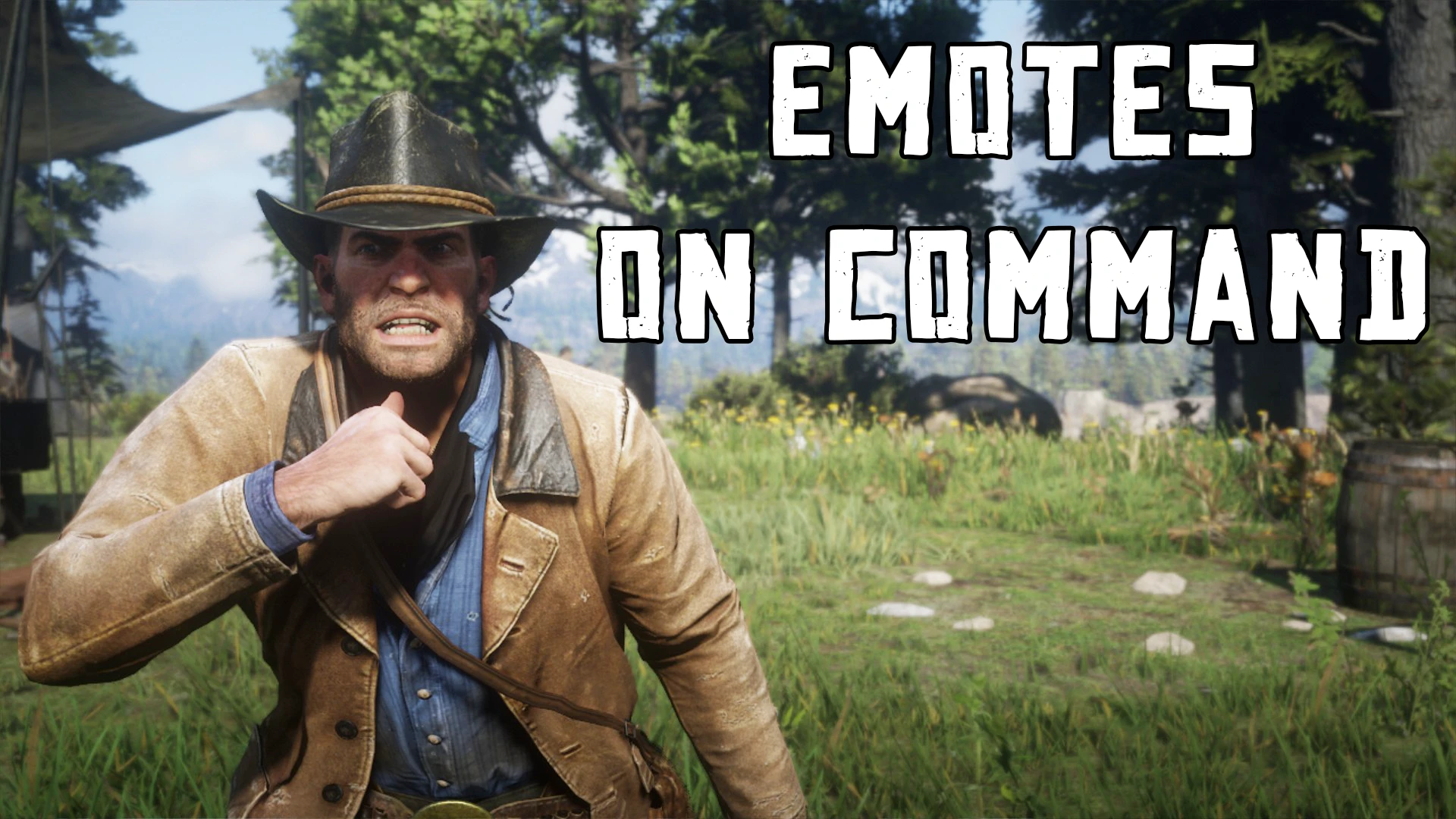
🔍 Analysis
- 👍 3.5% endorsement rate — high engagement, a strong quality signal
- 🏆 #204 of 218 Scripts mods in this game by downloads
📋 About This Mod
Emotes on Command
Installation:
- Install Alexander Blade's ScriptHookRDR2
- Extract "EmoteOnCommand.asi" and"EmoteOnCommand.ini" in to the root of your Red Dead Redemption 2 game folder.
How to use:
Press ~ (its right next to number 1) to play the emote.
You can change the keyboard key by editing the "EmoteOnCommand.ini". You can find more info about it in that file.
Controller:
Press X / Square + D-Pad Down to play the emote.
Description:
This is a simple mod which allows you to play an emote on command using a hotkey. You can only use one emote at a time. If you want to use a different emote then you can replace the emote found in "EmoteOnCommand.ini" which should be installed. Make sure that there isn't anything else in this file other than the emote to be used. Emotes can be changed in-game. Just alt-tab and change the emote in the .ini file.
Join my Patreon
For news regarding the progress of my mod updates you can join my Patreon page where you can get a closer look on what I'm working on at the moment. You can find my Patreon here.
Support me by:
Joining my Patreon
Following me on Twitter
Subscribing to my YouTube channel
Emotes on Command lets you trigger specific emotes instantly, with compatibility for Scenario on Command and other mods by the same author. A compact utility for players who want quick emote control, backed by 229 endorsements and 6,514 downloads, last updated in December 2020.
✨ Key Features
📊 Pros & Cons
✅ Pros
- Community-approved with 229 endorsements and over 6.5k downloads.
- Simple, focused functionality—no bloat, just emote control.
- Works alongside the author's other mods for a cohesive setup.
⚠️ Cons
- Last updated in December 2020, so it may be outdated for newer game versions.
- Limited to emotes only—no extra features beyond that.
- Compatibility with other mods beyond the author's is unverified.
For players who want quick, on-demand emote control without fiddling with menus. If you use Scenario on Command or other mods by this author, this is a natural fit. Skip if you're looking for a comprehensive emote overhaul or need frequent updates.
💡 Beginner Tips
- Check if your game version is compatible with the mod's last update (December 2020).
- If you use Scenario on Command, install both mods to ensure they work together.
- Test emotes in a safe area to see which ones are bound to the command.
📊 Mod Details
- Game
- RDR2 Mods
- Author
- konstantinos96b
- Version
- 1.2
- Downloads
- 6,514
- Endorsements
- 229
- Category
- Scripts
- Created
- 11/6/2020
- Updated
- 12/3/2020
🔧 How to Install RDR2 Mods
Install Script Hook RDR2 first. Most mods go in game directory.
📖 Full step-by-step install guide for RDR2 →
Visit the official mod page for specific installation instructions for this mod.
🎮 Need cheat codes or console commands? Check ur gaming wiki for RDR2 commands, item IDs, and more.
Keep browsing — more RDR2 mods await