Customizable Trainer
⚪ Last updated 2020⚠️ Install Order · 1 step
Install in this order, then this mod last — most mods fail to load without their framework and dependencies in place.
Preview
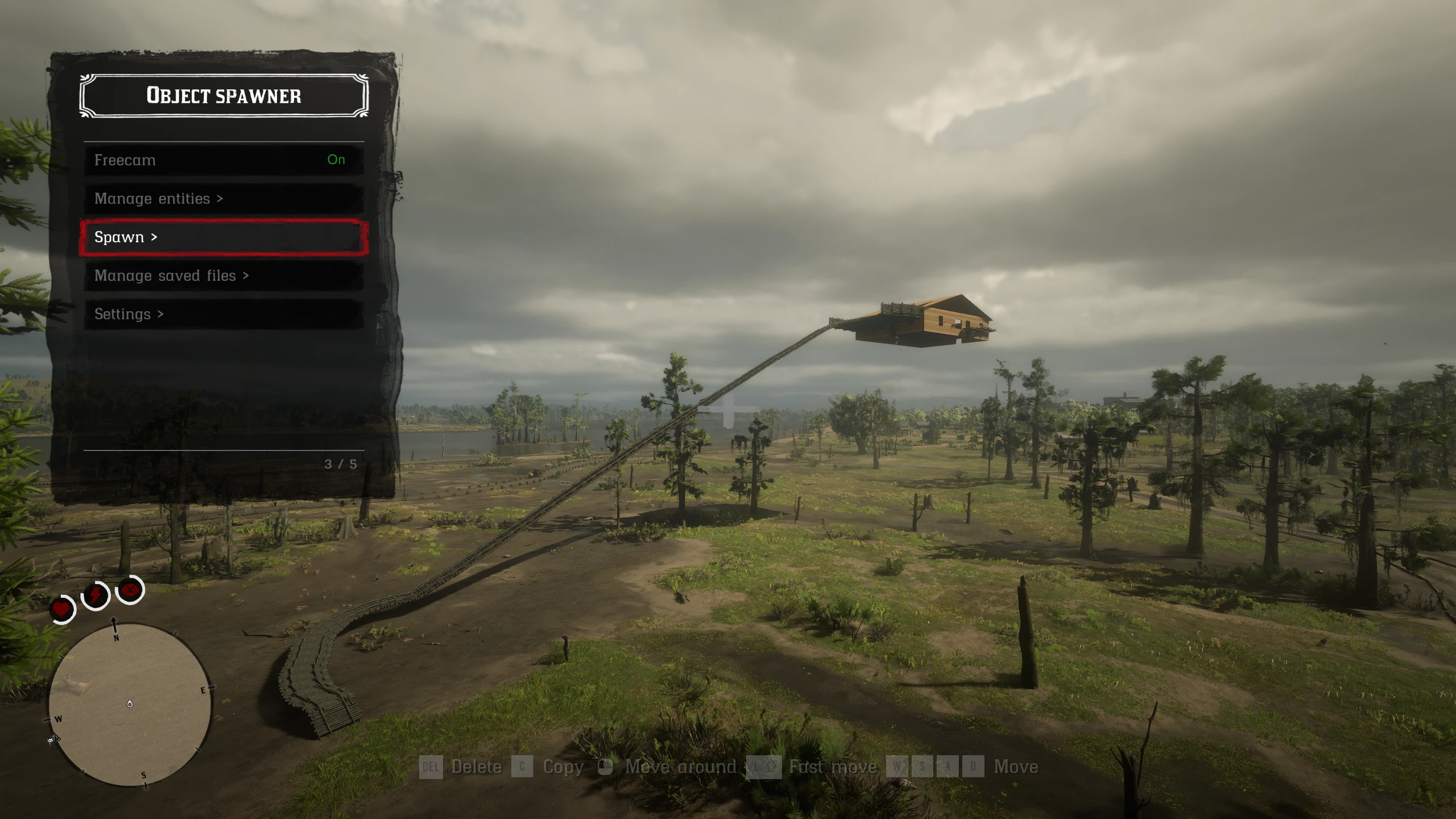
🔍 Analysis
- 👍 3.5% endorsement rate — high engagement, a strong quality signal
- 🏆 #119 of 223 Scripts mods in this game by downloads
📋 About This Mod
Edit mode notes
To add a new Submenu, go to the bottom of the list and select Add, then
type the name of the submenu (this is not the same as the title, title
will be what you type in text).
The submenu will then be created once you press the exit and save button.
Controls (Keyboard)
-
[] F3 to open menu
[
] Numpad 2/8 to go up and down[] Numpad 5 to select option
[] Numpad 4/6 to adjust number
[] Numpad 7 to enter edit mode
[] Numpad 7 to exit edit mode and save
[] Numpad 9 to exit edit mode without saving
[] Insert to add option in edit mode
[] Numpad to edit option in edit mode
[] Delete to delete option in edit mode
[] Shift to activate bind boost
[] W to accelerate in boat fly mode
[] S to decelerate in boat fly mode
[] Up/down to turn up/down in boat fly mode
[] A/D to turn left/right in boat fly mode
[] Q/R to control yaw in boat fly mode
Controls (Xbox controller)
- [] RB + D-Pad down to open menu
-
[] D-Pad up/down to go up and down
[
] A to select option[] LB/RB to adjust number
[] X to enter edit mode
[] X to exit edit mode and save
[] B to exit edit mode without saving
[] Y to add option in edit mode
[] RB to edit option in edit mode
[] LB to delete option in edit mode
[] LB to activate bind boost
[] A to accelerate in boat fly mode
[] X to decelerate in boat fly mode
[] LS to go turn up/down/left/right in boat fly mode
[] Yaw is not bound to anything by default but you can change it in Settings -> Controls -> Controller
Controls (PS4 Controller)
-
[] R1 + D-Pad down to open menu
[
] D-Pad up/down to go up and down[] X to select option
[] L1/R1 to adjust number
[] Square to enter edit mode
[] Square to exit edit mode and save
[] Circle to exit edit mode without saving
[] Triangle to add option in edit mode
[] R1 to edit option in edit mode
[] L1 to delete option in edit mode
-
[] L1 to activate bind boost
[
] X to accelerate in boat fly mode[] Square to decelerate in boat fly mode
[] L3 to go turn up/down/left/right in boat fly mode
- Yaw is not bound to anything by default but you can change it in Settings -> Controls -> Controller
Installation
Install Scripthook RDR2 from Alexander Blade if you don't already have it
Drag all of the files into your RDR 2 installation directory
Editing controls
All menu cont
-
[] R1 + D-Pad down to open menu
Customizable Trainer is a highly configurable trainer for Red Dead Redemption 2, featuring full controller support and an in-game edit mode that lets you add, move, and delete options. With 592 endorsements and over 16,000 downloads, it's a popular tool for players seeking a tailored modding experience.
✨ Key Features
📊 Pros & Cons
✅ Pros
- Community favorite with 592 endorsements and 16,756 downloads
- Controller support is a huge win for couch players
- Edit mode lets you tailor the trainer to your exact needs
⚠️ Cons
- Last updated in March 2020, so it may not work with the latest game patches
- No mention of specific features like god mode or teleport, so you might need to configure everything yourself
- Potential compatibility issues with other mods that modify the same game files
For RDR2 players who want a trainer they can fully customize to their playstyle, especially those who prefer using a controller. Skip if you're looking for a plug-and-play trainer with pre-set cheats—this one requires some setup.
💡 Beginner Tips
- Make sure to disable the Rockstar Games Launcher overlay to avoid conflicts with the trainer's input.
- Use the edit mode to create a custom menu layout that suits your gameplay—you can move options around for quick access.
- Check the mod's forum or comments for any known issues with the latest RDR2 updates before installing.
📊 Mod Details
- Game
- RDR2 Mods
- Author
- gudmunduro
- Version
- 0.10
- Downloads
- 16,756
- Endorsements
- 592
- Category
- Scripts
- Created
- 12/8/2019
- Updated
- 3/16/2020
🔧 How to Install RDR2 Mods
Install Script Hook RDR2 first. Most mods go in game directory.
📖 Full step-by-step install guide for RDR2 →
Visit the official mod page for specific installation instructions for this mod.
🎮 Need cheat codes or console commands? Check ur gaming wiki for RDR2 commands, item IDs, and more.
Keep browsing — more RDR2 mods await