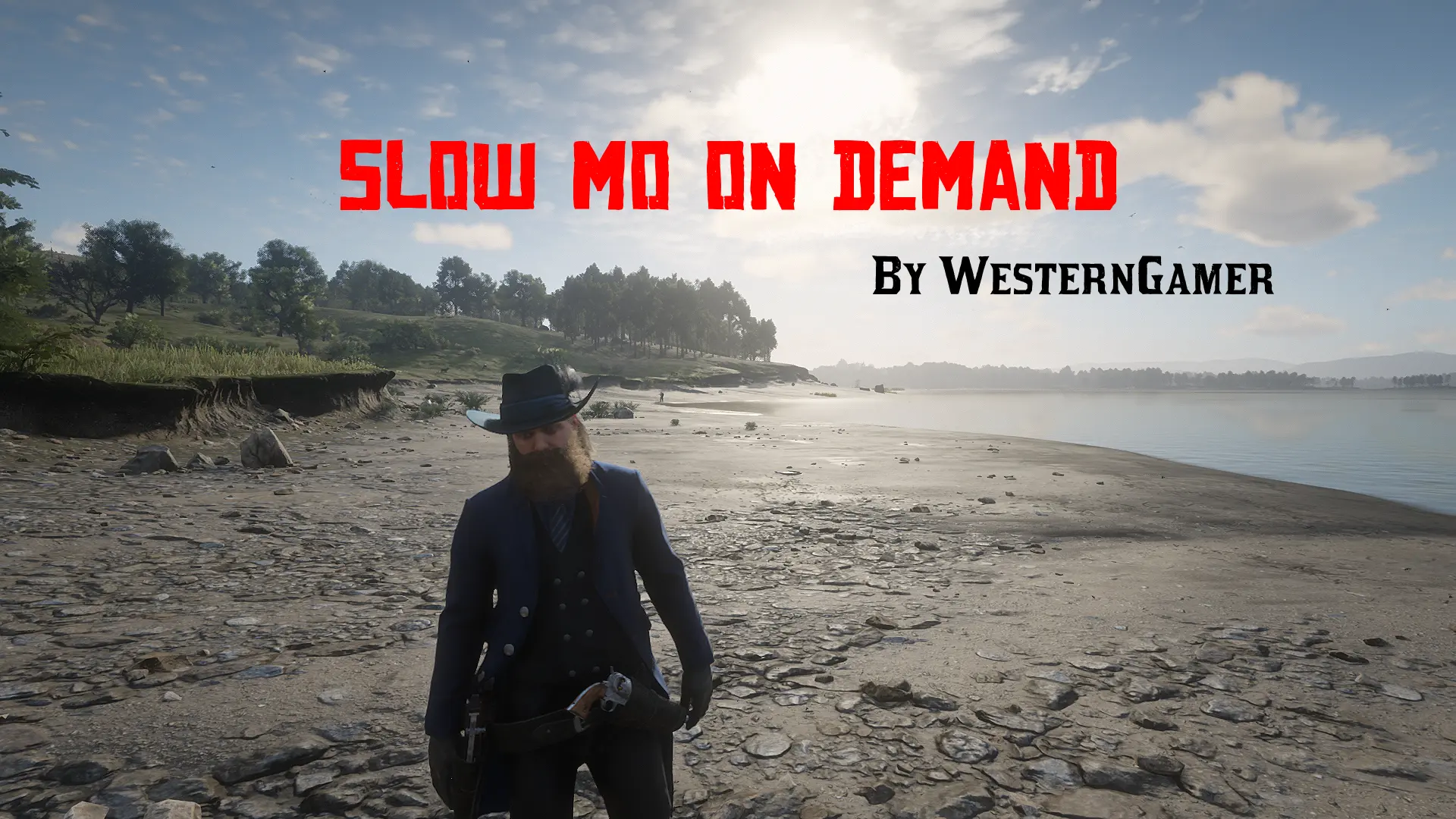
(AB Scripthook) Slow Mo On Demand
⚪ Last updated 2023⚠️ Install Order · 1 step
Install in this order, then this mod last — most mods fail to load without their framework and dependencies in place.
Preview
🔍 Analysis
- 👍 3.7% endorsement rate — high engagement, a strong quality signal
- 🏆 #197 of 218 Scripts mods in this game by downloads
📋 About This Mod
A lightweight mod that slows the game down with a press of a button. Someone told me to create this mod because two other similar mods used outdated scripthooks.
Installation
Just drop the .asi file into the RDR2 game directory. By default, Y is the key to slow the game down.
This mod generates the config file automatically after you run the game with the mod for the first time. The key to activate slow motion can be changed here and the speed can also be changed. Key codes.
Antivirus Disclaimer
Some antiviruses (Specifically MaxSecure and SecureAge APEX) may flag the mod as a virus. This is a false positive. If your antivirus keeps deleting the .asi file, please add it to the exclusions.
Config File Error
If you get an error that says:
Unable to save to SlowMoOnDemand.ini. This can be caused by many different issues. Usually this is due to insufficient permissions caused by the game folder permissions being setup incorrectly. Please see the mod page for more information. Falling back to default values.This usually means the game folder has the incorrect permissions set up. To fix this, follow these directions:
1. Find your game folder. For steam users, the default location is "C:\Program Files (x86)\Steam\steamapps\common\Red Dead Redemption 2"
2. Right click on the Red Dead Redemption 2 folder and click properties.
3. Go to the security tab on the window that pops up.
4. Click Advanced.
5. Set the owner of the folder to your windows username by clicking change near the top.
6. Click apply, then close and open the window.
7. Find CREATOR OWNER in the list and double click on it.
8. Check the Full Control box and click OK.
9. Repeat steps 7 and 8 for Users and Administrators.
10. Click OK and close all other related windows. You are now done!
If you get no error and the mod does not seem to work at all, the mod is not being loaded. Make sure that you have scripthook and an asi loader installed properly. Also make sure that you had extracted the files for those mods and this mod.
Open Source
This mod is open source and uses the MIT license.
A lightweight script mod for Red Dead Redemption 2 that slows the game down on demand with a button press. It has 255 endorsements and was last updated in April 2023, making it a simple tool for players who want cinematic slow-motion effects without extra features.
✨ Key Features
📊 Pros & Cons
✅ Pros
- Simple and effective—does exactly what it says, no bloat
- Community-trusted with 255 endorsements and nearly 7k downloads
- Lightweight means it won't tank your framerate
⚠️ Cons
- No configurable options—you get one speed, take it or leave it
- Last updated in 2023, so it might not work with the latest game patches
- Potential conflicts with other script mods that use the same hotkey
For RDR2 players who want to add dramatic slow-mo to their gameplay for screenshots, videos, or just for fun. Skip if you need adjustable speeds or extra features—this is a bare-bones tool.
💡 Beginner Tips
- Make sure you have ScriptHook RDR2 installed, as this mod relies on it to run.
- Check your keybindings in the mod's config file to avoid conflicts with other mods.
- Test the mod in a safe area first to see how it affects gameplay before using it in missions.
📊 Mod Details
- Game
- RDR2 Mods
- Author
- WesternSpace
- Version
- 1.1.0
- Downloads
- 6,946
- Endorsements
- 255
- Category
- Scripts
- Created
- 8/15/2022
- Updated
- 4/27/2023
🔧 How to Install RDR2 Mods
Install Script Hook RDR2 first. Most mods go in game directory.
📖 Full step-by-step install guide for RDR2 →
Visit the official mod page for specific installation instructions for this mod.
🎮 Need cheat codes or console commands? Check ur gaming wiki for RDR2 commands, item IDs, and more.
Keep browsing — more RDR2 mods await