1899Firearms-WhyEm's-EEE-GFA Merge Update Ultimate GameConfig For Lot's of Mods - Error FFFF fix - Train Spawn fix
🟠 Updated over a year ago⚠️ Install Order · 1 step
Install in this order, then this mod last — most mods fail to load without their framework and dependencies in place.
Preview
🔍 Analysis
- 👍 1.3% endorsement rate — high engagement, a strong quality signal
- 🏆 #113 of 209 Gameplay mods in this game by downloads
📋 About This Mod
FINALLY UPDATED
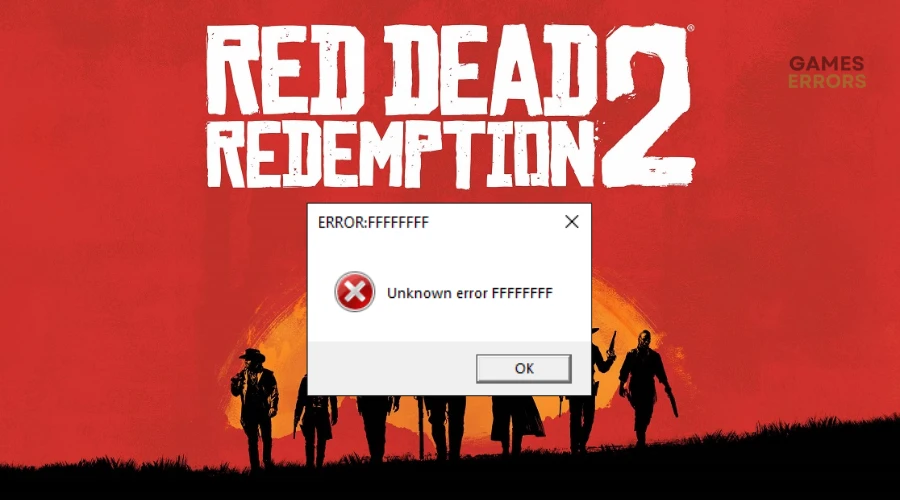
Made a new config specifically for anyone who uses The Trifecta merge. I'm sure not everyone has this issue but for me when using The Trifecta Merge using the config they recommend i would get error FFFF after about 30 seconds of being loaded in game. Now with this Config i will still sometimes get the error but generally about 2 to 3 hours in, if it happens. Also this config WILL WORK without The Trifecta, can be used on its own.
Custom Gameconfig with increased pool sizes to fix stutters, and a custom line written in for gamescripthandler to fix "Error FFFFF" when near camps or towns when you have lot's of .asi mods installed.
I've spent the last week testing this and i think i have all the values perfect, keep in mind that this is for my specs, which is a 3080 and 11700k. So you can always adjust values as needed but i truly don't think you'll need to.
Also if you have lots of .asi mods installed you might notice that you'll start to get "Error FFFFF", i was always under the assumption that some mods were just not compatible but once i added a new line of code into the gameconfig to allocate more memory for the gamescripthandler i no longer get the error when trying to leave camp or come back to camp, towns and whatnot.
Hopefully this helps you all out, if you have any questions feel free to ask.
1. For Installation simply drop the "Tkoul's GameConfig for lots of mods"(Now Called Ultimate GameConfig Final Version) folder directly into \lml (lennys mod loader folder).
2. Make sure you open up the mod manager and click the checkmark to override.
1: Make sure to go into lennys mod manager and check the overwrite box, turn off any conflicting gameconfig.
2: Make sure to go to graphic settings, scroll down to advanced, unlock and change DX12 to Vulkan (MAKE SURE IT'S SET TO VULKAN / NOT SWITCHING CAN CORRUPT YOUR SAVE)
3. NEWEST CONFIG WILL NOW WORK WITH WHYEM'S DLC/EEE/GFA AND TTO (TERRAIN TEXTURE OVERHAUL). ALSO THE TRIFECTA IF ANYONE IS USING IT (1899 FIREARMS + WHYEM'S DLC+EEE+GFA)
Have fun playing the whole story with no crashes :) oh and robbing trains again now!
This is a custom game configuration for Red Dead Redemption 2 that increases pool sizes to fix stutters and adds a line to gamescripthandler to resolve the 'Error FFFFF' crash near camps or towns when many .asi mods are installed. It also includes a train spawn fix. With 221 endorsements and 17,615 downloads, it's a community-tested fix for mod-heavy setups.
✨ Key Features
📊 Pros & Cons
✅ Pros
- Community-approved fix with 221 endorsements and over 17k downloads
- Directly addresses the dreaded 'Error FFFFF' crash that plagues mod-heavy RDR2 setups
- Also tackles stutters and train spawn issues, making it a multi-purpose config
⚠️ Cons
- Custom configs can conflict with other mods that alter the same files, so test carefully
- Last updated in August 2025, so it may not be compatible with the latest game patches or newer mods
- Not a standalone mod—requires you to already have .asi mods to benefit from the fixes
For RDR2 players who run a heavy load order with many .asi mods and are tired of crashing near camps or towns. Also for those experiencing stutters or train spawn issues. Skip if you play vanilla or with minimal mods—this won't do much for you.
💡 Beginner Tips
- Make sure to back up your original gameconfig.xml and gamescripthandler files before replacing them, so you can revert if something goes wrong.
- If you use a mod manager like Lenny's Mod Manager, install this as a mod and check load order to avoid conflicts with other config mods.
- After installing, test by fast-traveling to a camp or town to confirm the 'Error FFFFF' is gone.
📊 Mod Details
- Game
- RDR2 Mods
- Author
- Tkoul
- Version
- 1.5.0
- Downloads
- 17,615
- Endorsements
- 221
- Category
- Gameplay
- Created
- 10/16/2024
- Updated
- 8/27/2025
🔧 How to Install RDR2 Mods
Install Script Hook RDR2 first. Most mods go in game directory.
📖 Full step-by-step install guide for RDR2 →
Visit the official mod page for specific installation instructions for this mod.
🎮 Need cheat codes or console commands? Check ur gaming wiki for RDR2 commands, item IDs, and more.
Keep browsing — more RDR2 mods await