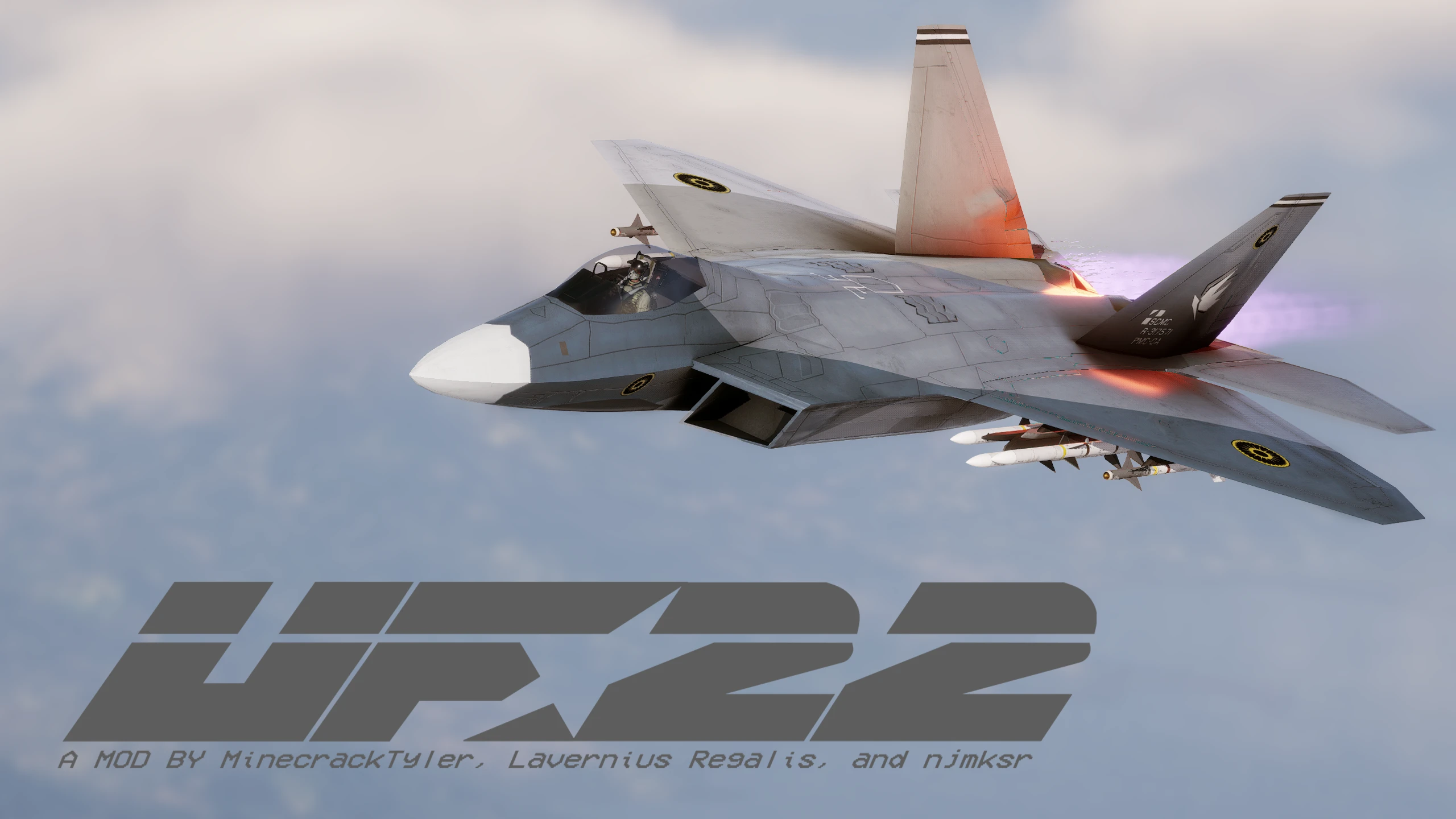
UF-22
🟠 Updated over a year agoPreview
🔍 Analysis
- 👍 3.1% endorsement rate — high engagement, a strong quality signal
- 🏆 #5 of 141 Miscellaneous mods in this game by downloads
📋 About This Mod
Now compatible with Project Wingman v2. 1. 0A!
Replaces the VX-23 with a fully functional UF-22. Comes with 7 new skins, 2 alternate skins, and an alternate ORM for a Mobius skin along with others.
Files Available:
-
[]UF-22_P.pak - Main model swap, includes 7 new skins for the new model.
[
]Z_22AltORM_P - Alternate ORM which makes the area in front of the nozzles metallic. Recommended to use with Mobius skin.[]UF22_AltSkins.zip - Contains alternate skins, install like any other UGC compatible skin mod.
Manual Installation:
-
[]Extract the given .pak file to \steamapps\common\Project Wingman\ProjectWingman\Content\Paks\~mods (create ~mods folder if needed)
[]Install any downloaded skins or alternate files to the ~mods folder.
[]Enjoy!
Credits:
-
[]MinecrackTyler(MinecrackTyler#4039) - Modelling.
[
]Lavernius Regalis(Lavernius Regalis#9919) - ORM, Normal map, Weathering/Systems, Texture Template, Yelling at me - njmksr(njmksr#3705) - Diffuse Skins, Texture Template, Great Logo(s)
🤖 AI-enhanced — based on mod dataReplaces the VX-23 with a fully functional UF-22, including 7 original skins, 2 alternate skins, and an alternate ORM for a Mobius skin plus others, along with skin modding tools. With 1,172 endorsements and 37,253 downloads, this cosmetic mod is well-adopted for players seeking visual variety or custom skin creation.
✨ Key Features
Replaces the stock VX-23 aircraft with a fully functional UF-22 model.Includes 7 original skins and 2 alternate skins for the UF-22.Provides an alternate ORM specifically for a Mobius skin and other skins.Bundles skin modding tools for creating custom textures.📊 Pros & Cons
✅ Pros
- Massive endorsement count (1,172) shows this mod is trusted and loved.
- Over 37,000 downloads prove it's widely used and stable.
- Includes modding tools so you can make your own skins easily.
⚠️ Cons
- Replaces the VX-23 entirely — you lose the original aircraft model unless you uninstall.
- Listed under Miscellaneous rather than a specific game category, making it harder to find in searches.
🎯 Is This For You?
For flight combat players who want to swap the VX-23 for the UF-22 with a wide selection of skins. Also for texture modders who want to create custom skins using the bundled tools. Skip if you prefer the original VX-23 or don't care about visual aircraft changes.📦 Install:Easy· Under 1 minute💡 Beginner Tips
- Locate your game's VX-23 files before installing so you know exactly where to place the UF-22 replacement.
- If you have other aircraft skin mods loaded, install this one last to avoid overwrite conflicts.
- Use the included skin modding tools to experiment with custom textures — they're designed for easy reskinning.
-
[]MinecrackTyler(MinecrackTyler#4039) - Modelling.
-
[]Extract the given .pak file to \steamapps\common\Project Wingman\ProjectWingman\Content\Paks\~mods (create ~mods folder if needed)
📊 Mod Details
- Game
- Projectwingman Mods
- Author
- MinecrackTyler and Lavernius Regalis and njmksr
- Version
- 1.0.3
- Downloads
- 37,253
- Endorsements
- 1,172
- Category
- Miscellaneous
- Created
- 2/9/2021
- Updated
- 2/5/2025
🔧 How to Install Project Wingman Mods
Download from Nexus Mods.
📖 Full step-by-step install guide for Project Wingman →
Visit the official mod page for specific installation instructions for this mod.
🎮 Need cheat codes or console commands? Check ur gaming wiki for Project Wingman commands, item IDs, and more.
Keep browsing — more Project Wingman mods await