Effigy Magnet
🟡 Updated this year⚠️ Install Order · 1 step
Install in this order, then this mod last — most mods fail to load without their framework and dependencies in place.
Preview
🔍 Analysis
- 👍 0.0% endorsement rate
- ✅ Updated 263 days after the latest game patch — actively maintained
📋 About This Mod
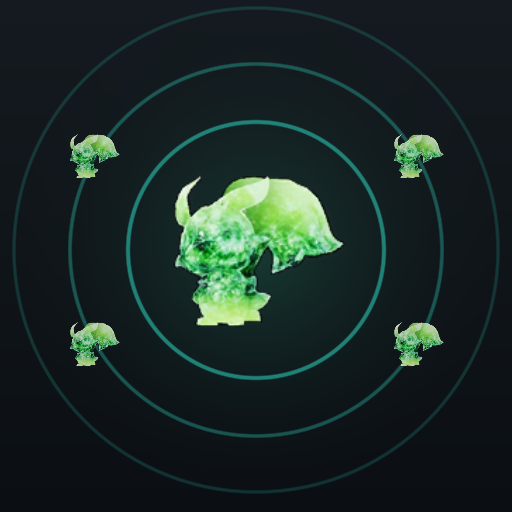
Effigies get picked up automatically when you are near them! This applies to all types of effigies, not just Lifmunk. Default range is 25m across and 60m up and down. To change it, run the game once with the mod on. The mod then creates EffigyMagnet.user.txt in your UE4SS Mods folder, next to mods.txt. Edit that one, it survives mod updates. Default location: Steam\steamapps\common\Palworld\Mods\NativeMods\UE4SS\Mods\EffigyMagnet.user.txt If you already have an EffigyMagnet.user.lua from an earlier version, you can keep using that just fine as well. I made this because I wanted to make collecting effigies easier but I didn't want to make it too easy. So you still have to go near them. Requires UE4SS. After subscribing, enable it in Options > Mod Management. Notes There is no pickup sound. The game plays that as a full animation, which would interrupt you every time one came into range. In co-op, each player installs it for themselves. It's possible that servers have some protection against it as the player could be seen as not close enough to pickup the effigy.
📊 Mod Details
- Game
- Palworld Mods
- Author
- 76561198146031991
- Version
- N/A
- Downloads
- 21,176
- Endorsements
- 0
- Category
- Gameplay, UE4SS
- Created
- 7/28/2026
- Updated
- 8/12/2026
🔧 How to Install Palworld Mods
Subscribe on Steam Workshop. Mods auto-download and install. Launch the game to activate.
📖 Full step-by-step install guide for Palworld →
Visit the official mod page for specific installation instructions for this mod.
🎮 Need cheat codes or console commands? Check ur gaming wiki for Palworld commands, item IDs, and more.
Keep browsing — more Palworld mods await