Remote Monitoring Stand
🟡 Updated this year⚠️ Install Order · 1 step
Install in this order, then this mod last — most mods fail to load without their framework and dependencies in place.
Preview
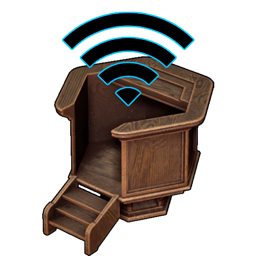
🔍 Analysis
- 👍 0.0% endorsement rate
- ✅ Updated 234 days after the latest game patch — actively maintained
- 🏆 #15 of 35 UE4SS, Utilities mods in this game by downloads
📋 About This Mod
Description This is a pretty simple mod that allows you to open the Monitoring Stand anywhere. More specifically, you can use the Fixed Assignment Management and Set Work Preferences anywhere. Set Work Mode didn't seem like an option that is used very often so I left it out, if it is requested I can add it though. How To Use Just press the appropriate hotkey (two separate hotkeys for the two menus) and the menu will open. You can use it as normal and close it when you're done. When using it outside of your base, it will grab the Monitoring Stand from the closest base to your current position. Requires Monitoring Stand to be built. The default hotkeys are F2 for Fixed Assignment Management and F3 for Set Work Preferences. These can be changed using Dek's Mod Config Menu Dedicated Servers: press INS key (insert) first for the mod to work. It only needs to be installed on the client. Options All options are accessible from the Mod Config Menu. Toggle whether Monitoring Stand can only be opened while inside a base
📊 Mod Details
- Game
- Palworld Mods
- Author
- 76561197976522438
- Version
- N/A
- Downloads
- 1,073
- Endorsements
- 0
- Category
- UE4SS, Utilities
- Created
- 7/10/2026
- Updated
- 7/15/2026
🔧 How to Install Palworld Mods
Subscribe on Steam Workshop. Mods auto-download and install. Launch the game to activate.
📖 Full step-by-step install guide for Palworld →
Visit the official mod page for specific installation instructions for this mod.
🎮 Need cheat codes or console commands? Check ur gaming wiki for Palworld commands, item IDs, and more.
Keep browsing — more Palworld mods await