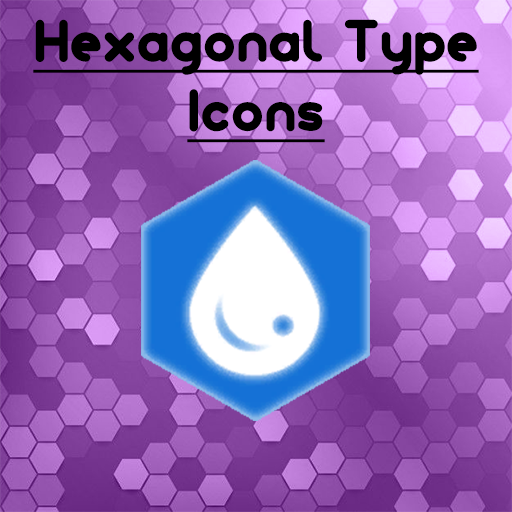
Hexagonal Element Icons
🟡 Updated this year⚠️ Install Order · 1 step
Install in this order, then this mod last — most mods fail to load without their framework and dependencies in place.
Preview
🔍 Analysis
- 👍 0.0% endorsement rate
- ✅ Updated 6 days after the latest game patch — actively maintained
📋 About This Mod
Changes the Element Icons on Pal Info Pages and in-game health bars to be hexagonal in shape. Purely a visual change Installation Notice Palworld will not load mods by default. After subscribing, go to the main menu, then "options" and click "Mod Management." Check the box next to this mod (and any other mods you are installing, such as its dependencies), and hit save changes. Palworld will automatically restart and load the enabled mods. You may also have to switch "Enable Mods" to "ON" as well.
📊 Mod Details
- Game
- Palworld Mods
- Author
- 76561198845990215
- Version
- N/A
- Downloads
- 2,160
- Endorsements
- 0
- Category
- N/A
- Created
- 11/28/2025
- Updated
- 11/28/2025
🔧 How to Install Palworld Mods
Subscribe on Steam Workshop. Mods auto-download and install. Launch the game to activate.
📖 Full step-by-step install guide for Palworld →
Visit the official mod page for specific installation instructions for this mod.
🎮 Need cheat codes or console commands? Check ur gaming wiki for Palworld commands, item IDs, and more.
Keep browsing — more Palworld mods await