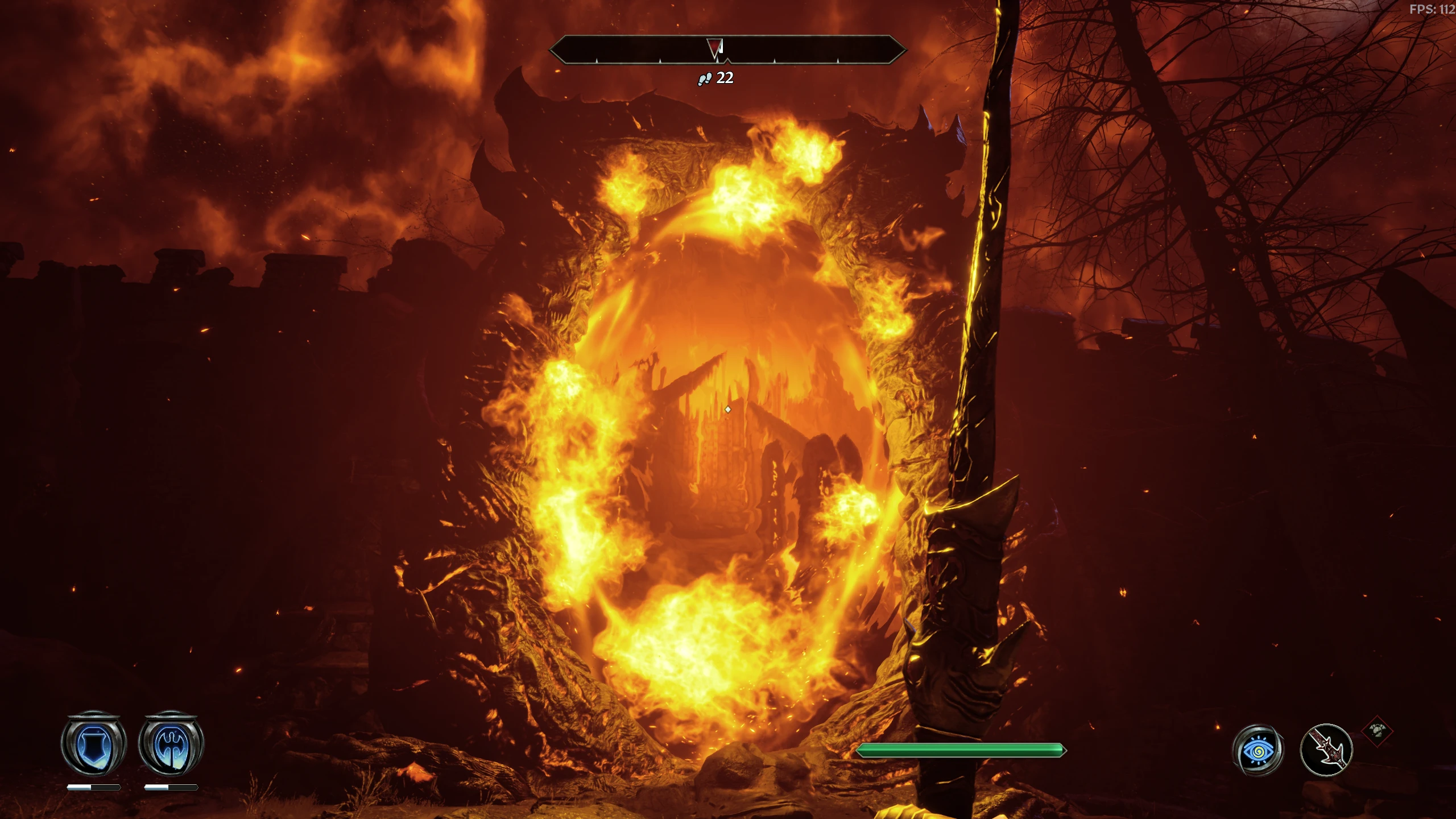
Xirlio's Realistic Fantasy Reshade
🟠 Updated over a year agoPreview
🔍 Analysis
- 🏆 #61 of 209 Visual Presets mods in this game by downloads
📋 About This Mod
Universal reshades for remastering your games, not just an Oblivion reshade.
If you encounter any errors, download the reshade installer and install reshade again with dx10/11/12 selected, otherwise, this is just a drag and drop into your game folder \steamapps\common\Oblivion Remastered\OblivionRemastered\Binaries\Win64 , should be game pass compatible by default, just follow folder structure.
Please make sure you calibrate your gamma, brightness and contrast properly so you can see. The preset was created on a VA panel screen. Unfortunately, each screen has a different setup so I can't really calibrate it for everyone. Just make sure you properly calibrate brightness in-game, based on your specific monitor.
If your screen is black, make sure XRF_LUT3.png is present in reshade-shaders > Textures folder.
That's it, enjoy the presets.
XRF Equilibrium Eclipse is darker and was adjusted for Oblivion Remaster specifically. Set brightness to at least a 4 - 6 after applying the preset, so you can see, depending on your screen. Equilibrium Eclipse is also much harsher on fps loss than the normal preset. Eclipse doesn't always play nice with foggy areas it seems, which is why I've included the base preset. It's glitchy in some areas, it's not always an issue but I did notice it, unsure why it happens but it's random.
For XRF Equilibrium base preset recommended in-game brightness intensity is 1-6.
If you have any random flickering on your screen, it's probably related to V-sync or Frame Generation being turned on.
Need a reason for using XRF Equilibrium over others? -> Mine's more optimized than the vast majority of reshade presets out there and you can also use it on almost all of your other games without having to adjust the preset for each individual game. I've put months into optimizing this and getting it just right.
For getting more FPS I highly recommend Optimized Tweaks OBLR and updating your DLSS/FSR/XeSS with DLSS Swapper.
Skyrim presets here.
Games tested with the base XRF Equilibrium preset at the point of making this post:
Baldur's Gate 3
Metro 2033 Redux/Last Light Redux/Exodus
Black Myth Wukong
Cyberpunk 2077
Final Fantasy VII Remake
Final Fantasy XVI
God of War Ragnarok
Dragon Ball Sparking Zero
The Witcher 3
Forza Horizon 4
Hogwarts Legacy
Total War: Warhammer 1,2,3
Batman Arkham Asylum, City and Knight
Middle-Earth: Shadow of Mordor and Shadow of War
Monster Hunter World (use XRF Equilibrium Monstera on discord instead; it ne
📊 Mod Details
- Game
- Oblivionremastered Mods
- Author
- XirlioMerazul
- Version
- 1Final
- Downloads
- 181
- Endorsements
- 5
- Category
- Visual Presets
- Created
- 4/24/2025
- Updated
- 4/27/2025
🔧 How to Install Oblivion Remastered Mods
Download from Nexus Mods.
📖 Full step-by-step install guide for Oblivion Remastered →
Visit the official mod page for specific installation instructions for this mod.
🎮 Need cheat codes or console commands? Check ur gaming wiki for Oblivion Remastered commands, item IDs, and more.
Keep browsing — more Oblivion Remastered mods await