SkyMarkers - Compass and World Map Markers Redone
🟠 Updated over a year agoPreview
🔍 Analysis
- 👍 1.9% endorsement rate — high engagement, a strong quality signal
- 🏆 #39 of 183 User Interface mods in this game by downloads
📋 About This Mod
Summary:
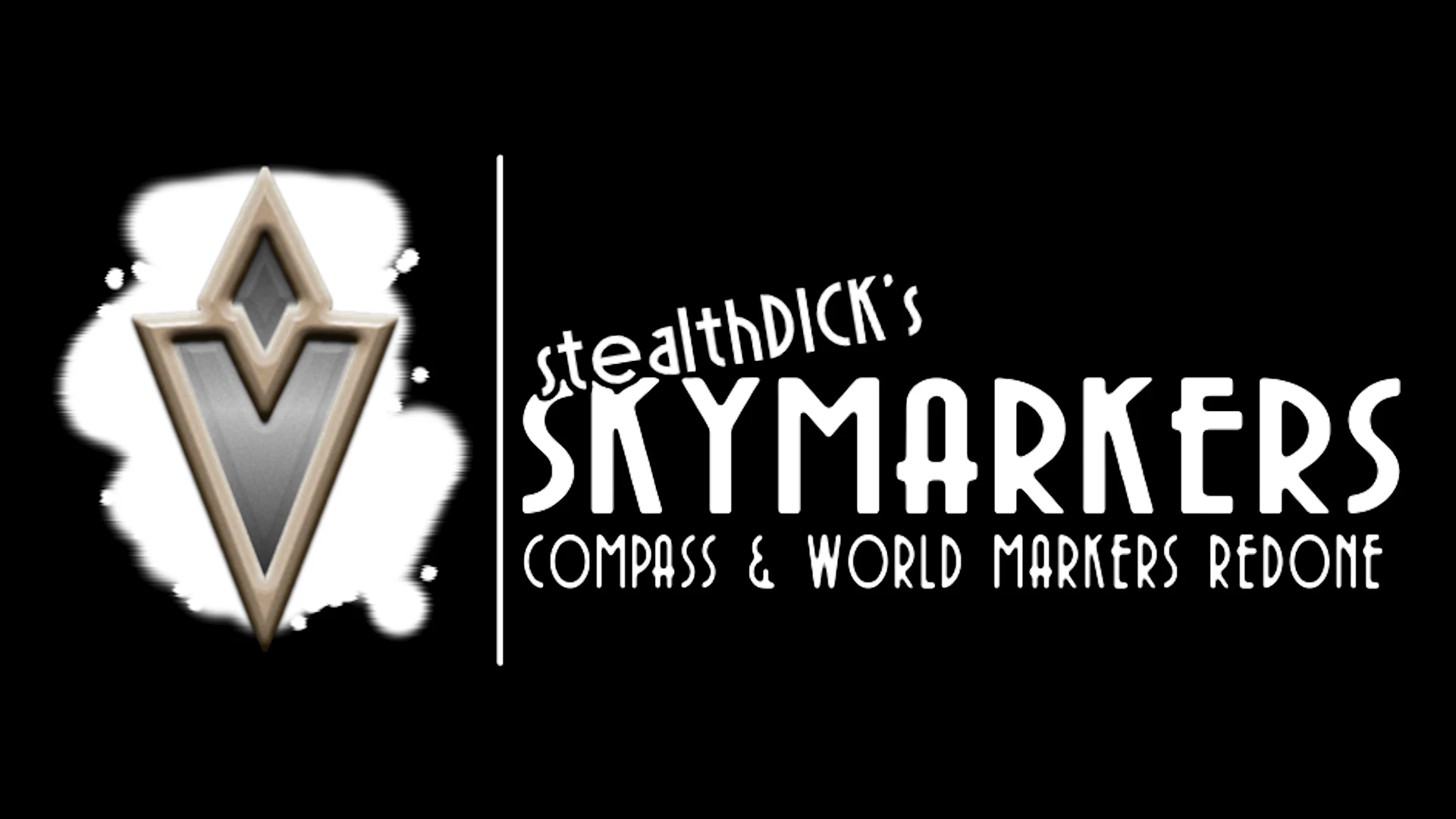
I didn't like how fat and ugly the "goal" markers were on the compass and world map. They were just too wide for my liking. I didn’t have any real inspiration, so I copped out and recreated Skyrim’s markers — but with Oblivion's color scheme and bevel style. I have no control over the colors they take on; that's hardcoded. I only made the filling gray to match what the base game already did.Features:
-
[]Remade compass goal markers.
[
]Remade world map objective markers.[]2 textures, slapped straight into UE 5. 3
Installation:
I don't use mod installers/organizers, so idk how you'd use them for this.
-
[]Mod is packaged for ease. Folder structure directs the assets to /Paks/~mods
[]If you don't have a ~mods folder, this will make one for you.
[]Extract this file and drag the contents into your Oblivion Remastered directory.
➤ \steamapps\common\Oblivion Remastered
- You should be good after that. To verify, make sure you have 3 files named "SD_Objective_Goal_P.x" in:
➤ \steamapps\common\Oblivion Remastered\OblivionRemastered\Content\Paks\~mods
Credits:
Special thanks to Stentorious, for without them, I'd have no idea what I'm doing.
Contact:
Twitter: @stealthDick_
Discord: stealthDick
Youtube: @stealthDick
My Mods: (for a much better game)
Radiant Infinium - Endless Questing Framework
Clockwork Vegas - Calendar Overhaul and Time-ba
-
[]Mod is packaged for ease. Folder structure directs the assets to /Paks/~mods
SkyMarkers restyles Oblivion's default compass and world map markers to match Skyrim's sleeker shape while preserving the original color scheme. A subtle visual overhaul for players who find the vanilla markers too wide and clunky. With 405 endorsements and over 21,000 downloads, it's a popular UI polish mod.
✨ Key Features
📊 Pros & Cons
✅ Pros
- Community-approved with 405 endorsements and over 21k downloads
- Cleaner, more refined look that matches Skyrim's aesthetic
- Lightweight UI tweak that doesn't overhaul the whole interface
⚠️ Cons
- Only affects marker shape—if you wanted color changes, this isn't it
- No screenshots or detailed previews in the description, so you'll have to see it in-game
- Last updated in April 2025—may not be compatible with future Oblivion patches
For Oblivion players who find the vanilla markers too bulky and want a subtle visual upgrade that aligns with Skyrim's style. Skip if you're looking for a full UI overhaul or color customization—this is purely a shape tweak.
💡 Beginner Tips
- Since it's a simple texture/mesh replacement, just drop the files into your Oblivion Data folder and enable the mod in your launcher.
- If you use a mod manager like OBMM or Wrye Bash, install it through that to keep your load order clean.
- Check the mod's comments section for any user screenshots—the description lacks previews, so other players' images can help you decide.
📊 Mod Details
- Game
- Oblivionremastered Mods
- Author
- StealthDick
- Version
- 1.0
- Downloads
- 21,175
- Endorsements
- 405
- Category
- User Interface
- Created
- 4/25/2025
- Updated
- 4/25/2025
🔧 How to Install Oblivion Remastered Mods
Download from Nexus Mods.
📖 Full step-by-step install guide for Oblivion Remastered →
Visit the official mod page for specific installation instructions for this mod.
🎮 Need cheat codes or console commands? Check ur gaming wiki for Oblivion Remastered commands, item IDs, and more.
Keep browsing — more Oblivion Remastered mods await