Viewmodel fix For high FOV
⚪ Last updated 2022⚠️ Install Order · 2 steps
Install in this order, then this mod last — most mods fail to load without their framework and dependencies in place.
Preview
🔍 Analysis
- 👍 1.9% endorsement rate — high engagement, a strong quality signal
- 🏆 #35 of 50 Patches mods in this game by downloads
📋 About This Mod
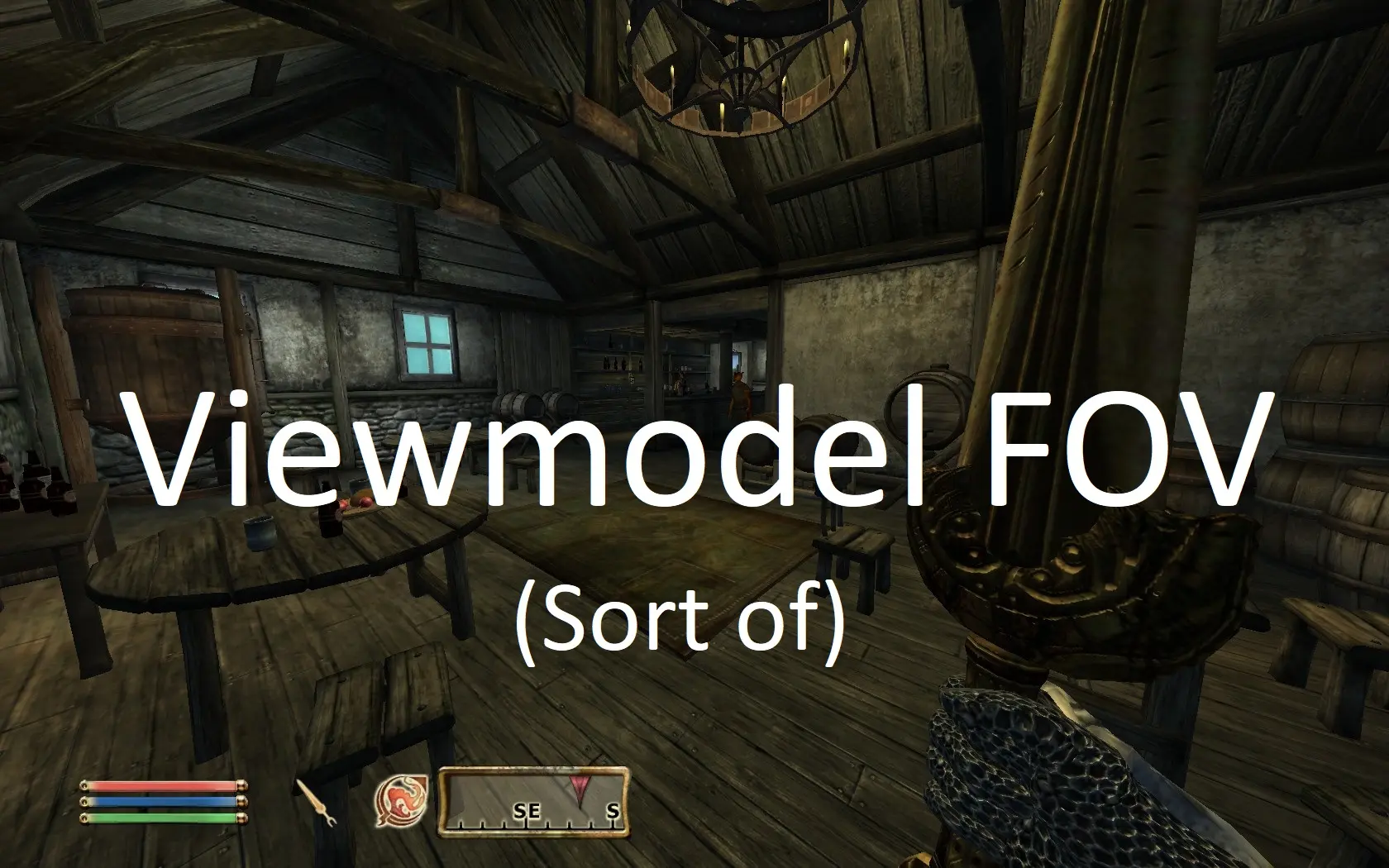
(Sort of) Fixes clipping issues with custom FOVs
This mod pushes first person skeleton back to accommodate for high fov.
There are 3 versions available. Skeleton for 90 FOV was pushed back while skeletons for 100 and 110 were also pushed a tiny bit to the right due to bad-looking bow animations which causes a negligible shift in aiming with aforementioned bows and magic. Also for 100 and 110 I could not get rid of all the clipping (you will see a little bit of shoulder while performing stationary power attack with one-handed weapons) and hands look quite warped..
Overall, I suggest to sticking with 90 FOV unless you get really get motion sick from low FOVs.
Installation
-
[]You can use your mod manager of choice or just drop the Data folder from the archive into your Oblivion folder. There is just a single skeleton.nif file that should not override anything.
[
]Go to C:\Users\\Documents\My Games\Oblivion and open Oblivion.ini. Find fNearDistance and change it to 4. 0 if you are playing with FOV of 90 or 2. 0 if you are playing with FOV of 100 or 110.Also, if not using already, don't forget to install Oblivion Display Tweaks as it has true widescreen FOV correction, similar to Fallout 3/NV and Skyrim.
Credits
The skeleton.nif file was taken from the Growlf's Universal Skeleton NIF and the adjusted by me.
📊 Mod Details
- Game
- Oblivion Mods
- Author
- Me
- Version
- 1.0
- Downloads
- 1,705
- Endorsements
- 33
- Category
- Patches
- Created
- 2/18/2022
- Updated
- 2/18/2022
🔧 How to Install Oblivion Mods
Download from Nexus.
📖 Full step-by-step install guide for Oblivion →
Visit the official mod page for specific installation instructions for this mod.
🎮 Need cheat codes or console commands? Check ur gaming wiki for Oblivion commands, item IDs, and more.
Keep browsing — more Oblivion mods await