TES4LODGen
⚪ Last updated 2015⚠️ Install Order · 2 steps
Install in this order, then this mod last — most mods fail to load without their framework and dependencies in place.
Preview
🔍 Analysis
- 👍 3.7% endorsement rate — high engagement, a strong quality signal
- 🏆 #11 of 86 Utilities mods in this game by downloads
📋 About This Mod
Name: TES4LODGen Category: Utilities Requirements: None Author: ElminsterAU
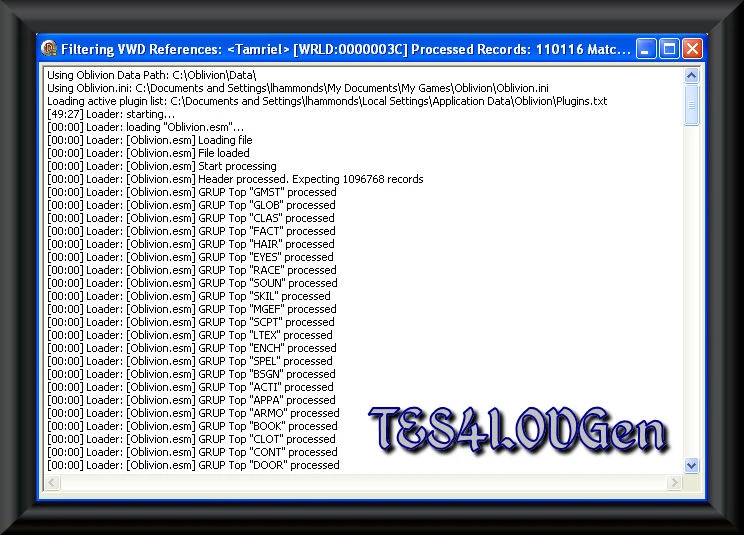
Description =========== TES4LODGen is a One-Click DistantLOD Generator.
Installation ============ Not necessary.
Requirements ============ You MUST have HDR enabled in game options. Otherwise it can happen that all distant objects "flash to black" depending on the viewing angle.
Usage ===== 1. Start TES4LODGen.exe - It will automatically find your Data Folder, list of active Modules and Oblivion.ini, load all active modules, load all associated BSAs and generate DistantLOD data for all worldspaces in all active modules. 2. Close the application once it's finished. 3. Play.
TES4LODGen must be run after any changes in load order (adding, removing, reordering plugins) so LOD would work properly!!!
REALLY Almost Everything Visible When Distant is highly recommended to get the greatest benefit from TES4LODGen.
Advanced Usage ==============
It is possible to control the processing for each worldspace by creating a plugins.tes4lodgensettings file in the same folder as plugins.txt.
>>>> Example >>>> ;Supported Rules: Skip, Clear, Replace Rule=Replace
Toddland=Clear ToddTestLand2=Skip <<<<<<<<<<<<<<<<<
Any worldspace which is not specifically listed will have the Default Rule applied.
History ======= 1. 2. 44 BETA, 2008-03-07, Initial release. 2. 2. 0, 2009-02-23, Update to same backend as TES4Edit 2. 2. 0, should handle .bsa's on different drives 2. 2. 1, 2009-02-24, Deletes old .lod files before writing new ones. Processing rule can be specified per Worldspace using plugins.tes4lodgensettings file. 2. 2. 2, 2009-02-25, Fixes rotation of generated .lod information Version 3. 0. 13 syncs up the engine with the most current version of TES4Edit, FO3Edit and FNVEdit. Version 3. 0. 15 fixes a bug that resulted in VWD objects having wrong rotation values. Version 3. 0. 32 Fixes: - issue 162: reference rotation angle normalization (TES4LODGen hanging on several mods)
Contact ======= You can find me on the official Elder Scrolls forums as 'ElminsterEU' You can find me on TESNexus as 'ElminsterAU'
Licensing/Legal =============== This program is provided as-is with no warranties expressed or implied. I won't be held liable for any damage related to it's use. There is nothing that can be considered malware in this program such as virus, trojan, adware, or spyware in it's original distribution. If this program gets romantically envolved
TES4LODGen is a one-click distant LOD generator for Oblivion, streamlining the process of creating distant terrain and object LOD. With nearly 10,000 endorsements and 270,000 downloads, it's a trusted utility for modders and players wanting improved draw distances. Last updated in 2015, it remains a staple for Oblivion modding.
✨ Key Features
📊 Pros & Cons
✅ Pros
- Community favorite with nearly 10k endorsements — clearly does its job well.
- One-click operation saves time and hassle compared to manual LOD generation.
- Huge download count (270k+) proves it's a go-to tool for Oblivion modders.
⚠️ Cons
- Last updated in 2015 — may not be fully compatible with newer mods or Windows versions.
- No detailed instructions provided, so beginners might need to look up tutorials.
- Requires Oblivion modding knowledge to get the most out of it.
For Oblivion modders who want to improve distant scenery without fiddling with complex LOD tools. Also for players who want a more immersive view distance. Skip if you're not interested in visual enhancements or play on a potato PC.
💡 Beginner Tips
- Run TES4LODGen after installing all your landscape and object mods to ensure LOD matches your load order.
- Back up your existing LOD files before generating, so you can revert if something looks off.
- Check the generated LOD in-game from a high vantage point to spot any missing or misaligned objects.
📊 Mod Details
- Game
- Oblivion Mods
- Author
- ElminsterAU
- Version
- 3.1.1
- Downloads
- 270,064
- Endorsements
- 9,860
- Category
- Utilities
- Created
- 3/7/2008
- Updated
- 5/27/2015
🔧 How to Install Oblivion Mods
Download from Nexus.
📖 Full step-by-step install guide for Oblivion →
Visit the official mod page for specific installation instructions for this mod.
🎮 Need cheat codes or console commands? Check ur gaming wiki for Oblivion commands, item IDs, and more.
Keep browsing — more Oblivion mods await