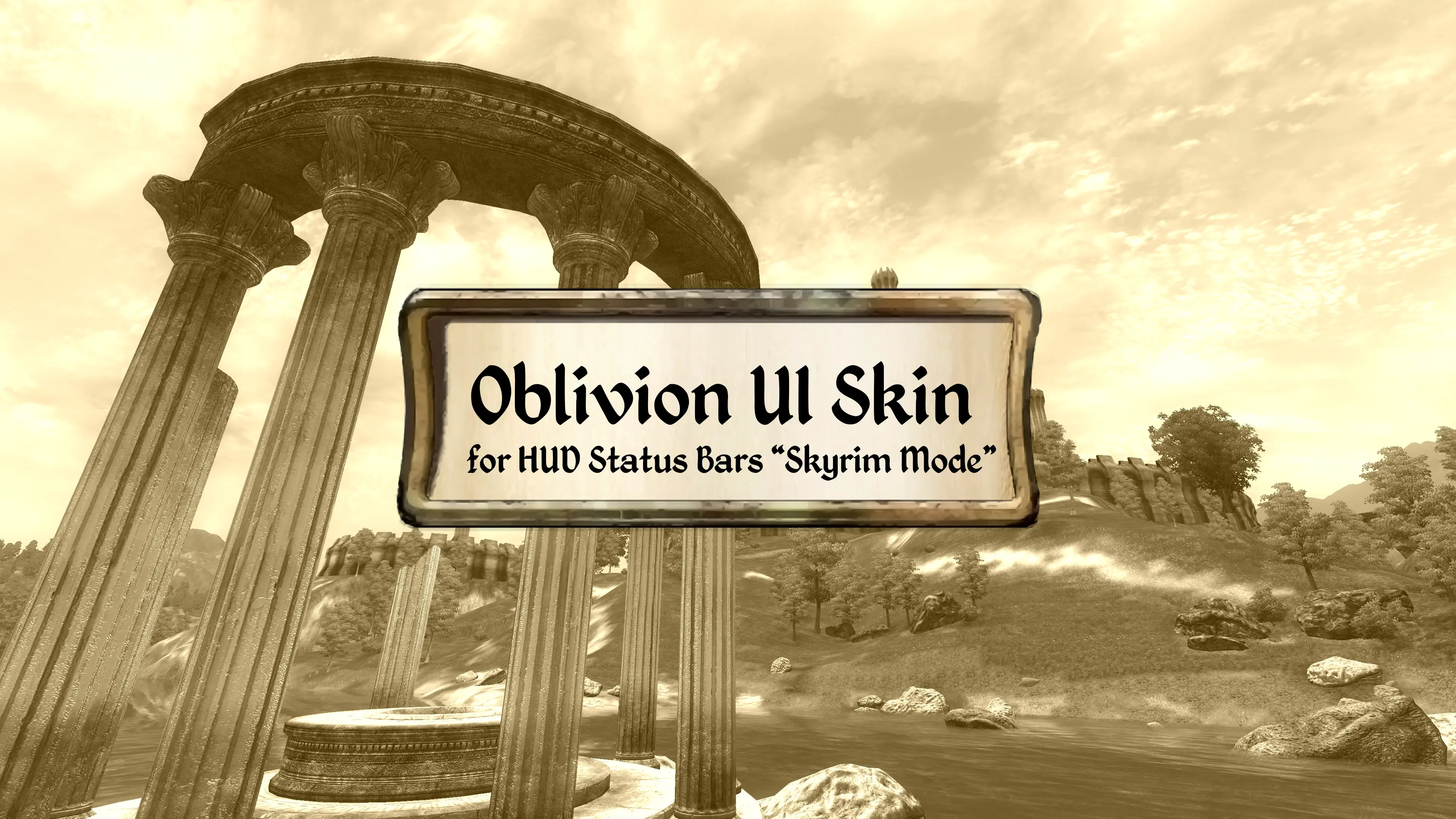
Oblivion UI Skin for Hud Status Bars (Skyrim Mode)
⚪ Last updated 2019⚠️ Install Order · 3 steps
Install in this order, then this mod last — most mods fail to load without their framework and dependencies in place.
Preview
🔍 Analysis
- 👍 3.7% endorsement rate — high engagement, a strong quality signal
- 🏆 #5 of 80 User Interfaces mods in this game by downloads
📋 About This Mod
Oblivion UI Skin for HUD Status Bars "Skyrim Mode" (yes, I realise that's a ridiculously long name, I couldn't think of a better one!) is a UI reskin of the "Skyrim Mode" included with the HUD Status Bars mod in the style of Oblivion.
It retextures the Skyrim-style compass, compass markers, player status bars (health, stamina, magicka) and enemy health bar.
Sounds simple, but required more work than you'd think!
This Mod requires the following mods to work:
Hud Status Bars by theNiceOne
MenuQue by KyoParadox
If you'd like to use this mod in your mod and/or mod compilation, drop me a message beforehand so I can take a look at what you want to do with it.
Also crediting me would be appreciated, thanks.
This mod replaces the textures of the Skyrim Mode in Hud Status Bars with an Oblivion-style skin, giving your HUD a classic Elder Scrolls look. It's a simple cosmetic tweak for players who use Hud Status Bars and want a nostalgic visual change. With 161 endorsements and 4,365 downloads, it has a modest following.
✨ Key Features
📊 Pros & Cons
✅ Pros
- Community-approved (161 endorsements) — players like the Oblivion aesthetic.
- Lightweight texture swap — won't impact performance.
- Gives your HUD a classic Oblivion look for nostalgia.
⚠️ Cons
- Only affects the Skyrim Mode of Hud Status Bars — if you use other modes, this won't apply.
- Last updated in 2019 — may not be compatible with newer versions of Hud Status Bars or Skyrim.
- Requires Hud Status Bars to be installed first — not standalone.
For Skyrim players who use Hud Status Bars and want a classic Oblivion-style HUD. If you're a fan of Oblivion's UI and want to bring that look to Skyrim, this is for you. Skip if you don't use Hud Status Bars or prefer a different HUD style.
💡 Beginner Tips
- Make sure you have Hud Status Bars installed and set to Skyrim Mode before applying this skin.
- Use a mod manager like Vortex or MO2 to install and manage the texture files easily.
- If you don't see the change, double-check that the mod is placed after Hud Status Bars in your load order.
📊 Mod Details
- Game
- Oblivion Mods
- Author
- Willock
- Version
- 1.01
- Downloads
- 4,365
- Endorsements
- 161
- Category
- User Interfaces
- Created
- 12/2/2018
- Updated
- 3/12/2019
🔧 How to Install Oblivion Mods
Download from Nexus.
📖 Full step-by-step install guide for Oblivion →
Visit the official mod page for specific installation instructions for this mod.
🎮 Need cheat codes or console commands? Check ur gaming wiki for Oblivion commands, item IDs, and more.
Keep browsing — more Oblivion mods await