FormID Finder
⚪ Last updated 2009⚠️ Install Order · 2 steps
Install in this order, then this mod last — most mods fail to load without their framework and dependencies in place.
Preview
🔍 Analysis
- 👍 4.4% endorsement rate — high engagement, a strong quality signal
- 🏆 #34 of 86 Utilities mods in this game by downloads
📋 About This Mod
- --README---
- for Asesino’s FormID Finder
- ************ NOTE ************************************
- OBSE 18 Beta 4 or higher required *************************
- ********** NOTE ***************************************
- 1.a
- about FormID Finder
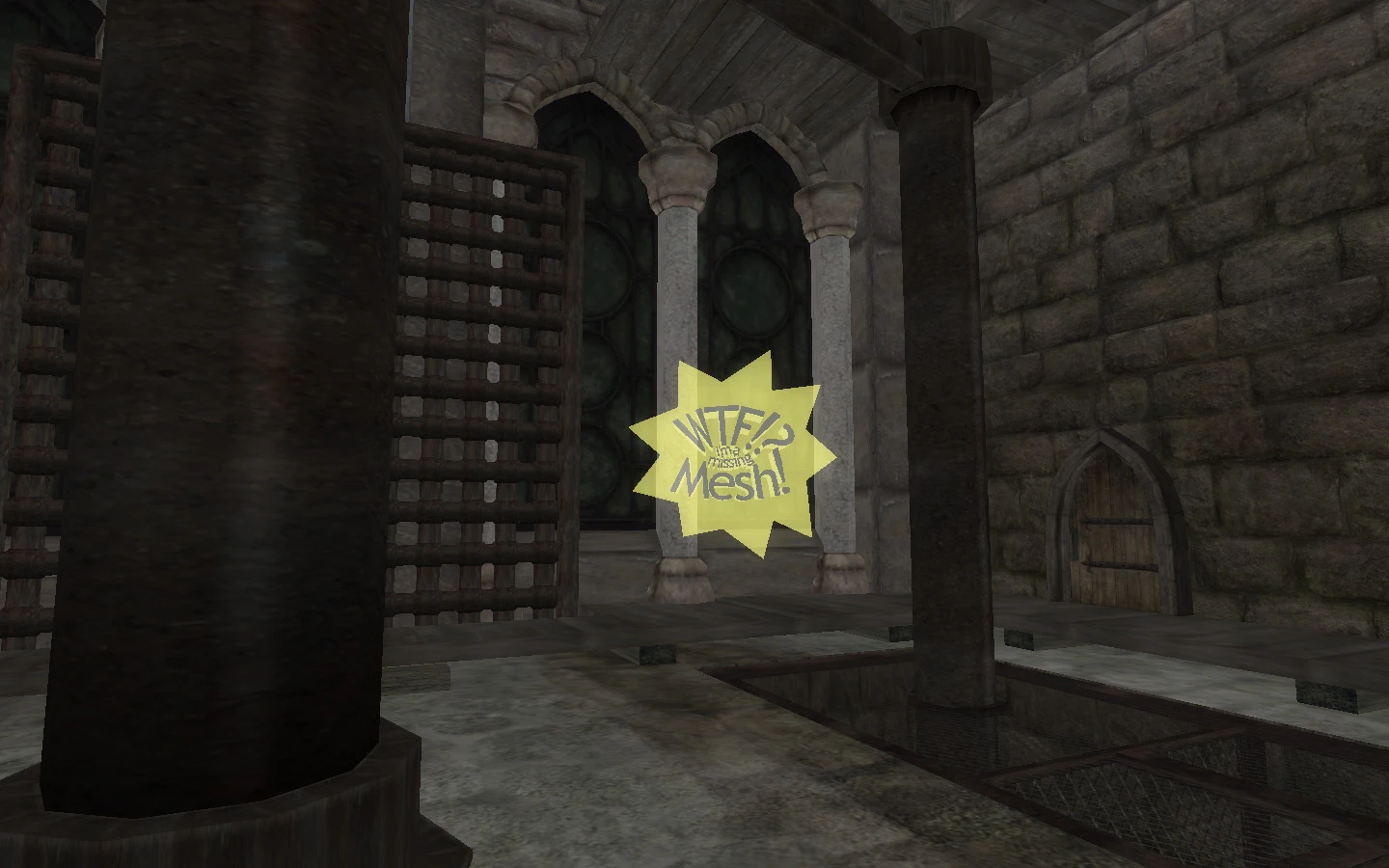
- Are you tired of staring at a big yellow exclamation mark, and not knowing where it came from? Perhaps, you are just curious which mod decided to place that sink in your house. Perhaps, that spell you have is a bit overpowered, but you don’t know where it came from.
- Well, FormID Finder fixes all of these things.
- FormID Finder has been revamped from the ground up to be the most convenient solution to date. No longer must you play with spells, FormID Finder is triggered by simply pressing the Alt button and right clicking on the objects in question. What objects you ask, good question.
- In the world, you can point at anything and press Alt-Right Click, and you will get a scroll describing the object. If the object is an NPC/Creature with equipped inventory, the scroll will also document the information for the equipped inventory. Finally, the object’s location in the world will also be identified for follow up with mod makers if need be.
- If the object or any of the equipped items have missing meshes or Icons, that will also be documented in the scroll.
- If you press Shift-Right Click, the system will report out on your player character. You will see inventory, factions, and location.
- In your inventory, you can Alt-Right Click on any object and you will get the scroll of information you seek. This will also work on quest items (a highly requested enhancement.)
- In your spell menu, you can Alt-Right Click on any spell and get the name of the mod that placed that spell in your spell menu.
- In a Spell Purchase menu, you can now press Alt Right Click on any spell and get the name of the mod that placed that spell in the vendor’s inventory.
- In any container, you can press Alt-Right Click on any object and get a scroll of the information about that object.
- In any barter menu, you can press Alt-Right Click on any object and get a scroll of the information about that object.
- In the world map, you can press Alt-Right Click and get a scroll of the mod that placed that marker on your map!
- Finally, sometimes, objects cannot be selected in the game world. If this happens, enter the console, click on the object in question, and press Alt-Right Click. You will get the message about the object in the console. Once you exit the console, details of the last item checked will show up in the scroll.
- As an added benefit, if you press Alt-Right Click on a book or parchment in a container or a barter menu, the Text is transferred to the document. However, I have removed the “Take” option so you can’t steal the book. I have also removed any skill taught from that book in this option. My thought being that you are only perusing the book before purch
FormID Finder is a utility mod for Oblivion that helps players identify the source of missing meshes (yellow exclamation marks) or any object in the game. It shows the FormID and which mod placed it, making it easier to track down problematic mods. With over 2,000 endorsements and 48,000 downloads, it's a trusted tool for mod troubleshooting.
✨ Key Features
📊 Pros & Cons
✅ Pros
- Community-approved with 2,118 endorsements and 48,216 downloads.
- Solves a common pain point: yellow exclamation marks and mystery objects.
- Simple utility that does one job well.
⚠️ Cons
- Last updated in 2009 — may have compatibility issues with newer mods or game versions.
- No detailed documentation or install instructions provided.
- Utility mods like this can be niche; not for players who don't mod heavily.
For Oblivion modders who are tired of tracking down missing meshes or wondering which mod placed that random sink. Also useful for anyone who wants to inspect the FormID of objects for modding purposes. Skip if you rarely mod or don't encounter missing mesh issues.
💡 Beginner Tips
- Make sure to read the mod's readme if included, as it may explain how to use the tool in-game.
- Use this mod alongside a mod manager like OBMM or Wrye Bash to easily identify and disable problematic mods.
- If you see a yellow exclamation mark, use FormID Finder to get the FormID, then look it up in your mod list to find the culprit.
📊 Mod Details
- Game
- Oblivion Mods
- Author
- Asesino
- Version
- 4.5
- Downloads
- 48,216
- Endorsements
- 2,118
- Category
- Utilities
- Created
- 4/19/2008
- Updated
- 10/25/2009
🔗 Required By 1 Mod
These mods list this mod as a dependency.
🔧 How to Install Oblivion Mods
Download from Nexus.
📖 Full step-by-step install guide for Oblivion →
Visit the official mod page for specific installation instructions for this mod.
🎮 Need cheat codes or console commands? Check ur gaming wiki for Oblivion commands, item IDs, and more.
Keep browsing — more Oblivion mods await