ENBSeries for TES Oblivion v0-075a
⚪ Last updated 2010⚠️ Install Order · 2 steps
Install in this order, then this mod last — most mods fail to load without their framework and dependencies in place.
Preview
🔍 Analysis
- 👍 1.6% endorsement rate — high engagement, a strong quality signal
- 🏆 #14 of 58 Visuals and Graphics mods in this game by downloads
📋 About This Mod
Description of ENBSeries on the web page may not be equal to version in downloaded mod archive Full documentation: http://enbdev.com/doc_en.htm ENBSeries for TES Oblivion v0. 075a WARNING! Maximal functionality is available for nextgen videocards that supports DirectX10, but Vista is not required. This documentations is incomplete and old, read it from the web page. SYSTEM REQUIREMENTS: Videocard with support of Shader Model 2. 0 or better. Videocards in the list below may fit: GeForce 6100, 6150, 6200, 6600, 6800, 7300, 7600, 7800, 7900, 8500, 8600, 8800; Radeon 300, 600, 700, 800, 850, 1300, 1600, 1800, 1900, 1950, 2400, 2600, 2900, 3850, 3870. I can\'t guarantee that mod will work on all of them by many reasons (different drivers, hardware reduced versions and just because not tested myself). ENBSeries (current version) will not run at all or will not work properly if hardware by any reason not support minimal requirements of the mod. Videocards with lower shader versions capable to work in theory, but they are too slow, no sense. Videocards of new generation (DirectX10 compatible) in common cases works much faster in this mod, than their performance equivalents in DirectX9 games. The requirements to videomemory size are very high, depends from screen resolution and antialiasing, for example without antialiasing in a mode 1024768 it cost 64 Mb of videomemory, and for 12801024 106 Mb are necessary. Operative memory and processor play an insignificant role, though all should be balanced. GAME COMPATIBILITY: Mod may work incorrect with some versions of the games, impossible to test it for every game patch and for already modded games. Some types of installed game modifications may conflict with ENBSeries. INSTALLING: Extract files from archive in to the game directory or where game execution file exist (.exe). For some games it is in the directories named system, bin, bin32. Warning, some games needs root game directory for mod even if .exe file is not there. STARTING: After game start the mod deactivated by default, to activate it use key combination (for GTASA shift+f12 by default). SETUP: After first game start with the mod, configuration file enbseries.ini will be created, use it to modify mod setting. Warning, if configuration file will be corrupted in any way, remove it and run mod again. SETTING DESCRIPTION: EnableProxyLibrary=(0,1) load 3rd party library by the mod at game start. Helps to solve problem with multiple d3d9.dll files. InitProxyFunctions=(0,1) connect to functions of 3rd party library. ProxyLibrary=(filename) file name of 3rd party library. UseEffect=(0,1) activate mod at start. In some situations HUD or startup movies may be corrupted visually because of this parameter enabled. AlternativeDepth=(0,1) increase performance of some effects, but not all videocards can use this mode at full precision, if you see large lines on the objects, disable this pa
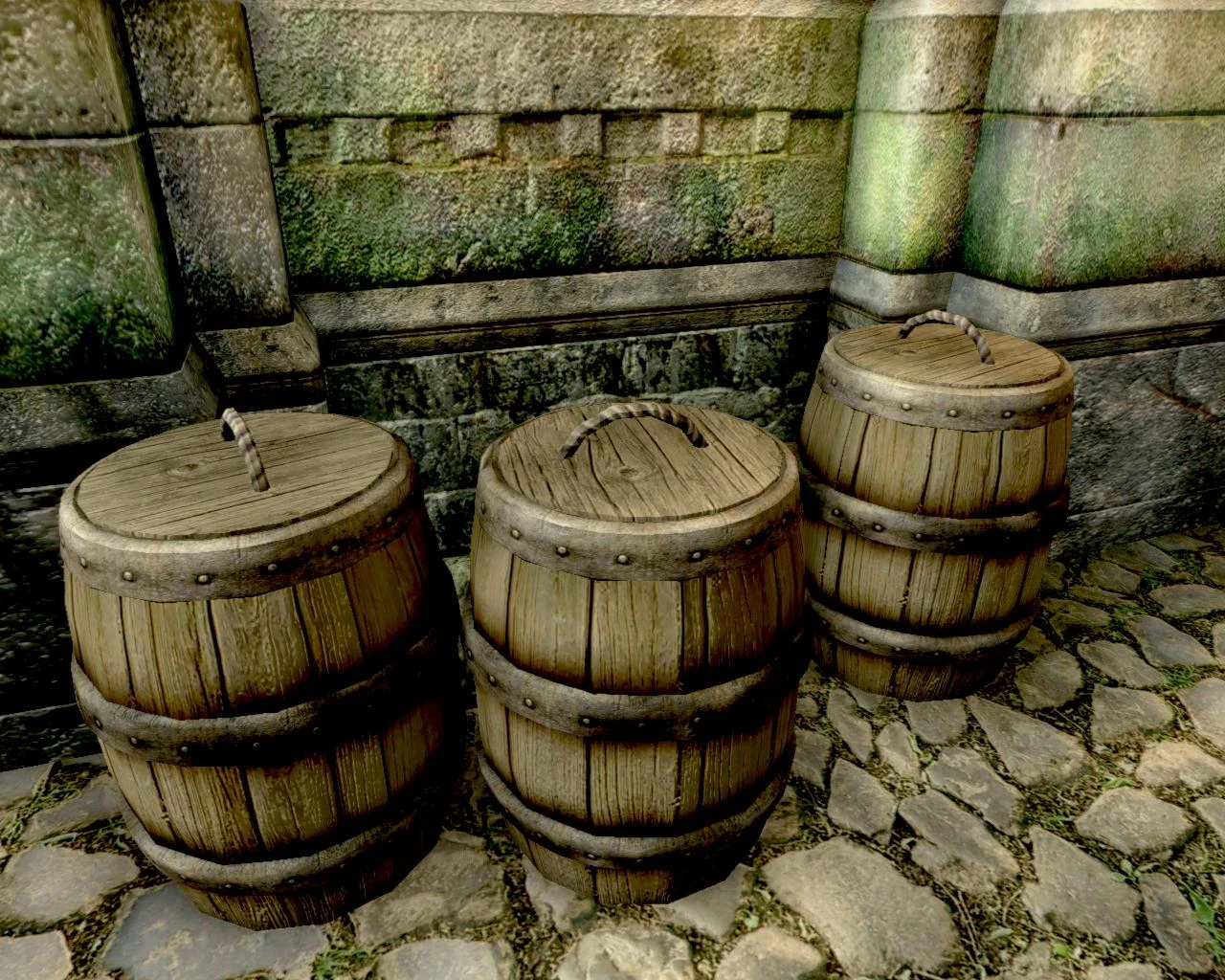
ENBSeries for TES Oblivion v0-075a is a graphics mod that adds bloom, SSAO, and depth of field effects to enhance the game's visuals. With 1,468 endorsements and over 90,000 downloads, it's a popular choice for players seeking improved lighting and atmosphere. Last updated in 2010, it remains a classic for Oblivion modding.
✨ Key Features
📊 Pros & Cons
✅ Pros
- Community favorite with 1,468 endorsements and 90,721 downloads.
- Adds three major visual upgrades in one package: bloom, SSAO, and depth of field.
- Lightweight mod that doesn't require additional dependencies.
⚠️ Cons
- Last updated in 2010 — may be incompatible with newer systems or mods.
- No detailed installation instructions provided by the author.
- Older ENB versions can be finicky with certain graphics cards and require tweaking.
For Oblivion players who want to enhance the game's visuals with modern effects like bloom and SSAO without overhauling the entire look. If you're a purist who prefers the original graphics, skip this. But if you're looking for a quick visual boost, this is a solid choice.
💡 Beginner Tips
- Make sure to disable Oblivion's in-game HDR if you're using bloom, as they can conflict.
- Back up your original ini files before tweaking ENB settings to avoid breaking your game.
- Test the mod in different weather conditions and times of day to adjust the effects to your liking.
📊 Mod Details
- Game
- Oblivion Mods
- Author
- Vorontsov Boris
- Version
- v0.075
- Downloads
- 90,721
- Endorsements
- 1,468
- Category
- Visuals and Graphics
- Created
- 8/5/2009
- Updated
- 5/15/2010
🔧 How to Install Oblivion Mods
Download from Nexus.
📖 Full step-by-step install guide for Oblivion →
Visit the official mod page for specific installation instructions for this mod.
🎮 Need cheat codes or console commands? Check ur gaming wiki for Oblivion commands, item IDs, and more.
Keep browsing — more Oblivion mods await