Death Notifications
🟡 Updated this year⚠️ Install Order · 2 steps
Install in this order, then this mod last — most mods fail to load without their framework and dependencies in place.
Preview
🔍 Analysis
- 👍 4.1% endorsement rate — high engagement, a strong quality signal
- 🏆 #10 of 80 User Interfaces mods in this game by downloads
📋 About This Mod
Death Notifications
Description
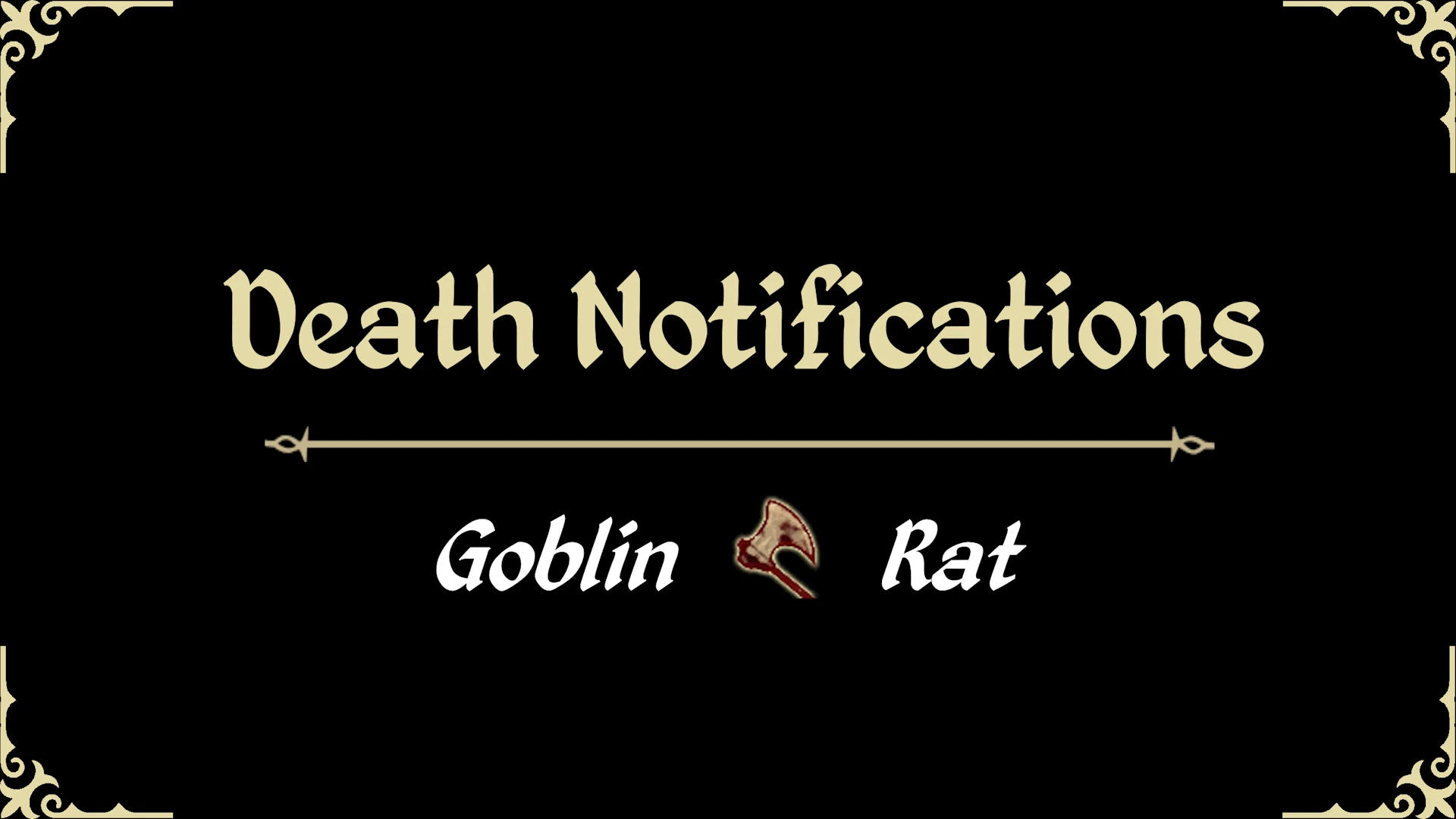
This mod displays text notifications on the top center of the screen when the player or an NPC dies. The notification will display who killed who along with the weapon or spell that was used, if any. Each kill has its own unique sound based on the cause of death, for instance, you'll hear a blade-hit sound for kills caused by a blade weapon or a splatter sound for deaths caused by fall impact. The mod is fully optimized using event handlers, meaning that it only runs on health damage. Support for NorthernUI is also provided. Check out the video below and enjoy.
Other Notes
It's also worth mentioning that this mod moves the breath meter out of the way when underwater, so that it won't overlap with the notification. You'll find it downwards next to the compass. This is done dynamically without making hard edits in the XML.
Installation
Prerequisites: xOBSE, MenuQue
Extract the contents of the zip file into your data directory or use your mod manager of choice, and then activate the plugin. If not using NorthernUI, be sure to download my universal fonts located in the files tab and install it into your data directory as well.
Compatibility
This mod is compatible with everything as long as no other element is in the same position as the text. If you're using Better Enemy Health, that mod will dynamically shift itself to avoid overlapping.
8WK-hwZyUPY
~ Check out my other mods ~
A lightweight UI mod that shows death notifications at the top center of the screen whenever the player or an NPC is killed. Simple and focused, with 169 endorsements and 4,150 downloads, last updated May 2026.
✨ Key Features
📊 Pros & Cons
✅ Pros
- Clean and simple—does exactly what it says, no clutter.
- Decent community traction (169 endorsements) for a niche UI tweak.
- Recently updated (May 2026), so likely compatible with current game version.
⚠️ Cons
- No customization options mentioned—you get what you see.
- Only covers player and NPC deaths, not other events like vehicle explosions.
- Small mod, so support and documentation are minimal.
For players who want a clear, unobtrusive death notification without digging through menus. Great for streamers or those who miss kill feeds in the default UI. Skip if you need deep UI overhauls or configurable alerts.
💡 Beginner Tips
- Place the mod files directly into your game's mod folder—no mod manager needed.
- If you're using other UI mods, test for overlap since this adds a top-center element.
- Check the mod page for any game version compatibility notes before installing.
📊 Mod Details
- Game
- Oblivion Mods
- Author
- DavaScript
- Version
- 3.0
- Downloads
- 4,150
- Endorsements
- 169
- Category
- User Interfaces
- Created
- 9/24/2021
- Updated
- 5/26/2026
🔧 How to Install Oblivion Mods
Download from Nexus.
📖 Full step-by-step install guide for Oblivion →
Visit the official mod page for specific installation instructions for this mod.
🎮 Need cheat codes or console commands? Check ur gaming wiki for Oblivion commands, item IDs, and more.
Keep browsing — more Oblivion mods await